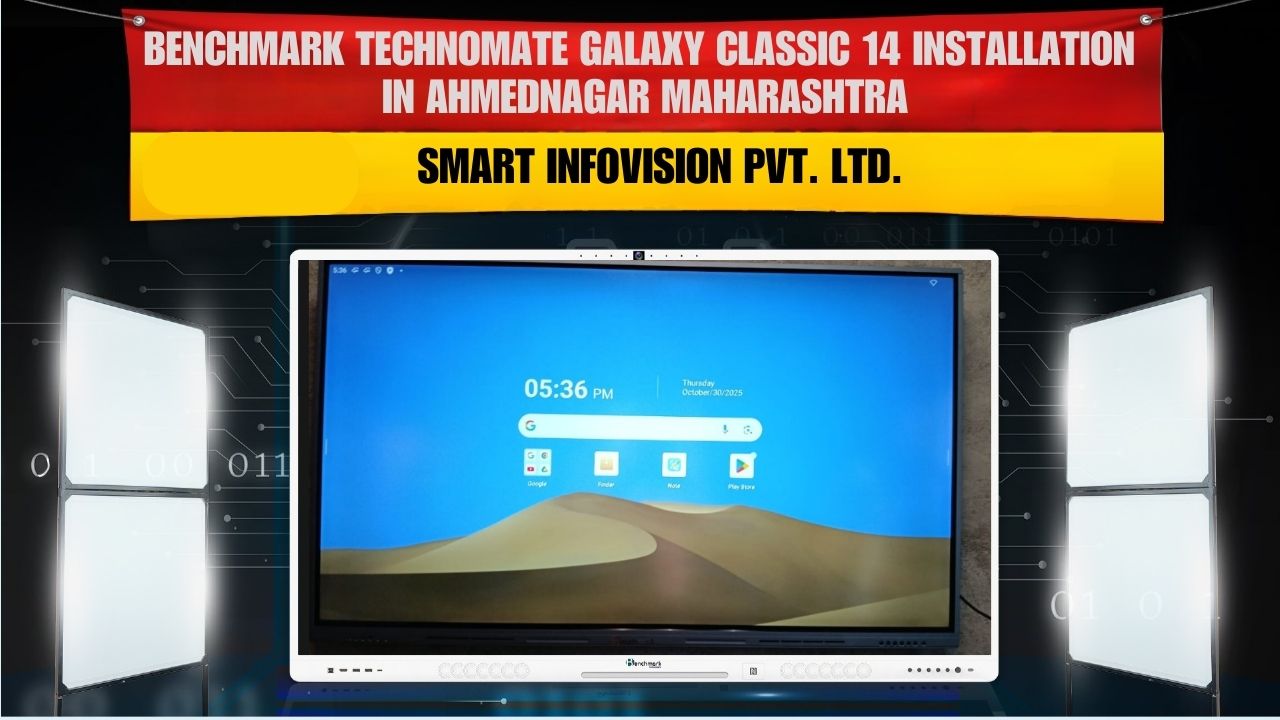
Introduction – Ahmednagar ne liya ek digital leap with Benchmark Classic 14
Aaj ke modern education aur corporate communication ke era me smart boards ek necessity ban chuke hain. Traditional blackboards, projectors aur scattered teaching tools ab purane pad chuke hain. Inhi evolving demands ko dhyan me rakhte hue Smart Infovision ne ek aur successful installation complete kiya — Benchmark Classic 14 (75-inch) Interactive Panel in Ahmednagar, Maharashtra, for Mr. Prasad Khande.
Yeh project sirf ek panel installation nahi tha —
yeh ek complete digital transformation tha, jisme classroom aur training environment dono ko ek naye modern level par uplift kiya gaya.
Chapter 1: Benchmark Classic 14 – A Game-Changer in Modern Smart Panels
Benchmark Classic 14 ek premium, high-grade, education aur corporate-friendly interactive flat panel (IFP) series ka hissa hai. Iska focus clarity, durability, performance aur interactive experience ko maximize karna hai.
Why Benchmark Classic Series is so popular in India?
- Consistent performance
- Long-term durability
- Classroom-friendly interface
- Heavy usage tolerance
- No-lag touch experience
- Screen clarity that enhances understanding
- Multiple connectivity options
- And future-ready hardware
Yeh panel specially isliye design kiya gaya hai ki schools, colleges, coaching centers, training rooms aur offices me long-term smooth digital working provide ho.
Chapter 2: Why 75-Inch Is the Perfect Screen Size for Ahmednagar Installation
Bohot se institutions confuse hote hain 65-inch, 75-inch aur 86-inch ke beech.
But 75-inch is the “perfect balance” size.
1. Visibility Across Medium-Large Rooms
Ahmednagar me jahan installation hua, wahan space medium-to-large size ka tha.
75-inch:
- Back-row tak clear visibility deta hai
- 4K content ko large scale par perfectly display karta hai
- Detailed diagrams aur HD videos bohot crisp dikhte hain
2. Not too small, not too big
65-inch chota lag sakta hai
86-inch bohot bada aur costly ho jata hai
75-inch = best in both worlds
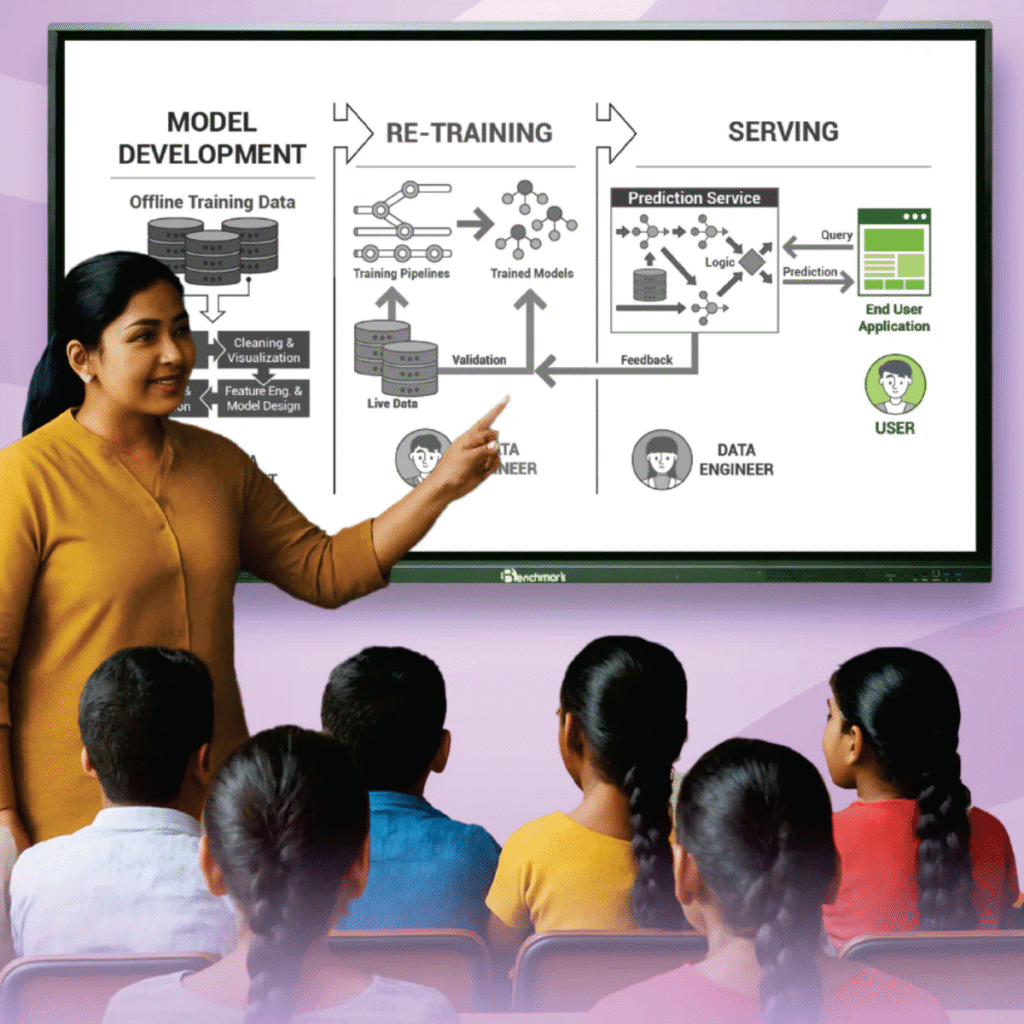
3. BEST for teaching + training + presentations
Is size par:
- Graph explanation
- Mathematics diagrams
- Engineering visuals
- Human body diagrams
- Business presentations
- Demo videos
- Maps
- Flow charts
sab kuch perfect scale me dikhai deta hai.
4. Ideal for 25–60 Students Batch
Students ko bina glare, bina distortion clear content milta hai.
Chapter 3: Features of Benchmark Classic 14 (75-Inch)
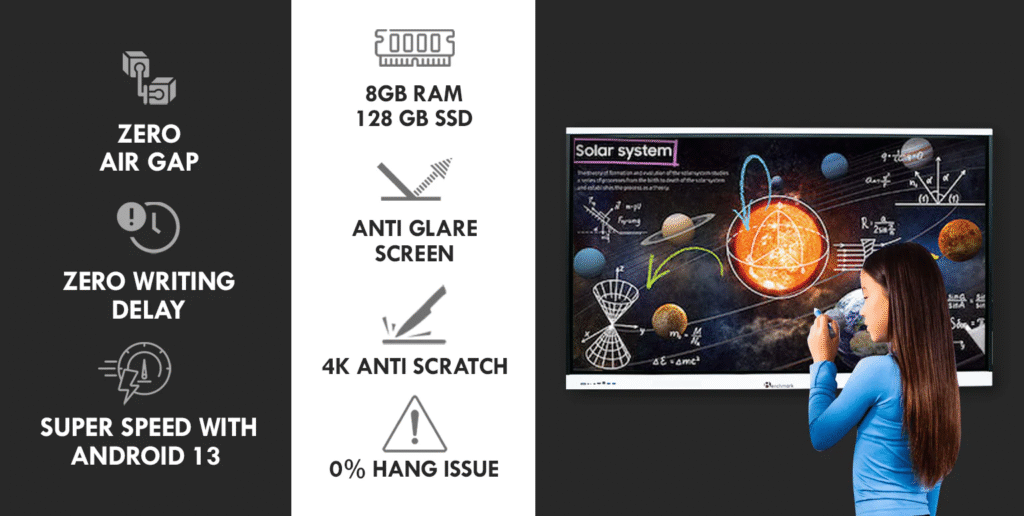
1. Display Technology – 4K Ultra HD with Anti-Glare
4K resolution (3840×2160) ensures:
- Perfect sharpness
- Realistic colors
- High contrast
- Crystal-clear text visibility
Anti-glare glass ensures ki bright classrooms me bhi reflection disturb nahi karta.
2. Touch Response – Smooth, Fast & Realistic
Benchmark Classic 14 me:
- IR touch technology
- 40 touch points
- Instant recognition
- Lag-free writing experience
Teacher ko chalkboard jaise natural feel milta hai, but digital advantages ke saath.
3. Built-in Android OS – Powerful & Easy
Is panel me built-in Android system hota hai jisse aap:
- Apps use kar sakte hain
- Internet browse kar sakte hain
- Notes bana sakte hain
- File manager use kar sakte hain
- PDFs, PPTs, Docs open kar sakte hain
Interface simple hai — ek teacher easily adopt kar leta hai.
4. Connectivity Options – Everything You Need
Panel me multiple ports hote hain:
- HDMI
- USB 2.0 / 3.0
- LAN
- WiFi
- Type-C (model dependent)
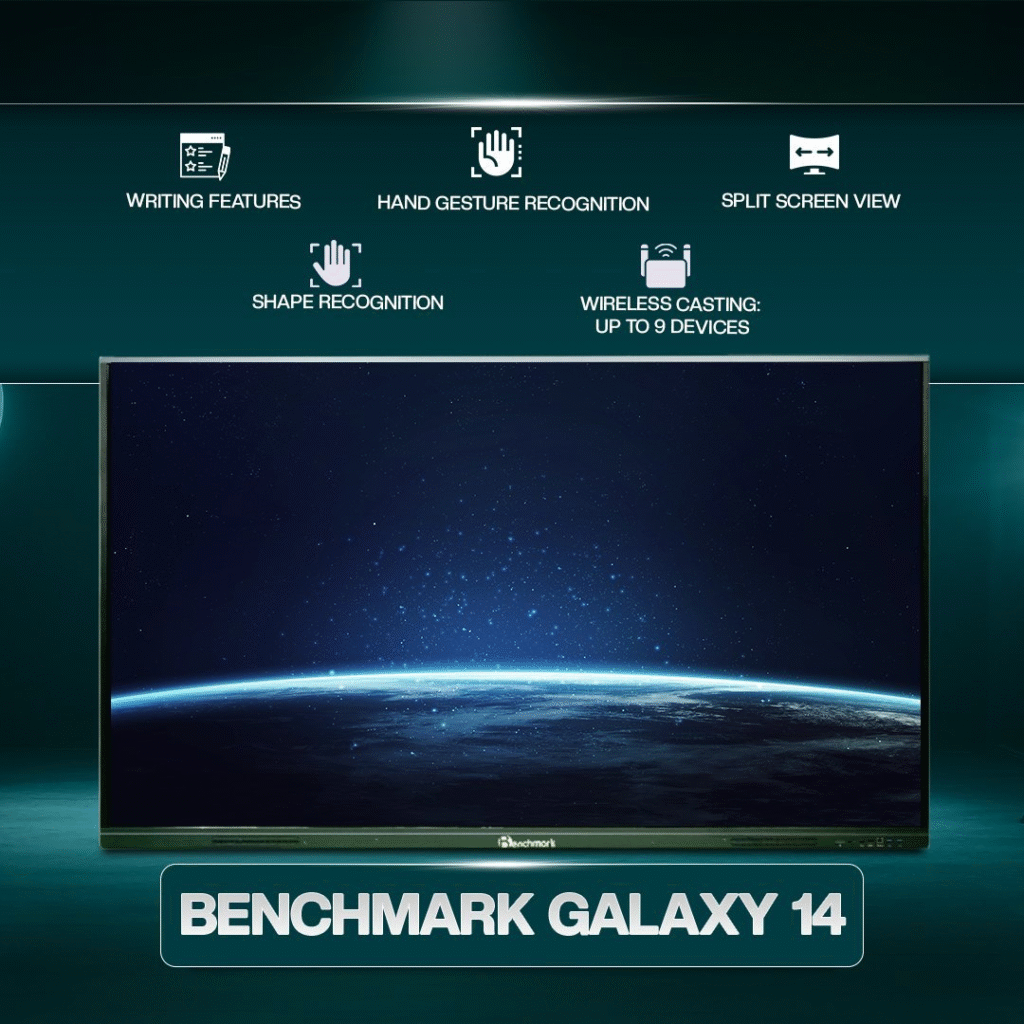
Wireless Screen Share feature bhi instantly kaam karta hai.
5. Built-in Speakers – Loud & Clear
Classrooms me external speakers ka headache nahi hota.
Benchmark ke speakers:
- Sharp
- Loud
- Echo-free
- Crystal audio provide karte hain
Videos, lectures, online classes — sab clear sunai deta hai.
6. Software Ecosystem – Smart Annotation Tools
Benchmark whiteboard app me:
- Infinite whiteboard pages
- Dual-color writing
- Shapes, lines, charts
- Image insertion
- PDF export
- QR saving
- Cloud sync
Everything in one place.

Chapter 4: Installation Experience in Ahmednagar – A Smart Infovision Masterclass
Smart Infovision ki team har installation ko standardized process follow karte hue complete karti hai.
Step 1: Pre-Installation Survey
Wall strength, height, viewing angle, wiring points — sab inspect kiya.
Step 2: Wall Mount Structure Setup
Heavy-duty bracket install kiya gaya jo long-term stability guarantee karta hai.
Step 3: Panel Mounting
Panel ko precision ke saath mount kiya gaya ensuring:
- 100% level alignment
- Zero wobble
- Ideal viewing height
Step 4: Cable & Power Management
Wires ko neatly hide kiya gaya so room looks premium and clutter-free.
Step 5: System Configuration
- Android setup
- WiFi configuration
- Touch calibration
- Software testing
Step 6: Demo & Training Session
Client ko:
- Whiteboard features
- Mirroring tools
- Annotation
- File saving
- App usage
sab detail me samjhaya gaya.
Chapter 5: Real Benefits Seen After Installation
Ahmednagar site par installation ke baad jo improvements notice hue wo kaafi remarkable the.
1. Teaching More Engaging
Students actively participate karte hain.
2. Time Saving
No projector setup time, no cables — everything instant.
3. Better Understanding
4K clarity se difficult topics easy ho jate hain.
4. Smooth & Modern Classroom Experience
Everything digital, clean and professional.
5. Content Saving & Sharing
Notes, diagrams, explanations — instantly save ho jate hain.
6. Wireless Casting
Teachers laptops se directly content cast kar dete hain.
7. Recording Option (if Windows added)
Lectures recorded and shared.
Chapter 6: Why Smart Infovision is India’s No.1 Choice
Smart Infovision ka vision clear hai:
Every classroom of India should be digitally empowered.
Why People Trust Us?
- PAN India installation
- Experienced technical team
- Benchmark authorized partner
- Fast service & support
- Genuine products
- Training & guidance
- On-site warranty support
Smart Infovision ne 3000+ installations complete kiye across India.
10 Detailed FAQs
1. Kya Benchmark Classic 14 teaching aur corporate dono ke liye suitable hai?
Haan, yeh panel dono environments me perfect perform karta hai.
2. 75-inch kya medium classrooms ke liye best hota hai?
Yes, 25–60 students ke liye yeh perfect size hota hai.
3. Kya isme Windows OPS connect kar sakte hain?
Yes, compatible models me OPS slot available hota hai.
4. Mirroring kis device se possible hai?
Laptop, mobile, tablet — sab se wireless casting hoti hai.
5. Kya installation Smart Infovision provide karta hai?
Haan, PAN India installation + demo milta hai.
6. Warranty kitni hoti hai?
1-year manufacturer warranty + extended support.
7. Kya writing experience smooth hota hai?
Lag-free natural writing experience.
8. Kya 4K panel power consumption zyada karta hai?
Nahi, modern energy-efficient technology use hoti hai.
9. Kya external speakers required hain?
Nahi, built-in speakers bohot loud aur clear hote hain.
10. Kya remote classes support karta hai?
Yes, online platforms seamlessly run karte hain.
Contact Smart Infovision
Sales: +91-8527926648
Service: +91-7090022211
Email: sales@smartinfovision.com / service@smartinfovision.com
Head Office: G-128, Sector 63, Noida – 201301
Read More
Want to explore more successful installations by Smart Infovision?
Check out our previous project highlights and see how Benchmark Smart Panels are transforming classrooms and offices across India:
Read More – Previous Installation Blog