Introduction – Jahanabad Me Smart Learning Ki Nai Pehchaan
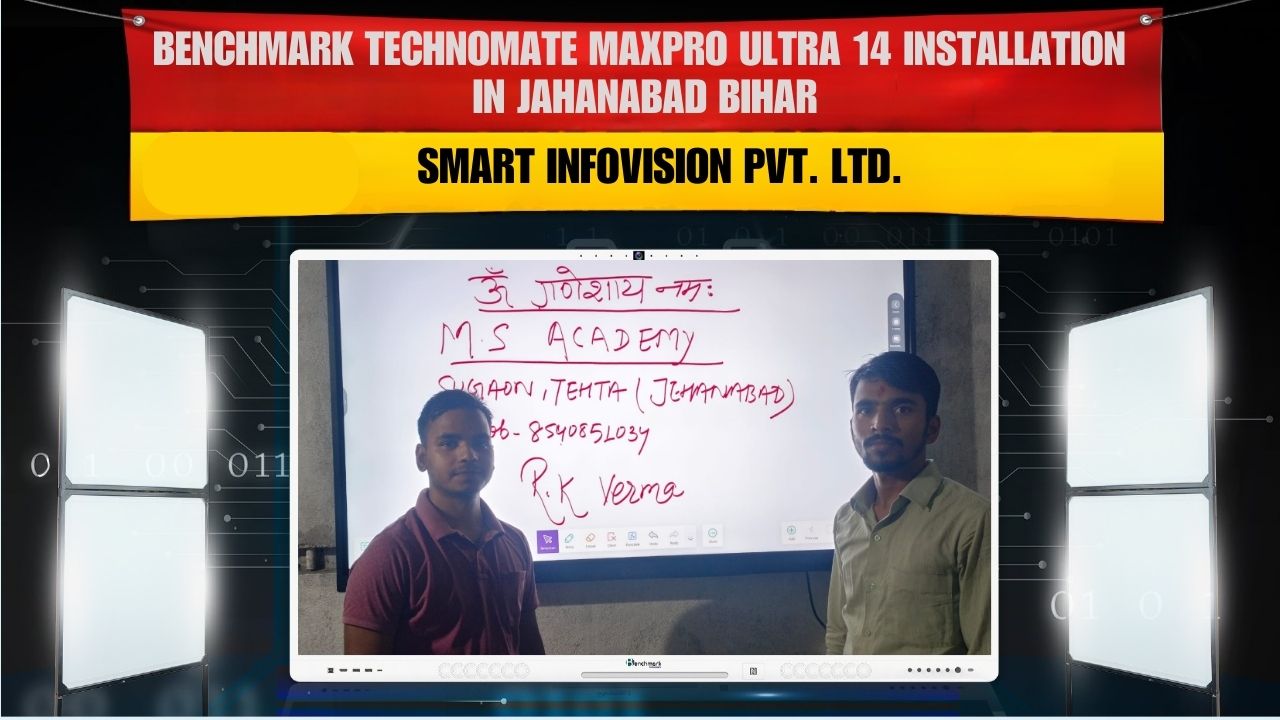
Digital India ke is era me smart classrooms, interactive training setups aur digital presentation culture tezi se grow ho raha hai. Is digital wave ka ek aur solid step hua Jahanabad (Bihar) me, jahan Smart Infovision ne successfully install kiya Benchmark Maxpro Ultra 14 – 75 inch Interactive Panel for Raja Verma.
Aaj ke time me schools, coaching institutes, colleges, offices, government organisations sab hi interactive panels ko adopt kar rahe hain, kyunki ye ek complete digital transformation tool hai. Maxpro Ultra 14 jaise advanced panel teaching aur training ko modern bana kar Zero-Chalk, Zero-Dust learning environment provide karte hain.
Is blog me hum detail me dekhenge:
- Installation journey in Jahanabad
- Benchmark Maxpro Ultra 14 ka detailed review
- Why 75-inch panel aaj sabse perfect choice hai
- Advanced features like 40 touch points, 4K clarity, wireless sharing
- Smart Infovision ka role and support system
- Real classroom use-cases
- Comparison with traditional teaching
- Complete customer experience
Ye blog un sab ke liye perfect hai jo ek high-quality smart classroom panel choose karna chahte hain.
The Installation – How Smart Infovision Brought Digital Transformation to Jahanabad
Jab Raja Verma ji ne hume contact kiya, unka main requirement tha:
“Ek aisa interactive panel jo coaching aur training dono purpose ke liye best ho, long life ho aur writing experience whiteboard jaisa smooth ho.”
Unke requirements sunne ke baad humne recommend kiya:
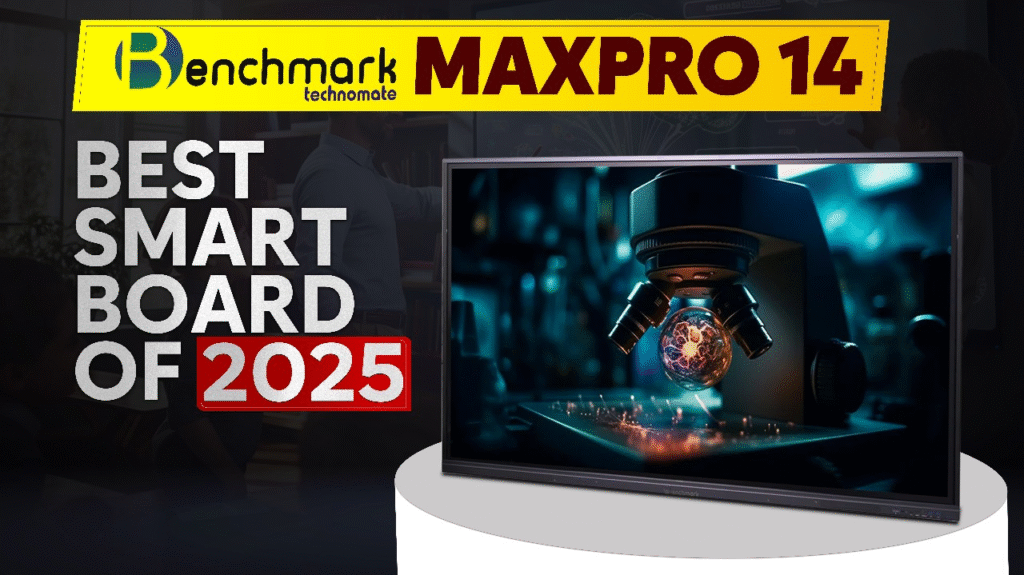
Benchmark Maxpro Ultra 14 (75-inch)
Reason simple tha — Maxpro Ultra 14 durability, speed, clarity, writing tools, teaching features aur connectivity me almost unbeatable hai.
Delivery Experience
Smart Infovision team ne panel ko bubble-wrap + thick cardboard + shockproof packing me safely deliver kiya.
Hum schedule ke hisaab se time par Jahanabad pahunch gaye.
Installation Workflow
- Location ka measurement
- Wall-strength check
- Mount installation
- Panel unboxing
- Software setup
- Teaching tools demonstration
- Wireless sharing setup
- Post-installation training
Raja Verma ji ne personally dekha ki kaise 30-45 minutes ke andar pura smart classroom ready ho gaya.
Benchmark Maxpro Ultra 14 – Complete In-Depth Review (75-inch Model)
Aao ab panel ko detail me samajhte hain.
1. Display Quality – 4K Ultra HD Ka Real Experience
Maxpro Ultra 14 ka 4K Ultra HD Display classroom ke har corner se clear visible hota hai.
Colors natural, sharpness high, brightness perfect — matlab backbenchers ko bhi crystal clear visuals milte hain.
It enhances:
- Biology diagrams
- Geography maps
- Mathematical graphs
- HD video lectures
- PowerPoint presentations
- Training illustrations
Even sunlight wale rooms me bhi brightness adjust ho jati hai, jo is panel ki real strength hai.
2. 40 Touch Points – Multi-User Interactive Learning
Unlike normal 20-touch panels, Benchmark Maxpro Ultra 14 me full 40 Touch Points milte hain.
Iska benefit?
✔ 3–4 students ek saath board par work kar sakte hain
✔ Writing speed fast hoti hai
✔ Lag zero hota hai
✔ Pen aur finger dono super smooth
Writing feel literally whiteboard jaisa natural lagta hai — koi delays, scratches ya ghost touches nahi.
3. Smart Canvas Tools – Teaching Made Ultra-Simple
Panel ke built-in smart tools teacher ki teaching ko 5× easy bana dete hain.
Included tools:
- Shape recognition
- Handwriting recognition
- Multiple color brushes
- Floating toolbar
- Eraser modes
- Highlighter
- Split screen mode
- Background grids
- PDF, PPT, DOC importer
- Lecture recording
Yani ye ek complete smart classroom toolkit hai — chalk aur duster ka pura replacement.
4. Wireless Screen Sharing – No More Wires
Mobile / Laptop / Tablet se just 1 tap me screen share ho jata hai.
Features:
- 4 devices at once
- No casting delay
- Encrypted sharing
- Smooth audio-video sync
Teaching karke instantly student ke phone par example show karna extremely easy ho jata hai.
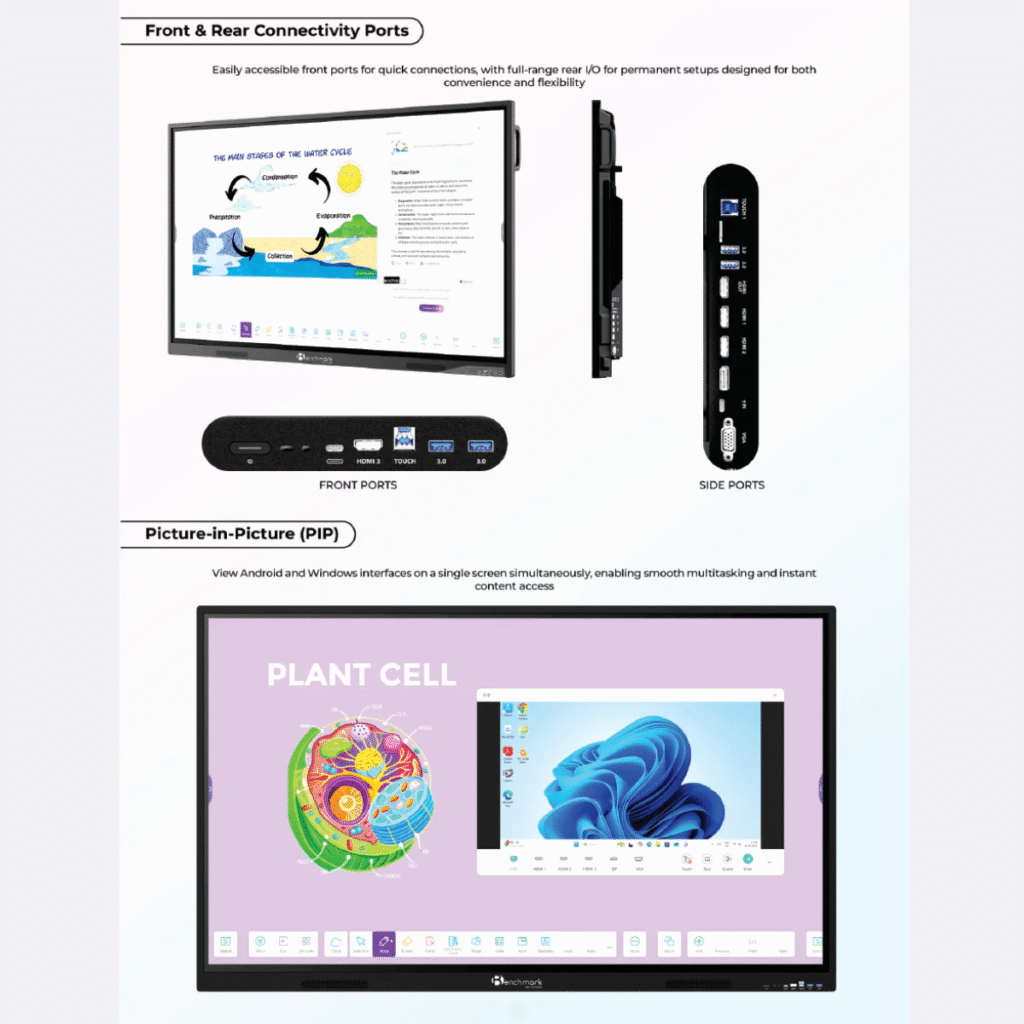
5. Dual OS System (Android + Windows)
Maxpro Ultra 14 me advanced Android system ke saath optional Windows PC module bhi attach ho sakta hai.
Android ke benefits:
✔ Instant start
✔ Fast UI
✔ Play Store compatible apps
✔ Educational tools
Windows ke benefits:
✔ Coding training
✔ Software teaching
✔ PPT editing
✔ Heavy tools like GeoGebra, AutoCAD
✔ Online exams setup
Yani ye ek full digital classroom + full computer system dono ka combination hai.
6. Long Life, Durable & Heavy Build Quality
Benchmark Maxpro Ultra 14 ka frame anti-rust metal ka hota hai aur screen toughened glass hoti hai.
Rough usage me bhi long-term chalne wala product.
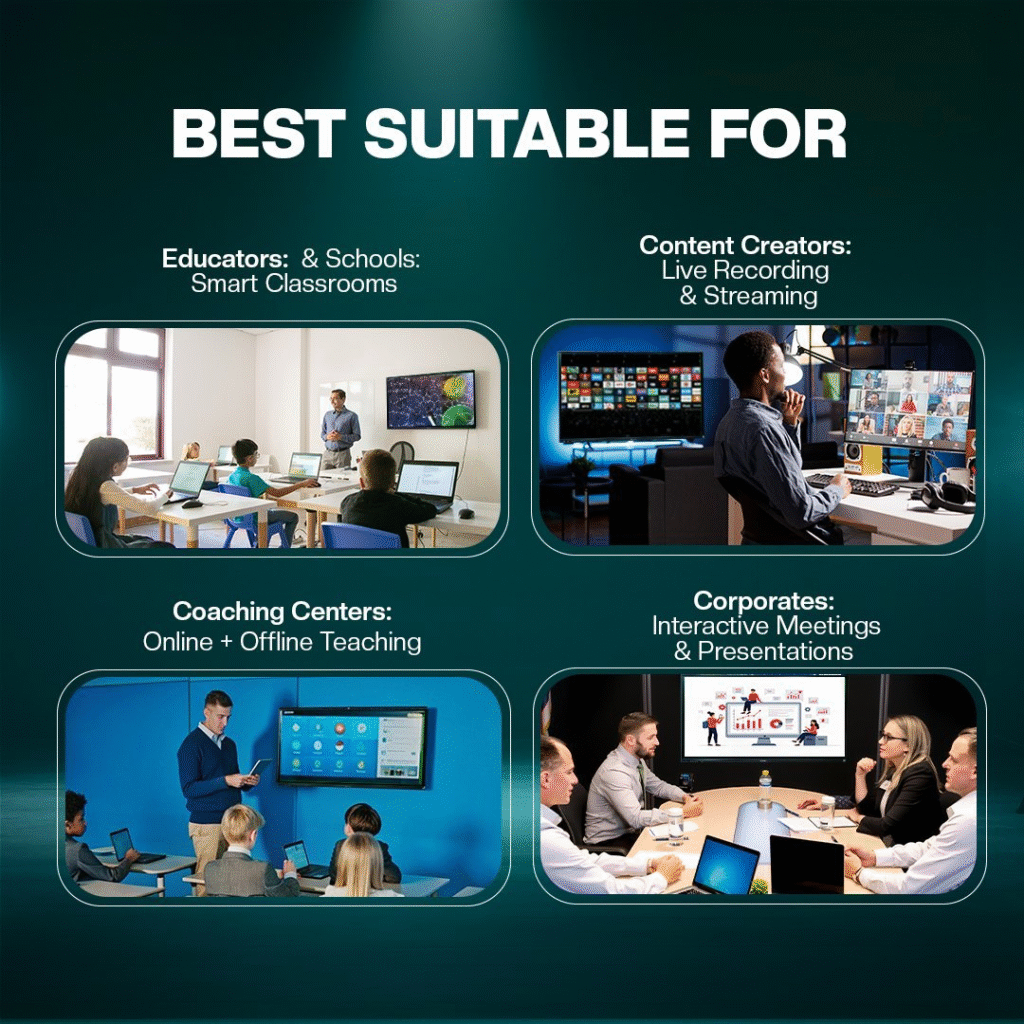
Schools, coaching centers aur institutes ke liye perfect.
Why 75-Inch Size is the Best Choice?
Aaj ke time me 65-inch panel chota pad jata hai agar class size 20+ ho.
75-inch panel ke advantages:
- 30–40 students ke room me perfect visibility
- Graphs & diagrams large view me
- Classroom me premium look
- Large writing area
- Presentation ke liye ideal
- Backbench students clearly dekh pate hain
Pricing ke hisab se bhi 75-inch sabse value-for-money size hai.
Why Raja Verma Chose Smart Infovision
Raja Verma ji ne hume select kiya because:
✔ Original Benchmark brand assurance
✔ GST bill + warranty
✔ Faster delivery
✔ Professional installation
✔ Lifetime remote support
✔ Best price in the market
✔ Smart classroom consultancy free
Hamari post-installation support ne unko aur trustful experience diya.
How Benchmark Maxpro Ultra 14 Improves Classroom & Training?
1. Zero-Chalk, Zero-Dust Environment
Health-friendly and clean.
2. Instant Notes Saving
Notes ko PDF me save karke WhatsApp se share kar sakte ho.
3. No Need for Projector
Projector lamp replacement cost zero.
4. Teacher ka workload reduce
Tools teaching ko faster-banate hain.
5. Students ki attention increase hoti hai
Interactive animations, digital tools learning ko interesting banate hain.
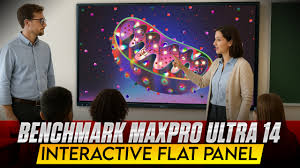
Detailed Use Cases – Real Benefits
For Coaching Institutes
- Maths problem solving
- Physics numerical diagrams
- Geography map marking
- CA/CS teaching
- IIT/NEET advanced learning tools
For Schools
- Interactive content
- Visual learning
- Daily attendance
- Audio-video lectures
For Offices
- Presentations
- Video conferencing
- Training sessions
Smart Infovision – A Trusted Brand in India
Hum pan-India installation, support aur original products provide karte hain.
Smart Infovision ki specialties:
- More than 2500+ installations
- 1000+ schools using our setup
- Expert technical team
- Quick support system
- Only branded & genuine products
Isi wajah se Raja Verma ji jaise clients hum par trust karte hain.
Conclusion – Jahanabad ne Receive Kiya Apna Premium Smart Panel
Benchmark Maxpro Ultra 14 (75-inch) installation Jahanabad me digital transformation ka ek solid step hai.
Raja Verma ji ka classroom ab modern, smart aur future-ready ban chuka hai.
Ye panel:
✔ High performance
✔ Strong durability
✔ Ultra-fast writing
✔ Best-in-class clarity
✔ Teaching tools loaded
Ye sab isse long-term investment ka wise choice banata hai.
Contact Us – Smart Infovision
Agar aap bhi apne school, coaching center, office ya institute ke liye Smart Classroom Setup, Interactive Panel, Digital Teaching Solutions install karwana chahte hain, to humse turant contact karein.
Service Support:
+91-7090022211
Sales Enquiry:
+91-8527926648
Email:
service@smartinfovision.com
sales@smartinfovision.com
Head Office:
Smart Infovision, G-128, Sector 63, Noida – 201301
Pan-India Delivery & Installation Available
Read More
➡️ Read More: Explore More Smart Classroom Installations & Benchmark Panel Reviews