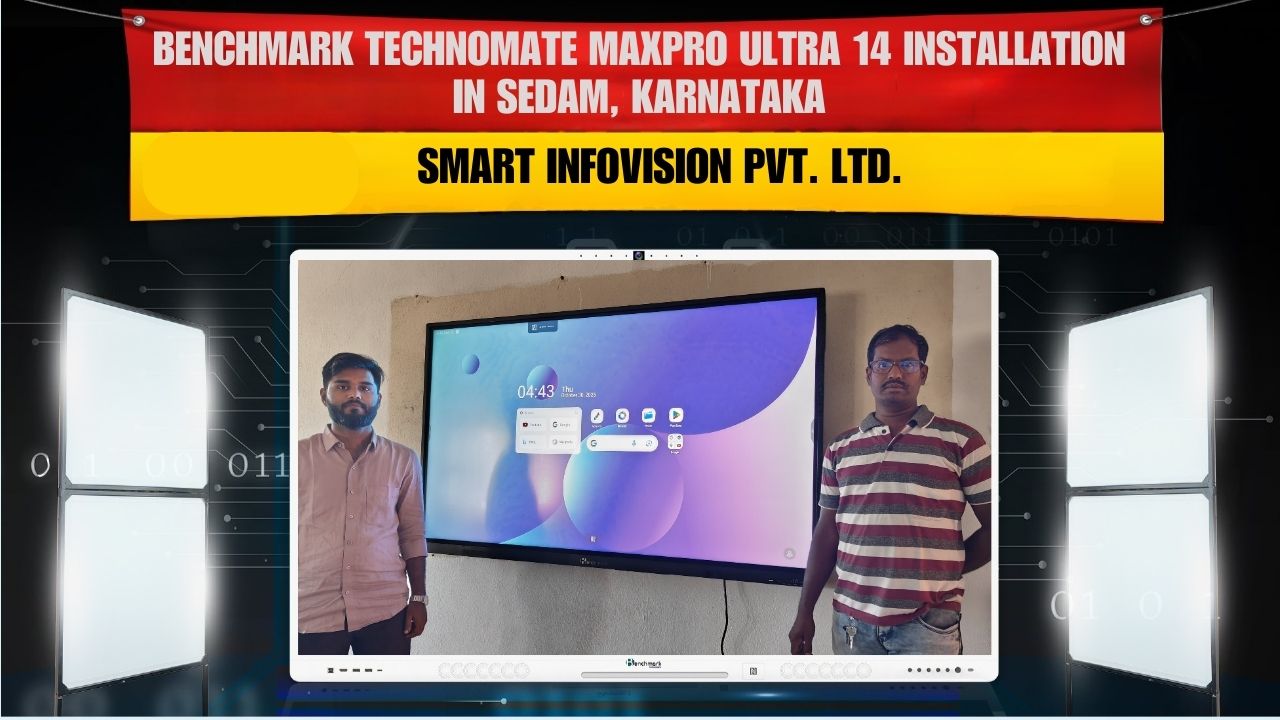
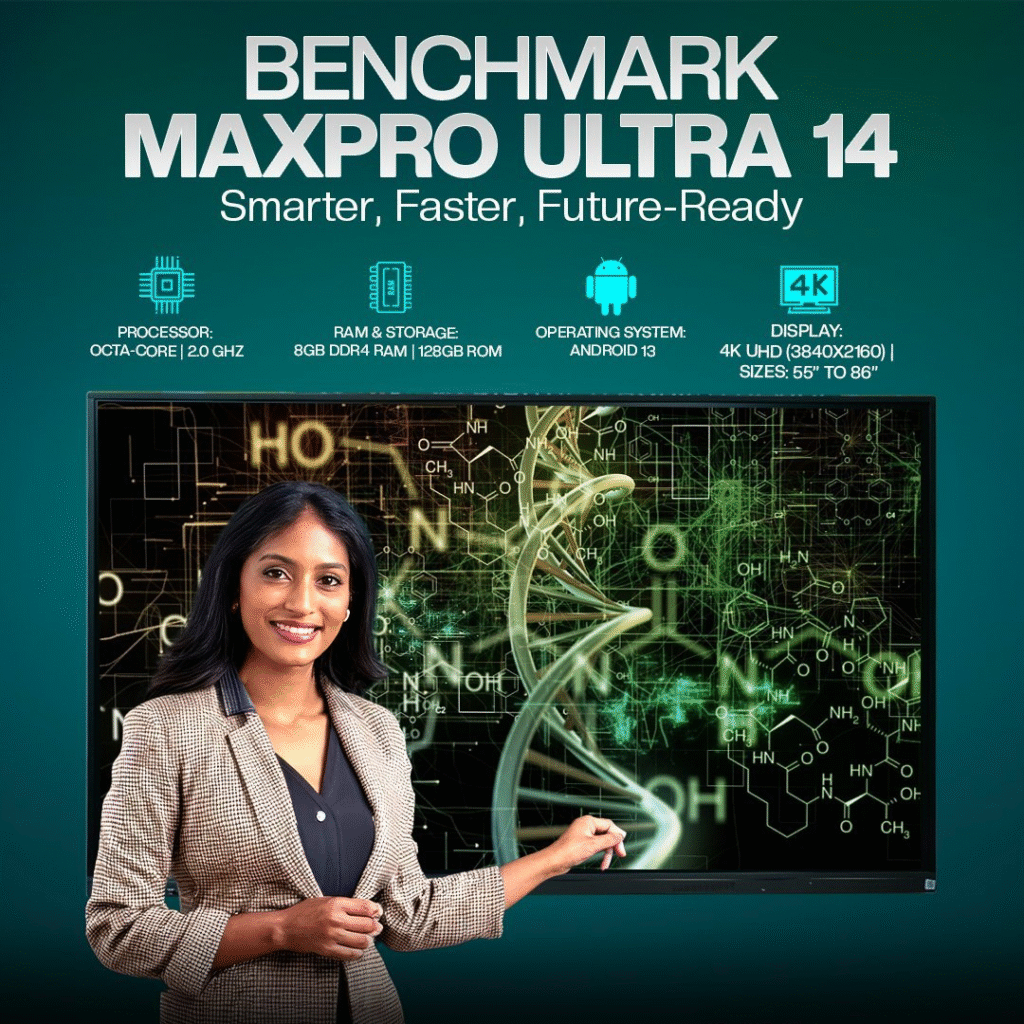
Education system rapidly transform ho raha hai, aur traditional teaching methods ab modern digital smart learning se replace ho rahe hain. Isi smart transformation ko support karte hue Smart Infovision ne Benchmark Maxpro Ultra 14 (75-inch) Interactive Panel successfully install kiya Matrachaya PU College, Sedam – Karnataka mein.
Yeh installation classroom ko ek next-level digital learning hub me convert karta hai—jahan teaching faster, interactive aur visually powerful ban jaati hai.
Project Details
Institution
Matrachaya PU College, Sedam
Location
Sedam, Karnataka
Product Installed
Benchmark Maxpro Ultra 14 – 75-inch Interactive LED Panel
College ko ek aisa smart display setup chahiye tha jo:
- Traditional boards ko replace kare
- Teaching speed aur student engagement improve kare
- Multimedia & real-time interactive lessons support kare
- Screen mirroring, annotations & digital notes enable kare
Benchmark Maxpro Ultra 14 exactly isi need ke according perfect solution prove hua.
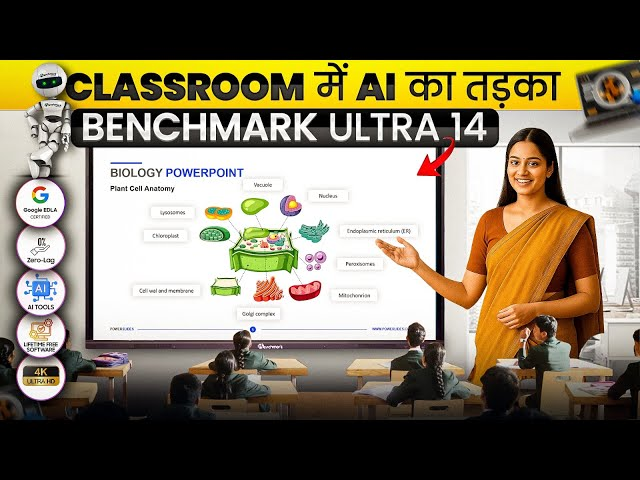
Why Benchmark Maxpro Ultra 14 (75-inch)?
Yeh panel specially design kiya gaya hai:
- Smart classrooms
- Coaching centers
- Colleges
- Training rooms
jahan large audience ko clear visibility aur impactful content delivery chahiye hoti hai.
75-inch ka display ensures karta hai ki classroom ke last row tak students clearly dekh sakein.
Top Features of Benchmark Maxpro Ultra 14
1. 4K Ultra HD Crystal Clarity
High-resolution display se:
- Diagrams
- Live notes
- Presentations
- Videos
sab hyper-clear, sharp aur perfectly readable ho jaate hain.
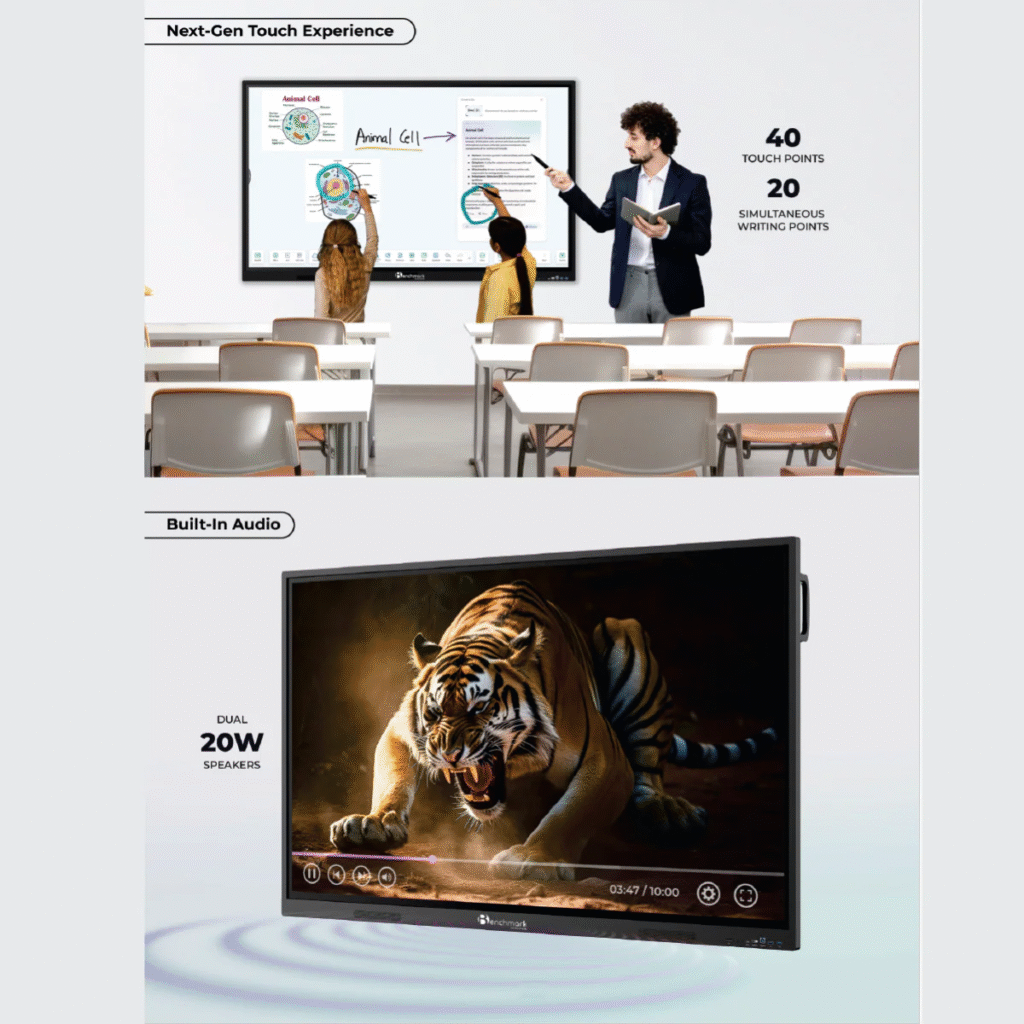
2. Advanced Touch & Smooth Writing
Panel supports:
- Real-time writing
- Lag-free annotation
- Multi-touch inputs
Teacher natural writing jaise hi smoothly content explain kar sakte hain, bina kisi delay ke.
3. Wireless Screen Casting
Laptop, mobile ya tablet se content instantly share kiya ja sakta hai—bina wire ke.
Isse:
- Students participate kar sakte hain
- Multiple presenters share kar sakte hain
- Time save hota hai
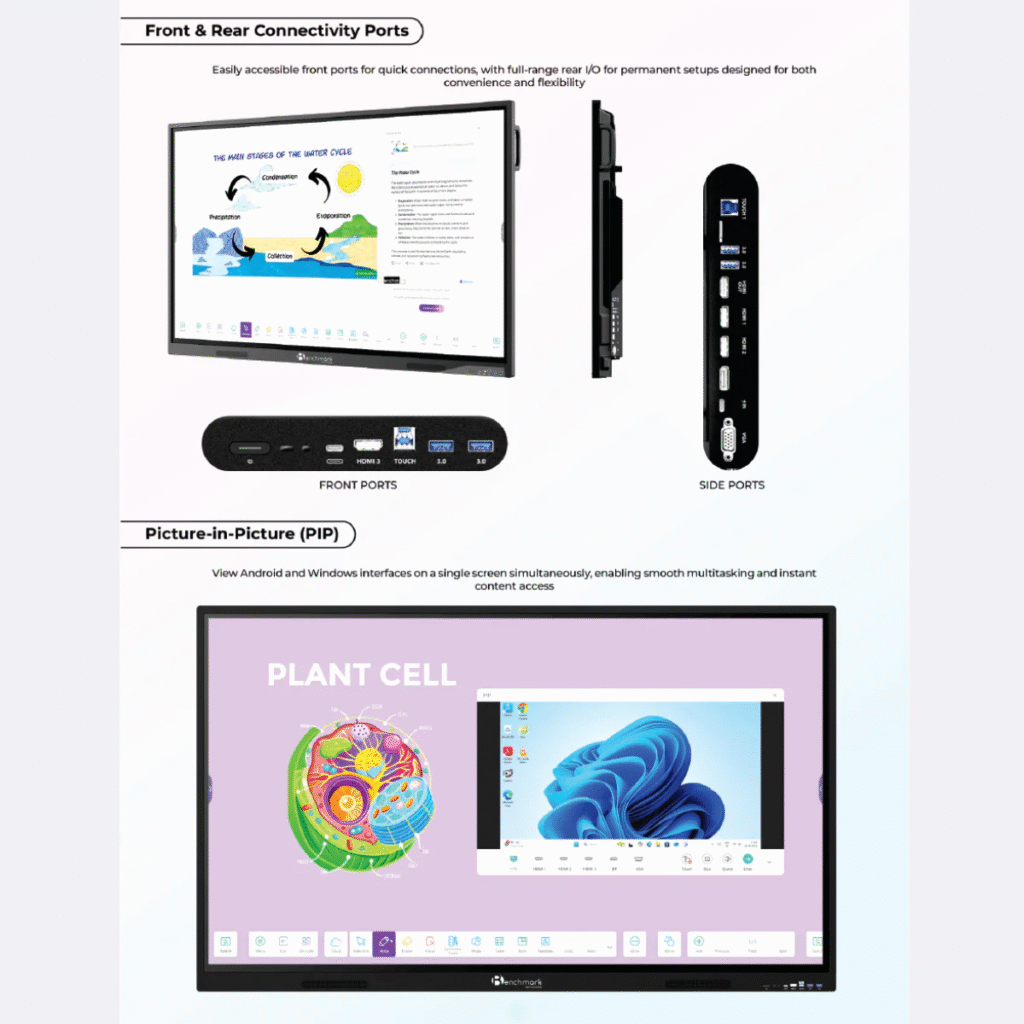
4. Android + Windows Support
Dual environment support karta hai:
- Android apps
- Windows PC connectivity
Teaching tools, browsing, note-taking, recording—sab accessing easy ho jaata hai.
5. Built-in Speakers with Room-Filling Audio
High-quality integrated speakers ensure:
- Clear voice output
- Videos ka realistic experience
- External speakers ki zaroorat kam
Smart Infovision Installation Process
Installation team ne full professional setup deliver kiya:
Step 1 – Classroom Assessment
Wall positioning, student angle aur room dynamics check kiye gaye.
Step 2 – Mounting & Setup
Panel ko heavy-duty brackets ke saath perfectly level mount kiya gaya.
Step 3 – Cable Management
Neat wiring ensure ki gayi for a clean and premium look.
Step 4 – Configuration
- Display calibration
- Wireless mirroring setup
- App environment configuration
- Touch accuracy optimization
Step 5 – Live Demo & Training
Teaching staff ko live demonstration diya gaya on:
- How to write & annotate
- How to save notes
- How to share screens
- How to use built-in apps
Panel “ready to use” condition me handover kiya gaya.
Benefits After Installation
Matrachaya PU College ko installation ke baad instant benefits mile:
- Student focus & participation improved
- Teachers ke concepts explain karne ki speed badhi
- Note-sharing digital ho gaya
- Classrooms modern & future-ready ban gaye
- Multimedia-based learning se knowledge retention better hua
FAQs
1. Kaunsa model install hua hai?
Benchmark Maxpro Ultra 14 – 75-inch.
2. Kya yeh traditional blackboard replace karta hai?
Haan, complete digital whiteboard solution provide karta hai.
3. Kya screen mirroring wireless hai?
Bilkul—mobile, laptop aur tablet wireless cast ho sakte hain.
4. Touch response kaisa hai?
Multi-touch, ultra-smooth, lag-free.
5. Isme Android built-in hai kya?
Haan, panel Android OS ke saath aata hai.
6. External speakers ki need hai?
Nahi, high-quality speakers built-in hain.
7. Classroom me kitna visible hota hai?
75-inch panel large classroom me bhi full visibility deta hai.
8. Colleges aur coaching ke liye suitable hai?
Haan, perfect for schools, colleges, universities & professional training.
9. Installation India me available hai?
Haan, Smart Infovision PAN India installation service provide karta hai.
10. Training bhi milti hai kya?
Haan, installation ke turant baad live demonstration aur user training milti hai.
Contact Smart Infovision
Sales
+91-8527926648
Service
+91-7090022211
sales@smartinfovision.com
service@smartinfovision.com
Head Office
G-128, Sector-63, Noida – 201301