Noida या Greater Noida में school, coaching institute या training centre के लिए digital board खरीदना सिर्फ display चुनना नहीं है। यह फैसला teaching workflow और service expenses को प्रभावित करता है। जब आप digital board manufacturers in noida search करते हैं, तो manufacturers के साथ dealers, suppliers और installers भी मिलते हैं। इसलिए business category पहचानना जरूरी है।
Buying process ki shuruaat classroom needs se karein, sirf online price se nahi. Is guide mein panel technology, common sizes, software compatibility, practical demo, warranty aur local support ko compare karne ka framework diya gaya hai. Focus daily teaching mein reliable solution chunne par hai.
Digital Board Manufacturers in Noida: Manufacturer और Supplier में अंतर
हर digital board बेचने वाली कंपनी अपनी factory में display नहीं बनाती। Manufacturer उत्पादन प्रक्रिया की जिम्मेदारी लेता है। OEM दूसरे brand के लिए निर्धारित specification पर product बनाता है। Assembler components जोड़कर final unit तैयार कर सकता है। इनकी quality control और warranty responsibilities अलग हो सकती हैं।
Supplier product की delivery और availability संभालता है, जबकि authorised dealer किसी brand की approved sales channel का हिस्सा हो सकता है। Systems integrator panel, camera, microphone और computer को जोड़कर complete setup देता है। Seller से brand authorisation, invoice पर legal entity और warranty issuer का written proof माँगें। Website पर “manufacturer” लिखा होना अपने आप में प्रमाण नहीं है।
Interactive Flat Panel क्या है और Teaching में कैसे काम आता है?
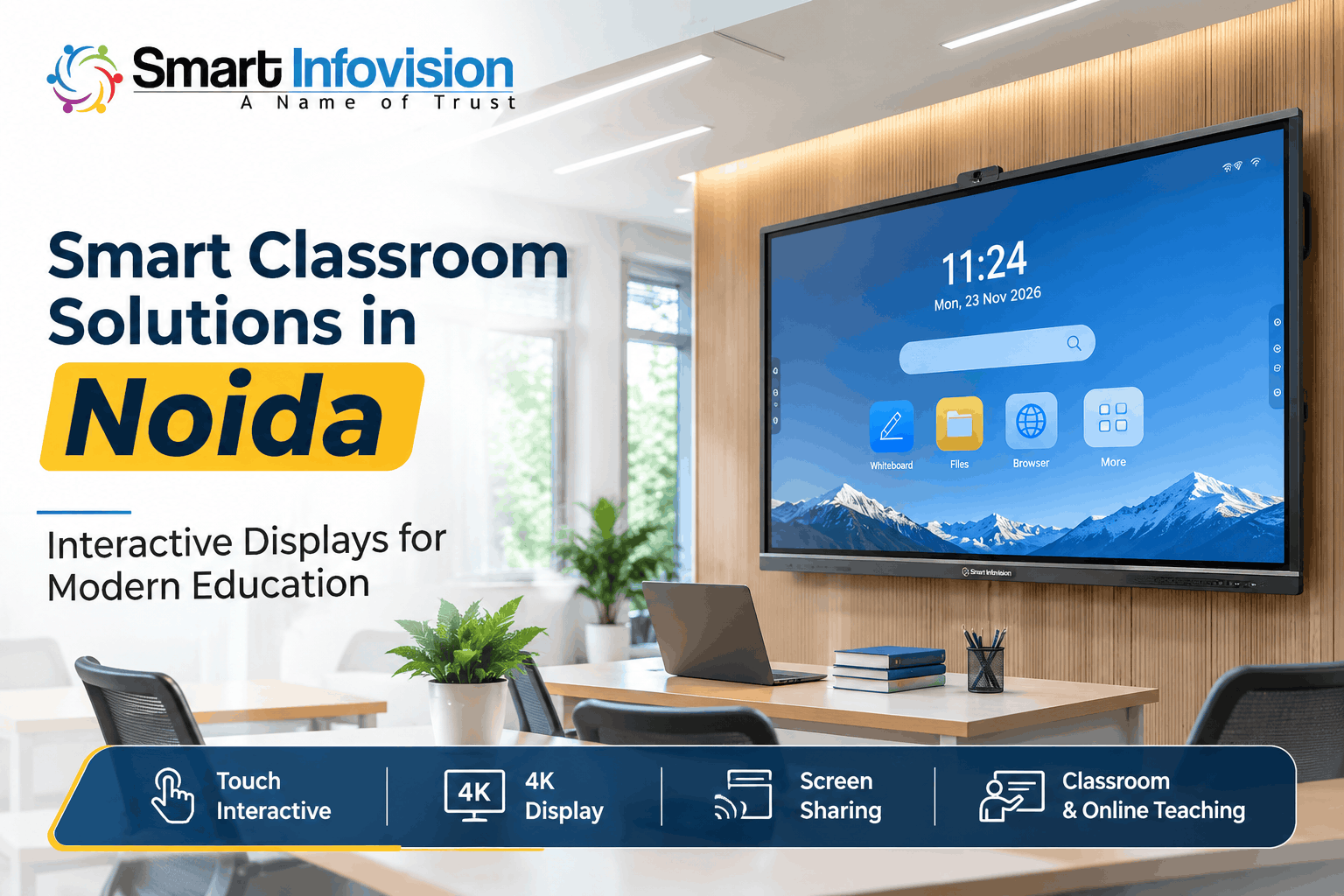
Interactive flat panel यानी IFP एक बड़ा touch-enabled display है जिस पर शिक्षक लिख सकते हैं, diagrams समझा सकते हैं और digital lesson material खोल सकते हैं। Traditional whiteboard के मुकाबले इसका मुख्य अंतर content को annotate, save और share करने की क्षमता है। लेकिन हर model में एक जैसी सुविधाएँ, operating system या accessories नहीं होतीं।
Classroom interactive display ko laptop, document camera aur compatible teaching apps ke saath use kar sakte hain. Schools ko simple whiteboarding chahiye; coaching faculty ko PDF annotation, formula solving aur recording ka workflow. Isliye apni asli lesson files ke saath demo lena catalogue se zyada useful hai.
खरीदने से पहले किन Technical Features को जाँचें?
Resolution, Touch और Writing Experience
कई interactive displays में 4K UHD resolution मिलता है, लेकिन इसे हर board की guaranteed specification न मानें। छोटी equations, graphs और पीछे बैठने वाले छात्रों के लिए text visibility परखें। Touch test में pen accuracy, palm rejection, दो लोगों का साथ लिखना और लिखावट में delay जरूर देखें।
For one documented example, ViewSonic ki official ViewBoard specifications whiteboard tools aur wireless presentation describe karti hain. Yeh sirf us model ka reference hai; shortlisted panel ki exact datasheet verify karein.
Connectivity, Apps और Screen Sharing
HDMI, USB, USB-C, Wi-Fi और LAN जैसे connections का चुनाव वास्तविक classroom devices देखकर करें। क्या teacher का laptop बिना adapter जुड़ेगा? क्या Windows-based application चलाने के लिए OPS computer अलग लेना पड़ेगा? क्या software license की annual fee होगी? ये सवाल खरीद से पहले स्पष्ट होने चाहिए।
BenQ India ki RP04 series documentation Google services, USB-C connectivity aur annotation tools ka example deti hai. Har digital teaching board mein yeh features available hon, aisa assume na karein; model aur configuration confirm karein.
65, 75 या 86 Inch: Classroom के लिए सही Size
स्क्रीन का size केवल students की संख्या से तय नहीं होता। कमरे की depth, आखिरी row की दूरी, teaching font size, दीवार की चौड़ाई और installation height भी महत्वपूर्ण हैं। 65, 75 और 86-inch panels बाजार में मिलने वाले common examples हैं; किसी particular brand में इनकी availability अलग हो सकती है।
| Example size | Practical evaluation |
|---|---|
| 65 inch | छोटे कमरे में text clarity और viewing distance check करें |
| 75 inch | मध्यम classroom के लिए demo और seat-wise visibility test करें |
| 86 inch | बड़े teaching area में wall space, mounting और budget देखें |
Size चुनने का सरल तरीका है: अपनी सामान्य PPT, chemistry equation या accountancy table खोलें और कमरे की last seat से पढ़कर देखें। अगर लिखावट स्पष्ट नहीं है, तो केवल बड़ा screen लेने के बजाय font size, lighting और layout भी बदलकर जाँचें। अंतिम चुनाव site inspection के बाद करें।
Schools, Coaching और Online Teaching के लिए अलग जरूरतें
स्कूलों में रोज कई teachers एक ही panel इस्तेमाल कर सकते हैं। इसलिए आसान login, सुरक्षित content access, usable writing tools और teacher orientation ज्यादा उपयोगी होते हैं। Primary classes में screen का प्रयोग learning activity के अनुसार संतुलित होना चाहिए; हर minute digital display चलाना जरूरी नहीं है।
Coaching institutes में लंबे numerical solutions, PDF navigation और recordings की जरूरत हो सकती है। Tuition teachers के लिए compact setup ज्यादा practical रहेगा। Hybrid class में दूर बैठे students को स्पष्ट audio और पढ़ने योग्य notes मिलना जरूरी है। इसलिए internet connection, microphone, camera positioning और lighting भी पहले से plan करें।
Online teaching studio में glare, camera पर दिखाई देने वाली लिखावट और lecture recording का workflow जाँचना चाहिए। सिर्फ “4K camera ready” लिखा होने से पूरी recording quality तय नहीं होती। Lighting और sound treatment का असर भी होता है। जरूरत के अनुसार digital boards और teaching studio equipment के विकल्प देखे जा सकते हैं।
Noida और Greater Noida में Purchase से पहले Verification
Local vendor चुनने से inspection और coordination आसान हो सकता है, लेकिन Noida का address होने से service quality की guarantee नहीं मिलती। Vendor से पूछें कि installation अपनी team करेगी या third-party technician। Greater Noida, Ghaziabad और दिल्ली के campuses के लिए site visit, delivery charges तथा support coverage लिखित quotation में शामिल होने चाहिए।
Demonstration में actual unit का model number, serial number, operating system, ports और included accessories लिखें। Quotation में wall mount या trolley, OPS PC, delivery, GST, installation, teacher training और software fees अलग दिखनी चाहिए। कई boards लेने हों तो पहले एक pilot classroom में teacher feedback लेकर फैसला करना उपयोगी रहेगा।
Warranty और After-Sales Support को Price जितना महत्व दें
दो समान दिखने वाले panels की कीमत में फर्क कई कारणों से होता है। Warranty अवधि, onsite service की शर्तें, touch glass की coverage, software updates और repair process अलग हो सकते हैं। लिखित warranty document पढ़कर स्पष्ट करें कि replacement कौन देगा और complaint कहाँ register होगी। मौखिक service promise पर निर्भर न रहें।
Long-term value सिर्फ कम price का नाम नहीं है। Board में खराबी आने पर classes रुक सकती हैं और operations प्रभावित होते हैं। इसलिए service response, spare parts, technician visit policy और training को comparison sheet में जोड़ें। पुराने installation references लेकर उनकी वास्तविकता भी जाँचें।
Smart Board for Schools in Noida: Final Comparison Framework
सही फैसला लेने के लिए तीन shortlisted models पर एक ही lesson चलाकर तुलना करें। हर model को लिखने की सुविधा, display visibility, application support, installation scope और total quoted cost पर आँकें। सिर्फ processor या RAM का बड़ा आंकड़ा अच्छी teaching experience का प्रमाण नहीं है; software optimization और teacher comfort भी मायने रखते हैं।
Purchase team के लिए teaching fit, readability, support terms, software costs और future expansion का एक scorecard तैयार करें। आज classroom offline है लेकिन अगले साल hybrid sessions शुरू हो सकते हैं, तो camera और audio integration की feasibility अभी जाँचें। इससे unnecessary equipment replacement से बचने में मदद मिलेगी।
Smart Infovision से Product Consultation कैसे लें?
Smart Infovision अपनी website पर कई brands के interactive panels, digital boards और studio-related products सूचीबद्ध करता है। उपलब्ध विकल्पों का शुरुआती overview interactive flat panel collection पर देखा जा सकता है। इसे manufacturing claim के बजाय multi-brand product और solution consultation के संदर्भ में समझना उचित है।
Noida aur Delhi NCR institutions classroom dimensions, daily usage, devices aur budget share kar sakte hain. Smart Infovision ki official contact page se demo, itemised quotation, installation scope aur written warranty terms confirm karna next step ho sakta hai.
Frequently Asked Questions
क्या Noida में हर Digital Board Seller एक Manufacturer है?
नहीं। कुछ कंपनियाँ manufacturing करती हैं, जबकि अन्य dealer, supplier, assembler या systems integrator होती हैं। Legal entity, factory details, product branding और warranty documents देखकर भूमिका verify करें।
Which digital board size is suitable for a coaching classroom?
Ek size har coaching room ke liye sahi nahi hai. 65, 75 aur 86-inch panels ko last-row visibility, content type, classroom layout aur budget par compare karein.
क्या Online Classes के लिए OPS Computer जरूरी है?
हर setup में नहीं। यदि teaching application Android पर नहीं चलती या Windows software आवश्यक है, तो compatible OPS या external PC की जरूरत हो सकती है। पहले software test कर लें।
Do digital boards include installation and teacher training?
Har seller ka package alag hota hai. Installation, mounting, training, travel charges aur after-sales support quotation aur invoice mein clearly mention karwana chahiye.
Digital board खरीदते समय सबसे महत्वपूर्ण सवाल क्या है?
सबसे जरूरी सवाल यह है कि board आपकी रोज की teaching को कितना आसान बनाएगा। Live demo, compatible software, readable content और भरोसेमंद service terms का संयुक्त मूल्यांकन करें।