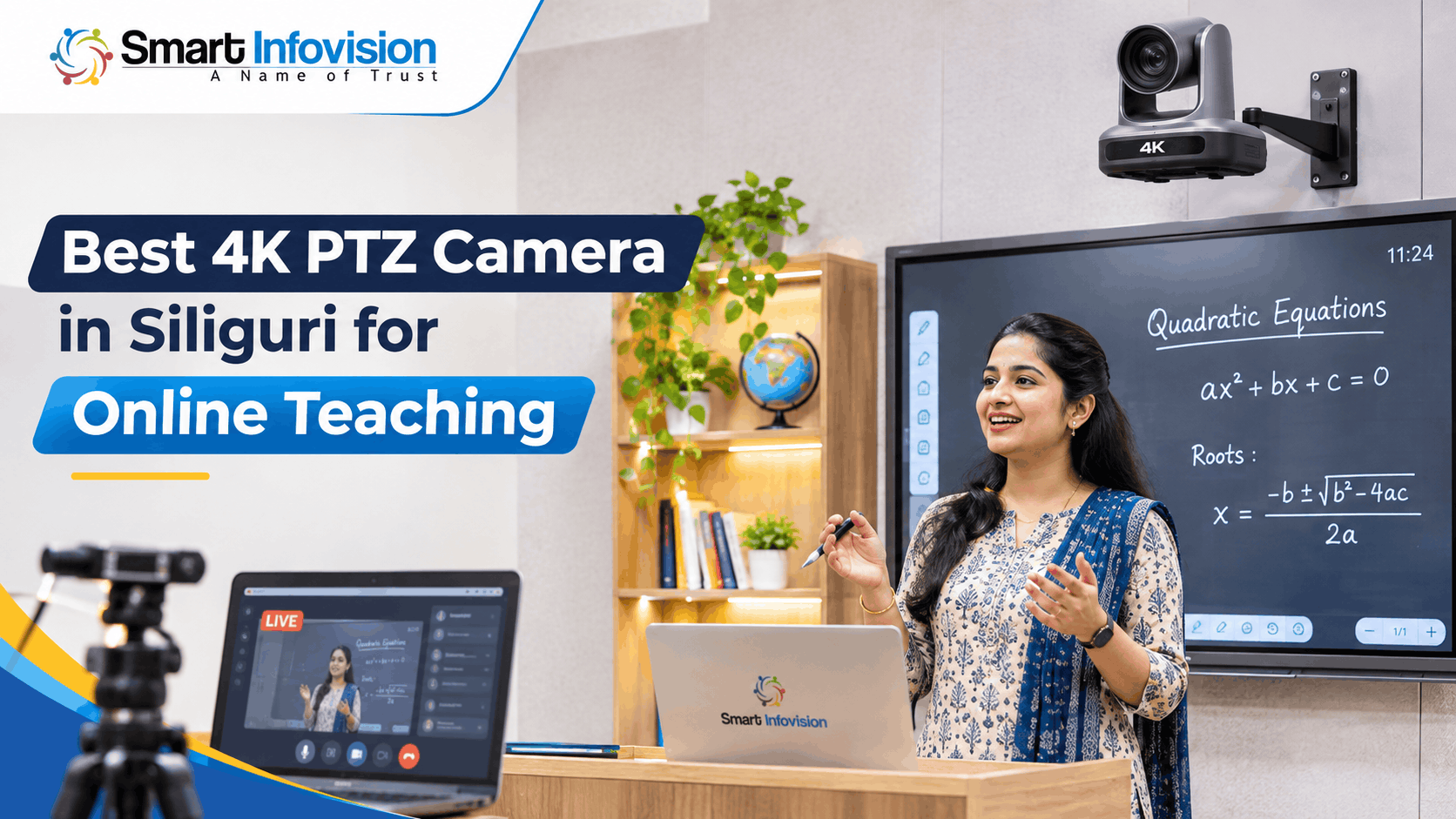
Siliguri में online classes के लिए camera चुनते समय सवाल है: board और teacher दोनों साफ दिखेंगे या नहीं? Best 4K PTZ Camera in Siliguri वही है जो classroom की दूरी, board size, recording software और budget के हिसाब से काम करे। केवल 4K label पर भरोसा करने के बजाय optical zoom, connectivity और after-sales support को भी परखें।
Online Teaching Ke Liye 4K PTZ Camera Kya Karta Hai?
PTZ का मतलब Pan, Tilt और Zoom है। Pan से camera दाएँ-बाएँ घूमता है, tilt से ऊपर-नीचे angle बदलता है और zoom से दूर का subject करीब दिखता है। सामान्य webcam अक्सर fixed frame देती है, जबकि PTZ camera बड़े classroom के अलग-अलग हिस्से capture कर सकता है। Digital board पर पढ़ाते समय यह flexibility उपयोगी होती है।
4K vs Full HD: Class Recording Mein Real Difference
4K UHD में 3840 × 2160 pixels होते हैं, जबकि Full HD में 1920 × 1080। यानी 4K लगभग चार गुना pixels capture करता है। छोटी लिखावट, science diagrams और बाद में video cropping के लिए यह detail फायदेमंद हो सकती है। लेकिन साफ footage के लिए lens, focus, lighting और compression भी महत्वपूर्ण हैं। Live platform video को कम resolution में दिखा सकता है।
Best 4K PTZ Camera in Siliguri Choose Karte Waqt Important Features
Optical Zoom Aur Field of View
Optical zoom lens की मदद से दूर के subject को बड़ा दिखाता है, जबकि digital zoom मुख्यतः image को crop या enlarge करता है। Board पर छोटे अक्षर पढ़ाने वाले teachers के लिए optical zoom महत्वपूर्ण हो सकता है। लेकिन सिर्फ 12x या 20x का आंकड़ा पर्याप्त नहीं है। Wide field of view भी देखें, ताकि एक ही frame में पूरा board आ सके।
Autofocus, Presets Aur Teacher Tracking
Teacher के चलते समय या camera zoom होने पर focus बार-बार बिगड़ना नहीं चाहिए। Responsive autofocus, manual adjustment और preset positions useful हैं। Presets से पहले से तय camera angles तुरंत बदले जा सकते हैं। AI auto-tracking कुछ models में teacher को follow करती है, लेकिन यह अलग feature है। खरीदारी से पहले tracking, firmware और supported movement area की पुष्टि करें।
USB, HDMI Aur IP Streaming Compatibility
USB से connection आसान लग सकता है, लेकिन हर 4K camera का USB output भी 4K हो, यह जरूरी नहीं। कुछ models HDMI पर UHD देते हैं, जबकि USB पर Full HD। HDMI signal को PC में लेने के लिए compatible capture card लग सकता है। IP streaming के लिए network, protocol और software support जाँचें। Connection और actual frame rate का demo जरूर लें।
Official 4K PTZ camera specifications में अलग-अलग HDMI, USB और IP output formats दर्ज हैं। अगर आपके पास capture card या recording PC है, तो model खरीदने से पहले resolution, frame rate तथा power requirements की पुष्टि करें।
Siliguri Mein Different Teaching Setups Ke Liye Kya Suitable Hai?
Home Tutor Aur Small Online Classroom
छोटे home teaching studio में camera आमतौर पर teacher के करीब रहता है। यहाँ wide framing, साफ microphone और अच्छी lighting अक्सर high zoom से ज्यादा उपयोगी होती हैं। यदि आप desk पर पढ़ाते हैं और screen sharing करते हैं, तो महंगे motorised features जरूरी नहीं। 4K recording तब चुनें जब video को edit, crop या बार-बार reuse करना हो।
Coaching Institutes Aur Digital Board Classes
Siliguri में Pradhan Nagar, Matigara या Sevoke Road के आसपास coaching classrooms की बनावट अलग हो सकती है। इसलिए camera से board की दूरी, reflection और teacher movement जाँचें। बड़े room में wide shot और close-up दोनों चाहिए, तो zoom, presets और mounting height को प्राथमिकता दें। Demo में छोटी handwriting को student की mobile screen पर देखकर जरूर परखें।
YouTube Lectures Aur Hybrid Classroom
YouTube lectures के लिए steady framing, clear speech और editable recordings जरूरी हैं। Hybrid classroom में सामने बैठे और online जुड़े, दोनों तरह के students को content समझना चाहिए। Teacher close-up, board shot और screen presentation के बीच switching उपयोगी हो सकती है। लेकिन software compatibility पहले जाँचें; सिर्फ 4K camera खरीदने से पूरा hybrid system तैयार नहीं होता।
Lighting, Audio Aur Recording Workflow Ko Ignore Na Karein
पीछे तेज धूप या digital board पर glare हो तो अच्छा camera भी कमजोर तस्वीर दे सकता है। Soft front lighting, सही board angle और stable mounting से video बेहतर बनती है। Background को साफ रखें। Autofocus testing के समय teacher को सामान्य गति से चलने दें, ताकि पता चले कि camera वास्तविक lecture में focus बनाए रखता है या नहीं।
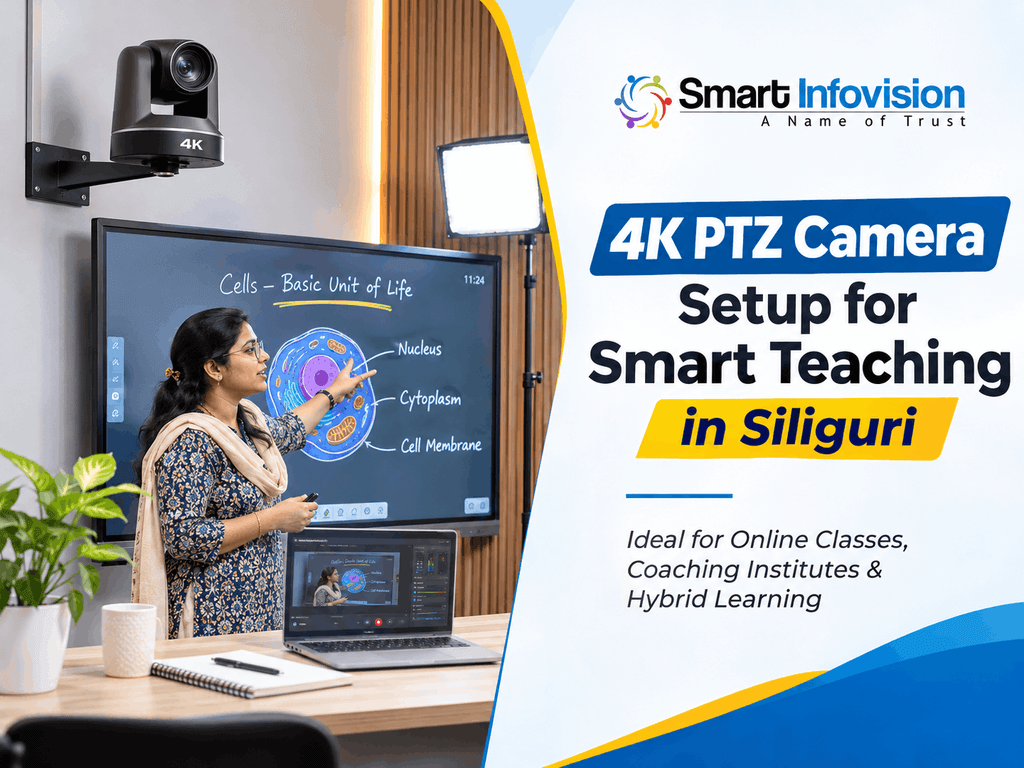
Students ke liye unclear audio, sharp video se bhi bada problem ban sakta hai. Lavalier ya headset microphone, clean power connection aur controlled room noise ko budget mein include karein. Recording ke liye OBS Studio ki official setup guide camera sources, audio selection aur test recording ka process explain karti hai. Live class se pehle short recording banakar sound synchronisation, focus aur board readability verify karein.
Camera Price Nahi, Complete Installed Budget Compare Karein
Camera unit के अलावा wall या ceiling mount, capture card, cables, microphone, lighting, installation और training पर भी खर्च हो सकता है। कम शुरुआती quotation आकर्षक लगेगा, लेकिन accessories अलग होने पर total budget बढ़ सकता है। समान equipment list के आधार पर quotes compare करें। Taxes, warranty handling, transport और installation charges लिखित रूप में पूछें।
PTZ Camera Aur Complete Teaching Studio Setup Kaise Plan Karein?
अगर आप standalone camera की बजाय पूरा classroom production system देख रहे हैं, तो पहले 4K PTZ camera product details में listed features ko review karein aur exact model ke output specifications confirm karein. Uske baad online teaching studio setup options explore karke camera, board, audio aur lighting ka combined workflow plan kar sakte hain. इन pages को product research और planning reference की तरह उपयोग करें, local stock या installation availability की guarantee की तरह नहीं।
Consultation में classroom length, width, board size, camera mounting point और recording PC की जानकारी साझा करें। Seller से पूछें: कौन-से cables मिलेंगे, setup कौन calibrate करेगा और training शामिल होगी या नहीं? Warranty claims का process, delivery और technician visit लिखित रूप में verify करें। Siliguri में local support उपलब्ध होने का अनुमान सिर्फ promotional claim देखकर न लगाएँ।
Purchase Se Pehle 10-Minute Practical Camera Test
पहले board पर छोटे अक्षरों में formula और diagram लिखें। Camera को अनुमानित mounting distance पर रखकर wide और zoom shots record करें। फिर teacher को चलते हुए capture करें, autofocus और preset response जाँचें। Actual computer पर USB या HDMI footage देखें। अंत में microphone और lighting के साथ छोटा trial lecture record करके sound sync तथा board readability जाँचें।
Frequently Asked Questions
1. Siliguri mein online teaching ke liye best 4K PTZ camera kaunsa hai?
सबसे अच्छा model वही है जो आपकी board size, teaching distance और connectivity के अनुसार सही video दे। छोटे studio में wide framing तथा आसान output पर ध्यान दें; बड़े coaching room में optical zoom और presets उपयोगी हो सकते हैं। खरीदने से पहले sample classroom recording, support terms और warranty documentation जरूर जाँचें।
2. Kya 4K PTZ camera Zoom aur Google Meet par use ho sakta hai?
हाँ, compatible camera को USB webcam mode या HDMI capture device के जरिए meeting software में video source बनाया जा सकता है। लेकिन सभी models एक जैसा USB format या driver support नहीं देते। इसलिए अपने operating system पर live test करें। Camera का 4K sensor होने का मतलब यह नहीं कि meeting हमेशा 4K में दिखाई देगी।
3. Online classes ke liye 12x ya 20x optical zoom better hai?
ज्यादा optical zoom तब उपयोगी होता है जब camera board या teacher से काफी दूर लगा हो। छोटे कमरे में wide field of view ज्यादा महत्वपूर्ण हो सकता है। Camera-to-board distance और focal range की पुष्टि करें। Actual handwriting को zoom करके test करना केवल 12x बनाम 20x specification देखने से बेहतर है।
4. Kya har PTZ camera mein AI auto-tracking hoti hai?
नहीं। PTZ केवल motorised pan, tilt और zoom को बताता है। AI auto-tracking अलग feature है जो हर model में नहीं मिलता। कुछ cameras केवल remote और presets से control होते हैं। चलते हुए teacher के लिए camera चुनते समय exact model, tracking mode, firmware तथा demonstration की पुष्टि जरूर करें।
5. Siliguri mein PTZ camera installation aur warranty kaise verify karein?
Seller से quotation में warranty period, mounting charges, delivery और service contact लिखवाएँ। पूछें कि technician onsite आएगा या remote guidance मिलेगी, और खराब unit का समाधान कैसे होगा। Installation के बाद sample class record करके focus, audio sync तथा streaming test करें। Siliguri में service availability को independent verification के बिना assume न करें।
Conclusion: Best 4K PTZ Camera in Siliguri Ka Sahi Decision
सही camera वही है जो आपकी teaching style में fit हो, न कि सिर्फ specification sheet पर अच्छा दिखे। Best 4K PTZ Camera in Siliguri चुनते समय board readability, optical zoom, USB/HDMI/IP output, audio और support एक साथ जाँचें। Sample lesson record करें, total installed cost compare करें और warranty terms लिखित में लें। ऐसा setup daily classes के साथ future content production में भी उपयोगी होगा।