Online Teaching Ko Professional Kaise Banaye? Complete Guide for Teachers
Aaj ke digital era me online teaching sirf ek option nahi, balki ek powerful career opportunity ban chuka hai. Lekin simple mobile se recording aur ek professional studio setup me bahut difference hota hai.
Agar aap bhi jaana chahte hain ki top educators apni online classes kaise record karte hain, to ye blog aapke liye complete step-by-step guide hai.
Why Professional Online Class Recording is Important?
Agar aap high-quality content banana chahte hain, to ye 3 cheezein sabse important hoti hain:
- Clear Video
- Clear Audio
- Engaging Presentation
Students hamesha us teacher ko prefer karte hain jiska content visually clear aur professionally recorded ho.
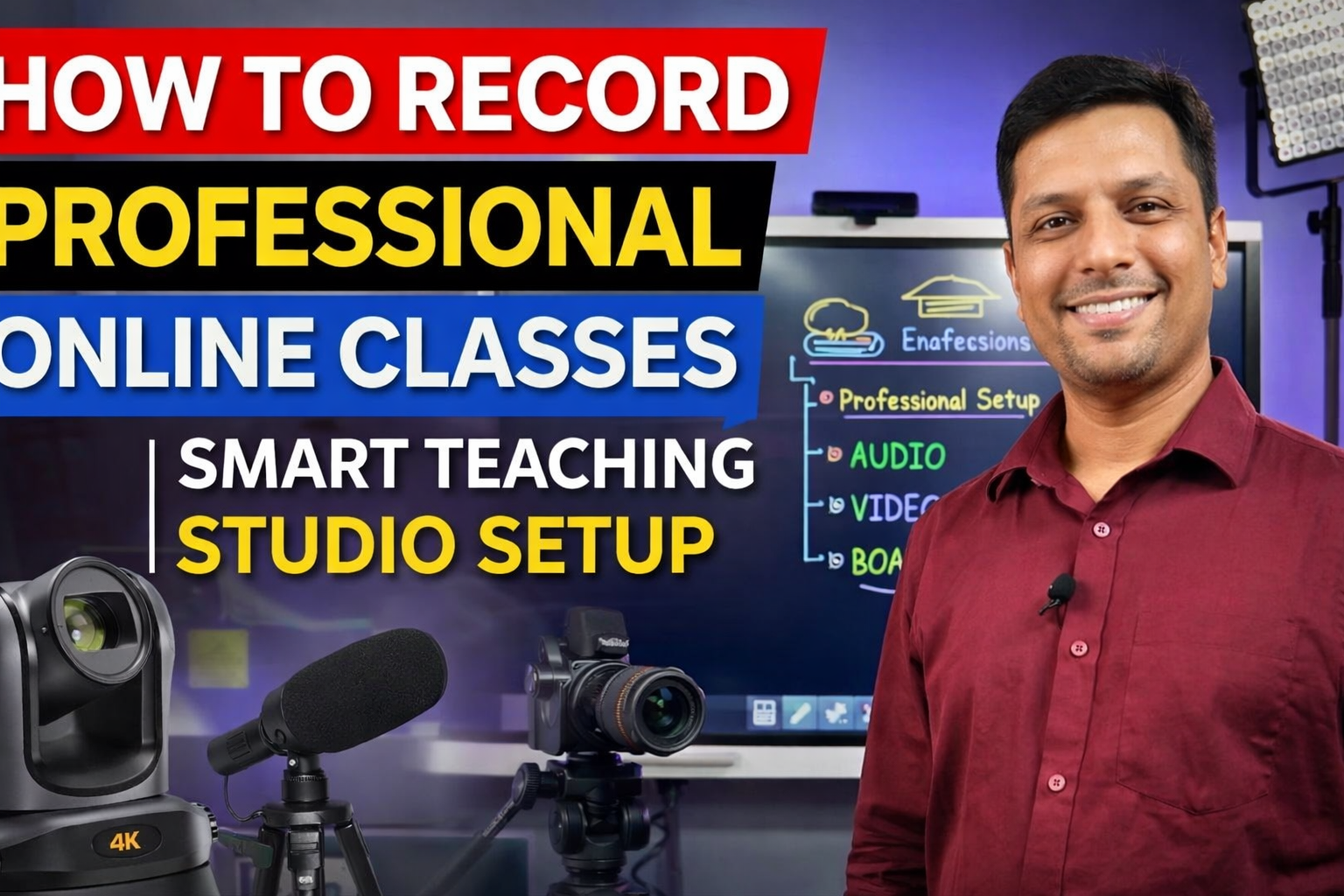
Smart Teaching Studio Setup – Basic Requirements
Ek professional online teaching studio setup ke liye aapko 4 main components chahiye:
1️⃣ Digital Board / Interactive Panel
Digital board ek smart classroom ka heart hota hai.
Benefits:
- Smooth writing
- PDF & PPT support
- Screen recording
- Online teaching support
Isse aap traditional teaching se 10x better explain kar sakte hain.
2️⃣ Camera Setup (HD / 4K)
Camera aapki video quality define karta hai.
Recommended:
- 4K PTZ Camera
- DSLR Camera
- HD Webcam
Benefits:
- Clear face visibility
- Smooth recording
- Zoom & framing control
3️⃣ Professional Microphone
Audio sabse important factor hota hai.
Types:
- Collar Mic
- Vlogging Mic
- Wireless Mic
Benefits:
- Clear voice
- No disturbance
- Better student experience
4️⃣ Lighting Setup
Lighting ke bina video dull lagta hai.
Recommended:
- Soft LED Lights
- Ceiling Lights
- Ring Light
Benefits:
- Bright face
- No shadow
- Professional look
Step-by-Step Recording Process (Behind The Scenes)
Step 1: Setup Ready Karein
Camera, mic, lighting aur digital board properly set karein.
Step 2: Frame Check Karein
Ensure karein ki aap aur board dono clearly visible ho.
Step 3: Audio Test Karein
Mic check karein — background noise na ho.
Step 4: Recording Start Karein
Board par explain karte hue recording start karein.
Step 5: Lecture Save Karein
Recording ko save karein aur backup rakhein.
Hybrid Teaching Setup – Online + Offline
Aaj kal hybrid model sabse zyada demand me hai.
Is setup se aap:
- Offline class le sakte hain
- Same time online live ja sakte hain
- Lecture record kar sakte hain
Ye ek powerful teaching model hai.
Common Mistakes to Avoid
❌ Poor lighting
❌ Low quality audio
❌ Camera angle galat hona
❌ Background messy hona
❌ Low resolution video
In mistakes ko avoid karke aap apni quality instantly improve kar sakte hain.
Who Should Use This Setup?
- School Teachers
- Coaching Institutes
- YouTube Educators
- Online Tutors
- Trainers & Coaches
Benefits of Professional Studio Setup
✔ Better student engagement
✔ More enrollments
✔ Professional branding
✔ Online income opportunities
✔ Recorded course selling
Future Scope of Online Teaching
Online education ka future bahut strong hai:
- EdTech growth
- YouTube learning
- Paid courses
- Hybrid education model
Agar aap abhi start karte hain, to aap early advantage le sakte hain.
Final Words
Professional online class recording sirf ek setup nahi — ek investment hai jo aapke teaching career ko next level par le ja sakta hai.
Agar aap seriously online teaching start karna chahte hain, to smart teaching studio setup zaroor consider karein.
Contact Details
📞 +91 9560805022
Know More
Digital Board, Online Teaching Studio Setup, Camera, Mic aur complete smart classroom solution ke liye contact karein aur apni teaching ko professional banayein.