इंदौर में coaching institutes, schools और independent educators अब अपनी offline classes को recorded lectures और live sessions के साथ जोड़ रहे हैं। लेकिन online teaching में केवल अच्छी presentation काफी नहीं होती। जब छात्र मोबाइल पर lecture देखते हैं, तो उन्हें teacher की आवाज़ स्पष्ट सुनाई देनी चाहिए और board पर लिखे छोटे formulas भी पढ़ने योग्य होने चाहिए। Camera का सही चुनाव इसी learning experience को प्रभावित करता है।
Agar aap PTZ Camera for Teaching in Indore search kar rahe hain, toh sirf 4K label dekhkar decision na lein. Room size, board, teaching style aur installation quality evaluate karein. Is guide mein camera selection se recording workflow tak practical advice milegi.
PTZ Camera Kya Hai Aur Teaching Mein Kaise Kaam Karta Hai?
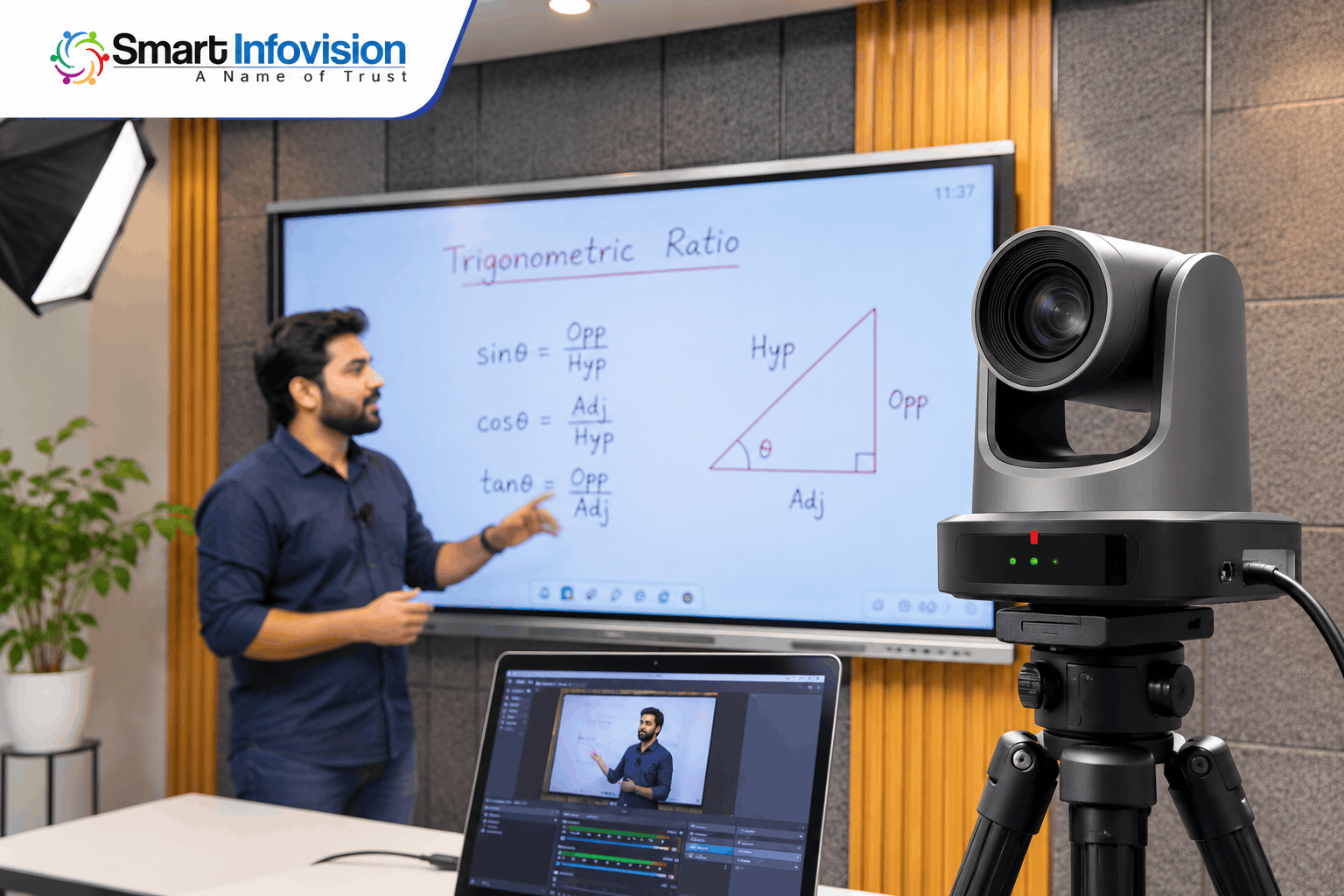
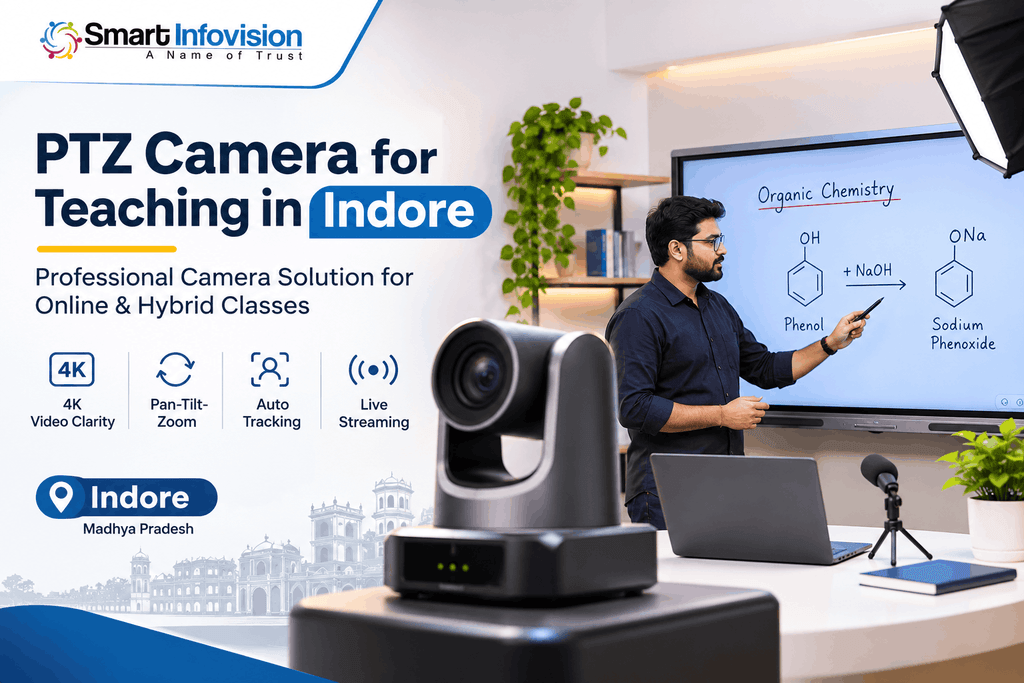
PTZ का अर्थ है Pan, Tilt और Zoom। Pan से camera दाएँ-बाएँ घूमता है, Tilt से ऊपर-नीचे angle बदलता है और Zoom की मदद से दूर मौजूद subject को करीब दिखाया जाता है। उदाहरण के लिए, शिक्षक पहले पूरे whiteboard का view दिखा सकते हैं और फिर किसी equation पर focus कर सकते हैं। Compatible models में remote या software से ये movements control होती हैं।
Camera presets से यह प्रक्रिया आसान बन सकती है। आप एक position बोर्ड के लिए, दूसरी शिक्षक के close-up और तीसरी पूरे classroom के लिए save कर सकते हैं। Lecture के दौरान remote से इन्हें बदलने पर बार-बार camera को हाथ से adjust नहीं करना पड़ता। उपलब्ध controls और preset options model के अनुसार बदलते हैं।
Indore Ke Teachers Ke Liye PTZ Camera Kyun Useful Hai?
विजय नगर के किसी coaching classroom में teacher board पर numerical solve कर रहे हों या घर से online batch चला रहे हों, camera framing मायने रखती है। PTZ setup से lecture recording, hybrid classes, live doubt sessions और educational YouTube videos में अलग-अलग views दिखाए जा सकते हैं। यह विशेष रूप से उपयोगी है जब शिक्षक पढ़ाते समय लगातार एक स्थान पर नहीं रहते।
Best PTZ Camera for Online Teaching – Important Features
Video Resolution: Full HD vs 4K
Full HD यानी 1080p कई online classes के लिए पर्याप्त हो सकता है, खासकर जब teacher camera के नज़दीक बैठकर पढ़ाते हों। 4K recording में अधिक image detail मिलती है, जिससे editing के दौरान crop करना या detailed diagrams capture करना आसान हो सकता है। फिर भी 4K camera का मतलब यह नहीं कि students को हर platform पर 4K stream ही मिलेगी।
Optical Zoom and Camera Movement
Optical zoom में lens के माध्यम से दूर का subject करीब दिखता है, जबकि digital zoom image को crop करके बड़ा कर सकता है। Camera चुनने से पहले board से दूरी, wide-angle coverage और movement की smoothness जाँचें। बड़े classroom में zoom उपयोगी हो सकता है; छोटे room में wide framing अधिक महत्वपूर्ण हो सकती है।
Auto Tracking and Preset Positions
हर PTZ camera शिक्षक को अपने-आप follow नहीं करता। Auto-tracking एक अलग feature है, जबकि presets पहले से तय camera angles को याद रखते हैं। अगर शिक्षक एक ही जगह खड़े होकर board समझाते हैं तो presets पर्याप्त हो सकते हैं। Moving teacher के लिए tracking उपयोगी हो सकती है, पर खरीदने से पहले वास्तविक demonstration देखें। इन functions की technical explanation के लिए PTZ camera settings documentation उपयोगी reference है।
Connectivity: HDMI, USB and IP
USB output convenient ho sakta hai. HDMI footage computer par lane ke liye compatible capture card chahiye ho sakta hai; IP/LAN network-based video ke liye useful hai. Har model mein saare ports nahi hote aur output resolution bhi badal sakta hai. Isliye complete signal path test karein.
Streaming Software Compatibility
YouTube Live, video meetings और recorded courses के लिए software integration जाँचना ज़रूरी है। कई setups में OBS Studio से camera feed, presentation और microphone audio एक साथ manage किए जाते हैं। OBS की official video capture guide बताती है कि compatible webcam या capture-card source कैसे जोड़ा जाता है। सही driver, computer specifications और capture settings का live test करें।
Audio Integration and Classroom Lighting
Clear video ke saath audio bhi important hai. Wireless lapel ya headset mic moving teacher ki voice record kar sakta hai. Lights aise set karein ki face clear ho aur board par reflection na aaye. Demo actual room lighting mein dekhein.
PTZ Camera vs Regular Webcam for Teaching
एक अच्छी webcam उस शिक्षक के लिए समझदारी भरा विकल्प है जो desk पर बैठकर slides, pen tablet या notebook से पढ़ाता है। इसका setup सरल और अक्सर कम खर्चीला होता है। दूसरी ओर, PTZ camera बड़ी teaching area, multiple angles और दूर लगे board के लिए ज़्यादा flexible हो सकता है। कोई भी विकल्प अपने-आप बेहतर नहीं है; चुनाव पढ़ाने के तरीके पर निर्भर है।
PTZ Camera for Coaching Institutes in Indore
Coaching institutes में एक ही lecture को offline students, absent learners और online batches के लिए record करने की जरूरत हो सकती है। उदाहरण के लिए, maths faculty सवाल हल करते हुए board का close-up दिखा सकती है और theory समझाते समय wide shot चुन सकती है। इससे lecture production बेहतर व्यवस्थित हो सकता है।
Complete Online Teaching Studio Setup in Indore
Professional classroom केवल camera से तैयार नहीं होता। Interactive digital board या readable writing surface, reliable microphone, balanced lighting, suitable computer और stable internet भी महत्वपूर्ण हैं। Video और audio को sync करके record करना तथा class शुरू होने से पहले file storage की जाँच करना अच्छी practice है। Smart Infovision के online class studio setup options में इन components का overview उपलब्ध है।
PTZ Camera Price in Indore – Buying Factors
इंदौर में PTZ camera की कीमत resolution, sensor, optical zoom, auto-tracking, ports, warranty और installation के अनुसार बदलती है। केवल advertised price देखकर निर्णय लेने से कुल खर्च का सही अंदाज़ा नहीं मिलता। Written quotation में mounting kit, cables, capture card, GST, training और service terms अलग-अलग जाँचें। अंतिम राशि जानने के लिए selected model का updated quotation लेना उचित है।
Indore Mein PTZ Camera Purchase Karne Se Pehle Kya Check Karein?
सबसे पहले room की लंबाई, board का size और camera लगाने की संभावित जगह मापें। Demo में छोटे अक्षर, coloured markers, teacher movement और अलग-अलग zoom positions record करके देखें। Video को उसी mobile पर चलाएँ जिस पर आपके छात्र पढ़ेंगे। इसके साथ autofocus, camera noise, supported output, microphone compatibility और warranty exclusions भी समझें।
किसी specific teaching camera की तुलना के लिए Smart Infovision की Benchmark 4K PTZ camera listing पर connectivity और optical zoom की जानकारी देख सकते हैं। खरीदते समय features को selected variant और लिखित quotation से ज़रूर मिलाएँ।
Professional PTZ Camera Installation and Support in Indore
Installation के दौरान camera की height, wall या ceiling mounting, सुरक्षित cable routing और board के सामने angle का ध्यान रखना चाहिए। Trial lesson में framing, focus, audio sync और internet stability जाँचें। Handover के समय शिक्षक को presets बदलना, recording शुरू करना और सामान्य connection problems पहचानना सिखाया जाना चाहिए।
Why Choose Smart Infovision for a Teaching Camera Setup?
Smart Infovision digital boards, professional cameras और online teaching studio solutions के लिए consultation और installation assistance उपलब्ध कराता है। इंदौर में इसका experience center 302 Appolo Square, 7/1 Dr. R. S. Bhandari Marg, Janjeerwala Square, Indore, Madhya Pradesh 452001 पर listed है। यहाँ classroom के size के अनुसार demo और setup की जरूरतें समझी जा सकती हैं। Service commitments को quotation में confirm करना उचित रहेगा।
Frequently Asked Questions
1. Teaching ke liye PTZ camera better hai ya webcam?
छोटे desk-based setup में अच्छी webcam पर्याप्त हो सकती है। बड़े classroom, board recording और multiple angles के लिए PTZ camera ज़्यादा उपयोगी हो सकता है।
2. Kya PTZ camera YouTube live classes ke liye useful hai?
Haan, compatible camera ko suitable capture ya network workflow se streaming software mein connect kiya ja sakta hai. Pehle end-to-end live test zaroor karein.
3. Kya PTZ camera digital board ke saath use ho sakta hai?
हाँ। Camera से teacher और board का दृश्य capture हो सकता है। अधिक स्पष्ट text के लिए ज़रूरत पड़ने पर direct screen capture भी जोड़ सकते हैं।
4. Online coaching ke liye Full HD camera sufficient hai?
Kai cases mein haan. Agar board text readable hai aur final stream 1080p par deliver hoti hai, toh 4K mandatory nahi hai.
5. PTZ Camera for Teaching in Indore ka price kis par depend karta hai?
कीमत camera specification, lens, connectivity, accessories, installation और warranty पर निर्भर करती है। Updated itemised quotation लेकर कुल cost compare करें।
6. PTZ camera installation ke liye kya equipment chahiye?
Camera aur compatible mount ke alawa appropriate cables, computer, zarurat ke hisaab se capture card, microphone aur lights chahiye. Setup model-specific hota hai.
Conclusion
सही PTZ Camera for Teaching in Indore चुनने का उद्देश्य केवल high-resolution video बनाना नहीं, बल्कि छात्रों तक स्पष्ट और व्यवस्थित lessons पहुँचाना है। Classroom का वास्तविक demo, recording workflow और after-sales terms खरीद से पहले जाँचें।
Coaching institute ya personal studio ke liye Smart Infovision se room details share karke camera aur installation options discuss karein.