Introduction: Siliguri Mein Digital Teaching Ki Practical Zarurat
Siliguri में स्कूल, coaching centres और independent teachers के लिए अच्छी teaching का मतलब केवल नया equipment खरीदना नहीं है। असली चुनौती है कि कठिन concepts स्पष्ट हों, classroom का समय बचे और हर विद्यार्थी lesson को आसानी से follow कर सके। इसी आवश्यकता के संदर्भ में Interactive Digital Board in Siliguri एक उपयोगी विकल्प बन सकता है।
Interactive Digital Board Kya Hai Aur Kaise Kaam Karta Hai?
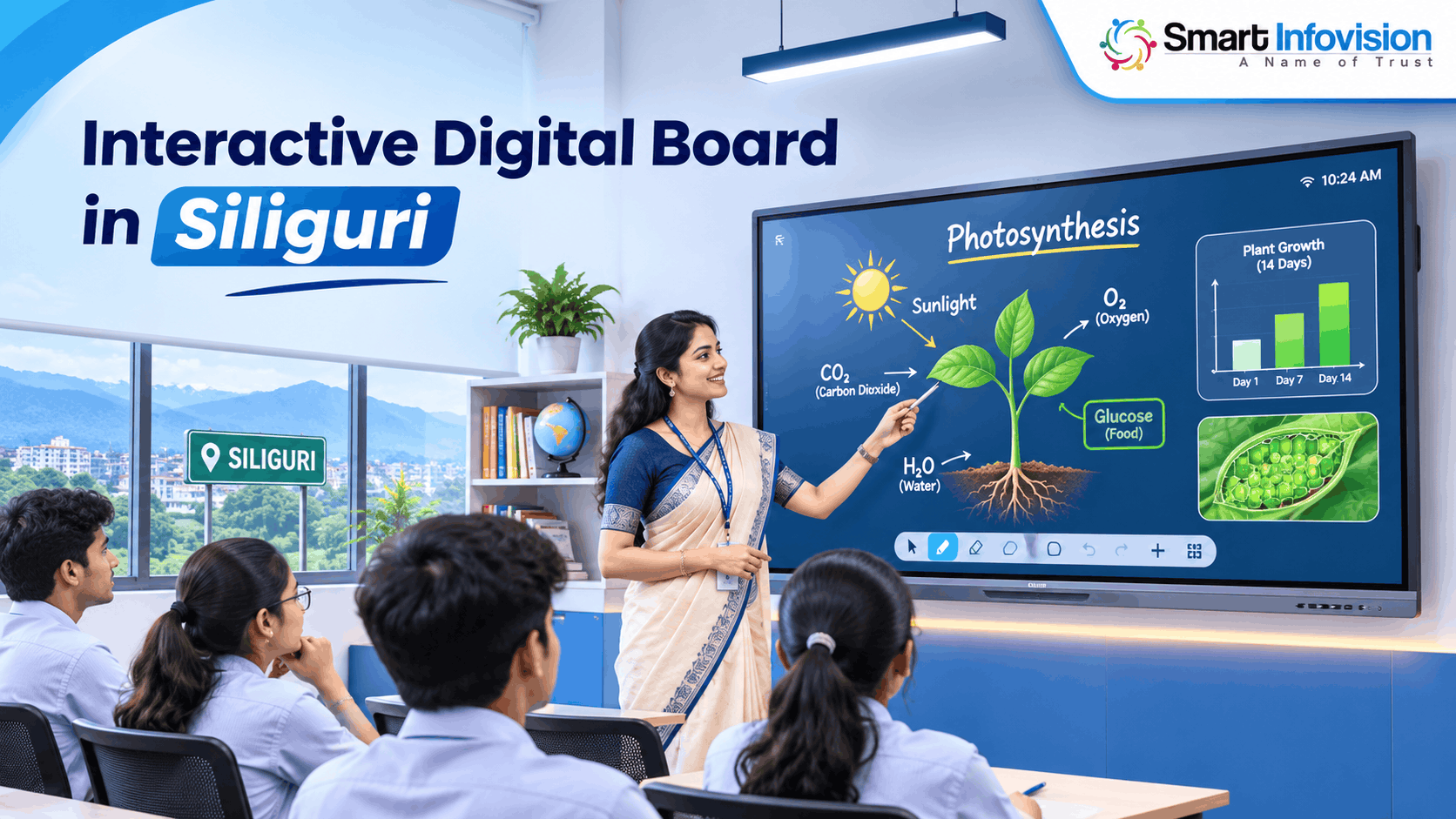
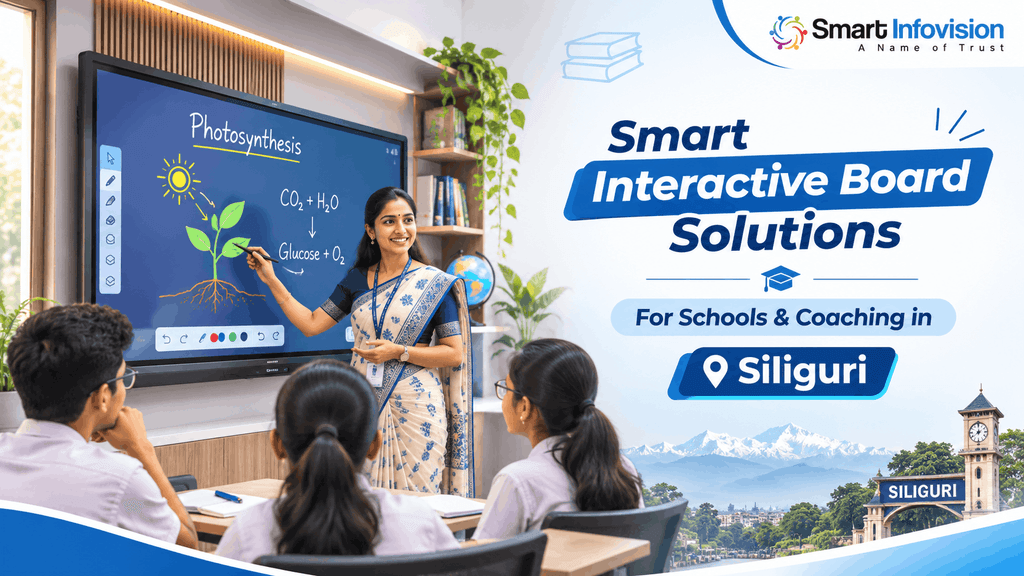
Interactive digital board एक बड़े touch-enabled display की तरह काम करता है। शिक्षक उंगली या compatible stylus से लिख सकते हैं, PDF पर annotations जोड़ सकते हैं और presentation के दौरान diagrams बदल सकते हैं। कई models में built-in operating system होता है; कुछ में अलग computer या OPS module की आवश्यकता पड़ सकती है।
Unlike a regular television, an interactive flat panel is built for on-screen writing and classroom interaction. A teacher can open a chapter, underline a definition, zoom into a map and save notes for later revision.
Siliguri Ke Schools Aur Coaching Institutes Ko Kya Fayda Ho Sakta Hai?
सिलिगुड़ी के school classrooms में एक ही period के भीतर textbook content, images और short videos दिखाना उपयोगी हो सकता है। उदाहरण के लिए, geography में map पर स्थान चिन्हित किए जा सकते हैं; biology में structure बड़ा करके समझाया जा सकता है। इससे शिक्षक को बार-बार अलग teaching aids बदलने की जरूरत कम पड़ सकती है।
Competitive exam coaching mein speed aur clarity dono important hote hain. Teachers previous-year questions display karke steps highlight kar sakte hain, phir solution ko save karke revision ke liye share kar sakte hain. However, technology automatically better results nahi deti; lesson planning, teacher training aur student participation bhi equally necessary hain.
Interactive Flat Panel Mein Kaunse Features Check Karne Chahiye?
4K Display, Screen Visibility Aur Writing Experience
4K resolution charts, छोटे अक्षरों और detailed illustrations को अधिक स्पष्ट दिखाने में मदद कर सकता है। लेकिन screen quality केवल resolution से तय नहीं होती। Classroom की lighting, viewing angle, anti-glare finish और पीछे बैठने वाले students के लिए text readability भी जांचें। Demo में अपनी वास्तविक study material खोलकर देखें।
Touch response deserves special attention. Stylus se fast equations likhiye, palm accidentally screen par rakhiye aur dekhiye eraser kitna smoothly work karta hai. Multi-touch points ka high number attractive lag sakta hai, lekin daily teaching mein accurate handwriting aur low interruption zyada valuable hote hain.
Connectivity, Software Aur Screen Sharing
अच्छे teaching workflow में HDMI, USB, Type-C, Wi-Fi और audio connectivity की जरूरत अलग-अलग हो सकती है। अपने laptop, document camera और existing microphone के साथ compatibility पूछें। यदि computer-based applications अनिवार्य हैं, तो Android-only panel और Windows OPS वाले setup का अंतर पहले स्पष्ट कर लें।
Traditional Whiteboard vs Interactive Digital Board
पारंपरिक whiteboard कम खर्च वाला, बिजली से स्वतंत्र और इस्तेमाल में सरल होता है। इसके विपरीत interactive panel multimedia lessons, saved notes और digital resources के साथ अधिक flexible teaching दे सकता है। दोनों के बीच सही चुनाव संस्थान के teaching method और available budget पर निर्भर करेगा, किसी एक technology के प्रचार पर नहीं।
Digital boards require reliable power, careful maintenance and some teacher onboarding. They can also introduce distractions if every lesson becomes a video presentation. UNESCO ki technology-in-education research bhi learning needs, teacher preparation aur evidence-based adoption ko importance deti hai. Isliye board ko teaching support samjhein, teacher ka replacement nahi.
Online Teaching Aur Hybrid Classroom Mein Digital Board Ka Role
ऑनलाइन शिक्षक screen पर लिखते हुए explanation दे सकते हैं, जबकि camera उनकी presentation या classroom interaction record कर सकता है। Hybrid sessions में remote students को वही teaching material दिखाने के लिए screen sharing, conferencing software और suitable audio equipment जरूरी हो सकते हैं। हर board अपने आप complete recording studio नहीं बन जाता।
For a practical studio, think of the full signal chain: interactive panel, camera, microphone, computer or encoder, internet and lighting. A teaching-oriented model such as the Benchmark MaxPro Ultra interactive flat panel lists 4K display, annotation tools and connectivity options. Actual compatibility with your preferred recording software should be verified through a working demo.
Recorded lectures ko organised way mein distribute karne ke liye learning-management workflow helpful ho sakta hai. Google Classroom ke official resources assignments, class material aur digital learning activities manage karne ke options explain karte hain. Panel ki purchase aur classroom software ka selection alag decisions hain; dono ko ek hi solution samajhkar budget na banayein.
Siliguri Mein Digital Board Purchase Karne Se Pehle Kya Check Karein?
Room Size Aur Viewing Distance
स्क्रीन चुनने से पहले classroom की लंबाई, आखिरी बेंच से दूरी और दीवार की स्थिति मापें। Compact tuition rooms में 65-inch panel उपयुक्त हो सकता है, जबकि बड़े coaching batches के लिए 75-inch या 86-inch पर विचार किया जा सकता है। यह सामान्य starting point है, fixed rule नहीं; वास्तविक readability test ज्यादा भरोसेमंद रहेगा।
Digital Board Price In Siliguri Aur Total Ownership Cost
Digital board price in Siliguri किसी एक निश्चित संख्या से नहीं समझी जा सकती। Model, size, operating system, OPS computer, accessories और warranty coverage के अनुसार quotation बदल सकता है। सिर्फ panel की कीमत देखने के बजाय delivery, wall mount, installation, cabling, teacher training और taxes का पूरा written breakup मांगना बेहतर है।
Ask whether service visits, replacement parts, software renewals and future relocation are included or chargeable. Warranty period ke saath response process aur exclusions bhi samjhein. Agar multiple classrooms upgrade karne hain, toh first installation ko pilot bana kar teaching feedback lein; phir remaining boards ke liye decision final karein.
Support, Security Aur Demonstration
खरीदारी से पहले supplier से serial-number verification, service escalation contact और installation timeline लिखित रूप में लें। Device access controls, student files की privacy और software update policy भी महत्वपूर्ण हैं। विशेषकर school administration के लिए यह स्पष्ट होना चाहिए कि कौन files save करेगा और कौन applications install कर सकता है।
Smart Infovision Aur Benchmark Technomate Ke Teaching Solutions
Smart Infovision अपनी official website पर digital teaching equipment और interactive flat panels की range प्रस्तुत करता है, जिसमें Benchmark Technomate के models भी शामिल हैं। Teachers और institutional buyers Smart Infovision digital board collection पर उपलब्ध options, screen sizes और product descriptions देख सकते हैं। Final purchase से पहले chosen variant की specifications confirm करना आवश्यक है।
Siliguri aur nearby North Bengal institutions apni classroom dimensions, batch strength, online-teaching needs aur approximate budget share karke suitable configuration ka quotation request kar sakte hain. Delivery availability, on-site installation, warranty and demo arrangements ki written confirmation lena advisable hai. Kisi unverified local showroom ya immediate stock ka assumption nahi karna chahiye.
Digital Classroom Technology Ka Future
भविष्य के teaching setups में interactive content, digital assessments और AI-assisted lesson tools अधिक दिखाई दे सकते हैं। फिर भी हर नई सुविधा आवश्यक नहीं होती। कई शिक्षकों के लिए साफ handwriting, reliable file sharing और uninterrupted classes किसी advanced automation से ज्यादा मूल्यवान रहेंगे।
Conclusion: Apni Teaching Requirements Ke Hisaab Se Board Choose Karein
Interactive Digital Board in Siliguri खोजने वाले teachers और institute owners के लिए सबसे अच्छा निर्णय वही होगा जो classroom में सचमुच उपयोगी साबित हो। Screen readability, teaching software, writing experience, service terms और complete quotation को साथ देखकर फैसला करें। एक अच्छी demo class किसी भी marketing claim से ज्यादा स्पष्ट जानकारी देती है।
Smart Infovision se enquiry karte waqt room size, class strength, subjects aur online recording requirements batayein. Is information ke basis par relevant Benchmark Technomate options, accessories aur installation scope discuss kiya ja sakta hai. Final order se pehle specifications, service coverage aur commercial terms written form mein verify karein.
Frequently Asked Questions
1. Siliguri Mein Interactive Digital Board Kis Ke Liye Useful Hai?
Schools, coaching institutes, private tutors और online educators के लिए यह उपयोगी हो सकता है, खासकर जब diagrams, presentations, saved notes और interactive explanations नियमित रूप से इस्तेमाल होते हों।
2. 65-Inch Ya 75-Inch Digital Board Kaise Select Karein?
Classroom dimensions, last-row viewing distance aur actual font readability check karein. Small rooms mein 65-inch practical ho sakta hai, lekin final choice live demonstration se karein.
3. Kya Interactive Panel Se Online Classes Record Ho Sakti Hain?
हाँ, suitable computer, recording software, camera और audio arrangement के साथ online classes record की जा सकती हैं। Exact workflow model और connected devices पर निर्भर करेगा।
4. Kya Digital Board Internet Ke Bina Kaam Karega?
Basic local whiteboard functions kai models mein offline available ho sakte hain. Cloud content, live classes aur online apps ke liye connectivity chahiye; selected panel ka offline demo karwa lein.
5. Digital Board Ki Warranty Mein Kya Verify Karein?
Warranty duration के साथ panel coverage, touch system, accessories, service location, exclusions और repair response process को invoice या written terms में check करें।
6. Kya Smart Board Purchase Se Pehle Demo Lena Zaroori Hai?
Demo strongly recommended hai. Apni PDF, handwriting speed, laptop aur teaching apps test karke hi features, compatibility aur classroom suitability ka practical assessment karein.