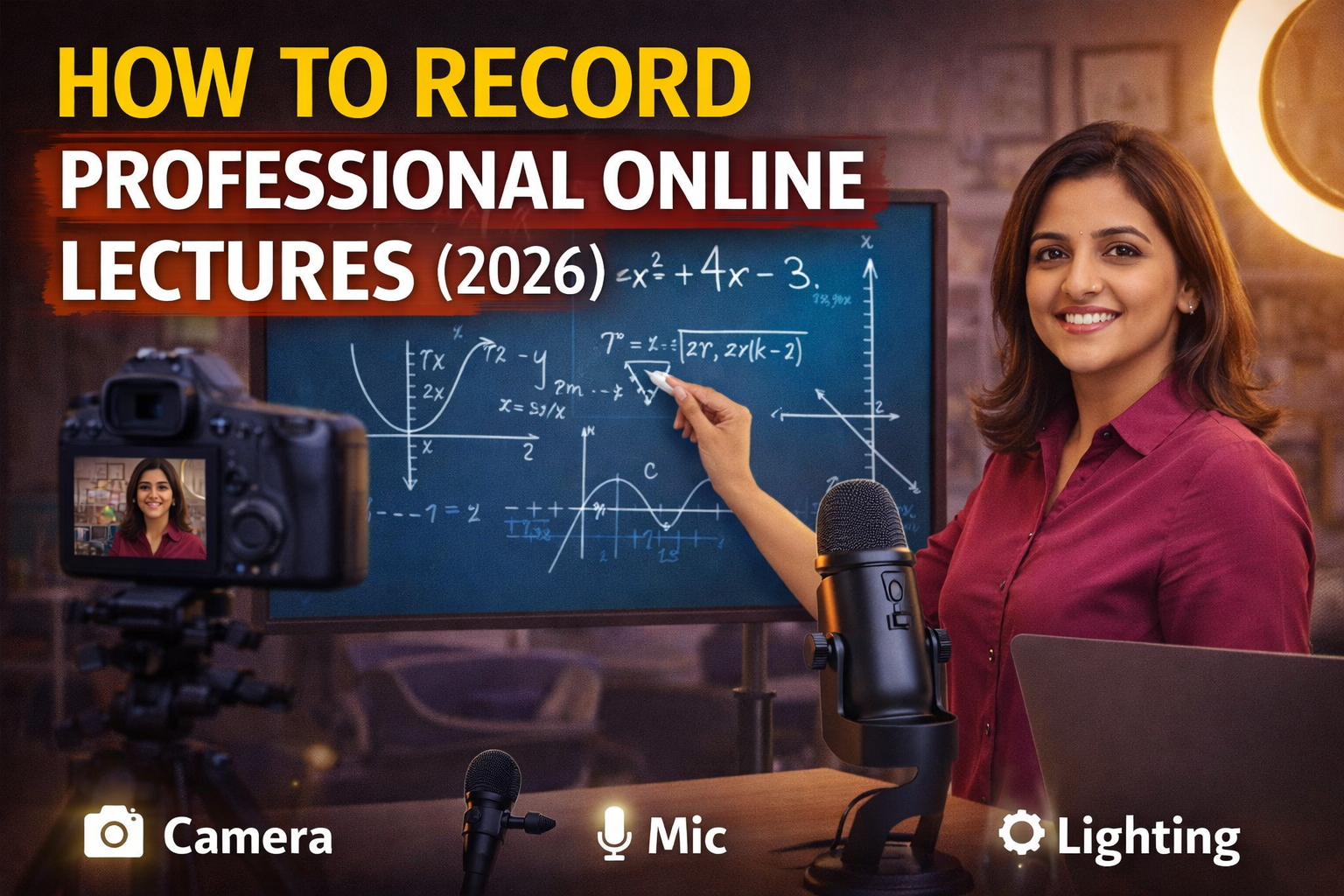
Online teaching ka trend 2026 me rapidly grow kar raha hai, aur sirf live classes hi nahi, recorded lectures bhi education industry ka ek major part ban chuke hain. YouTube courses, paid classes, coaching recordings — sab jagah high-quality recorded lectures ki demand hai.
Lekin ek common problem hai — bahut se teachers professional lecture record nahi kar paate, jisse unki video quality, audio clarity aur overall impact weak ho jata hai.
Is blog me hum step-by-step samjhenge ki aap kaise professional online lectures record kar sakte hain.
Why Recording Professional Lectures is Important?
Recorded lectures ke benefits:
- Students kabhi bhi dekh sakte hain
- Revision easy ho jata hai
- Passive income create hota hai
- YouTube aur course platforms par growth milti hai
High-quality recording = high value content
Step 1: Choose the Right Setup
Professional lecture ke liye basic setup zaroori hai:
- Camera (smartphone / DSLR)
- Microphone (lavalier / USB mic)
- Lighting (ring light / LED light)
- Digital board / whiteboard
Step 2: Perfect Camera Setup
Camera Position
- Eye level par hona chahiye
- Stable tripod use karein
- Frame me head + board visible ho
Resolution
- Minimum 1080p
- Best: 4K
Step 3: Clear Audio Setup
Audio sabse important part hai.
Best Options:
- Lavalier mic (clip mic)
- USB mic
- Shotgun mic
Tips:
- Mic mouth ke paas ho
- Background noise avoid karein
- Fan noise kam rakhein
Step 4: Lighting Setup
Lighting directly video quality ko impact karti hai.
Ideal Lighting:
- Front light
- No shadow
- Balanced brightness
Tools:
- Ring light
- LED panel
Step 5: Background & Environment
Good Background:
- Clean wall
- Digital board
- Minimal setup
Avoid:
- Messy background
- Distracting objects
Step 6: Use Digital Board or Visual Tools
Professional lectures me visual support important hota hai:
- Digital board
- PPT slides
- Diagrams
- Screen sharing
👉 Visual teaching se understanding improve hoti hai
Step 7: Screen Recording Tools
Agar aap screen record karna chahte hain:
- OBS Studio
- Screen recorder software
- Built-in recording tools
Step 8: Lecture Planning
Recording se pehle planning zaroori hai:
- Topic breakdown
- Key points
- Flow of explanation
👉 Random teaching avoid karein
Step 9: Recording Tips
✔ Camera on before starting
✔ Audio check karein
✔ Proper posture maintain karein
✔ Eye contact camera se rakhein
Step 10: Editing & Final Output
Recording ke baad editing karein:
- Noise remove karein
- Brightness adjust karein
- Unwanted parts cut karein
Tools:
- Basic video editors
- Mobile editing apps
Common Mistakes to Avoid
❌ Low audio quality
❌ Poor lighting
❌ Shaky camera
❌ No planning
❌ Long boring lectures
Ideal Setup for Lecture Recording
Budget Setup:
- Smartphone
- Lavalier mic
- Basic light
Professional Setup:
- DSLR camera
- Studio mic
- LED lights
- Digital board
Benefits of Professional Recording
✔ High quality content
✔ Better student engagement
✔ More views (YouTube)
✔ Course selling opportunity
✔ Brand value increase
Best Use Cases
- YouTube lectures
- Online courses
- Coaching recordings
- School content
Future of Recorded Lectures (2026)
- Hybrid learning model
- Recorded + live classes
- High quality production standard
👉 Jo teacher professional content banayega wahi grow karega
Pro Tips for Teachers
✔ Short lectures banayein (10–20 min)
✔ Clear explanation dein
✔ Visual content use karein
✔ Consistency maintain karein
Before vs After Recording Setup
Before:
- Basic recording
- Low quality
- No structure
After:
- Professional video
- Clear audio
- Structured teaching
Conclusion
Professional online lectures record karna mushkil nahi hai — bas sahi setup aur planning ki zarurat hoti hai.
Agar aap:
- Good camera use karte hain
- Clear audio maintain karte hain
- Proper lighting setup karte hain
To aap easily high-quality lectures record kar sakte hain.
👉 Smart setup = professional teaching
Contact Details
📞 +91 9560805022