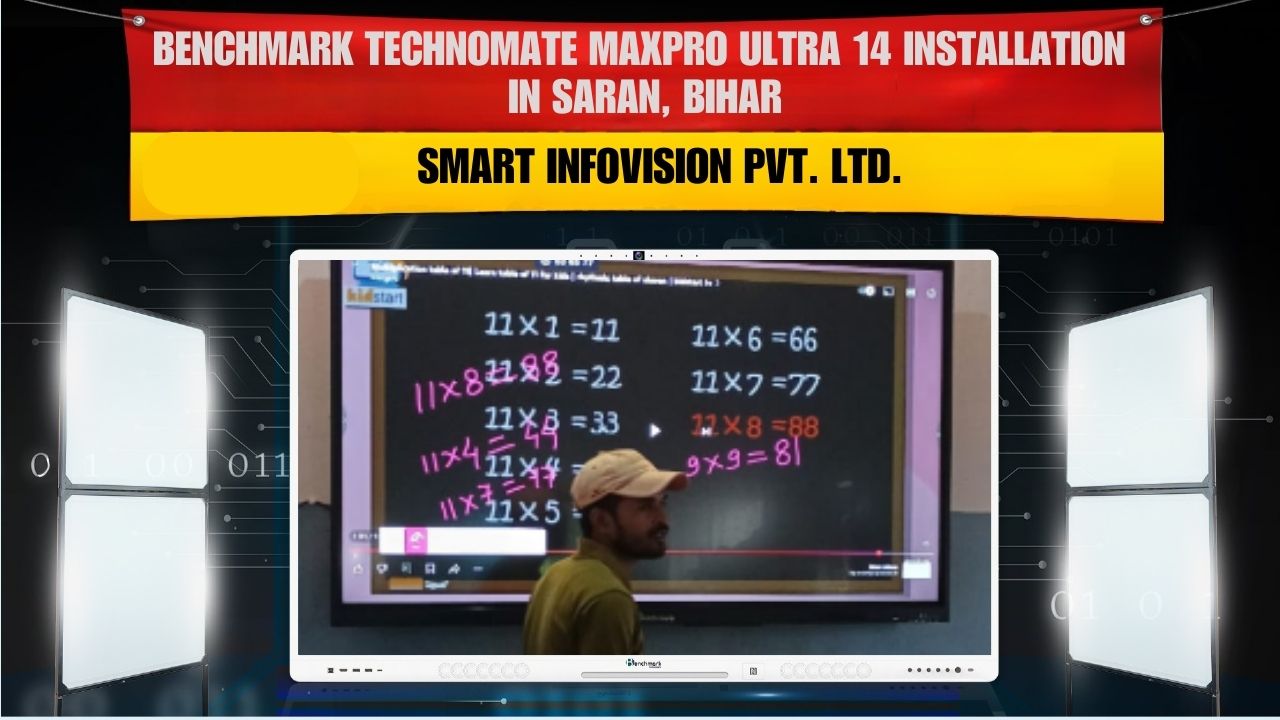
Digital education and modern presentation environments are rapidly growing across India. To support the transformation toward technology-led classrooms and corporate workspaces, Smart Infovision has successfully completed the installation of the Benchmark Maxpro Ultra 14 (75-inch) Interactive Panel for Sona Enterprises in Saran, Bihar.
This installation marks another major step in upgrading traditional teaching and business communication into a smart, engaging, and efficient digital experience.
Project Details
Client
Sona Enterprises
Location
Saran, Bihar
Product Installed
Benchmark Maxpro Ultra 14 – 75-inch Interactive Touch Panel
The client required a solution capable of:
- Replacing traditional projectors
- Providing a digital writing board
- Offering wireless connectivity
- Displaying high-quality visuals
- Supporting teaching and presentations professionally
The Benchmark Maxpro Ultra 14 fulfills all these requirements with superior performance and modern design.
Why Choose Benchmark Maxpro Ultra 14 (75-inch)?
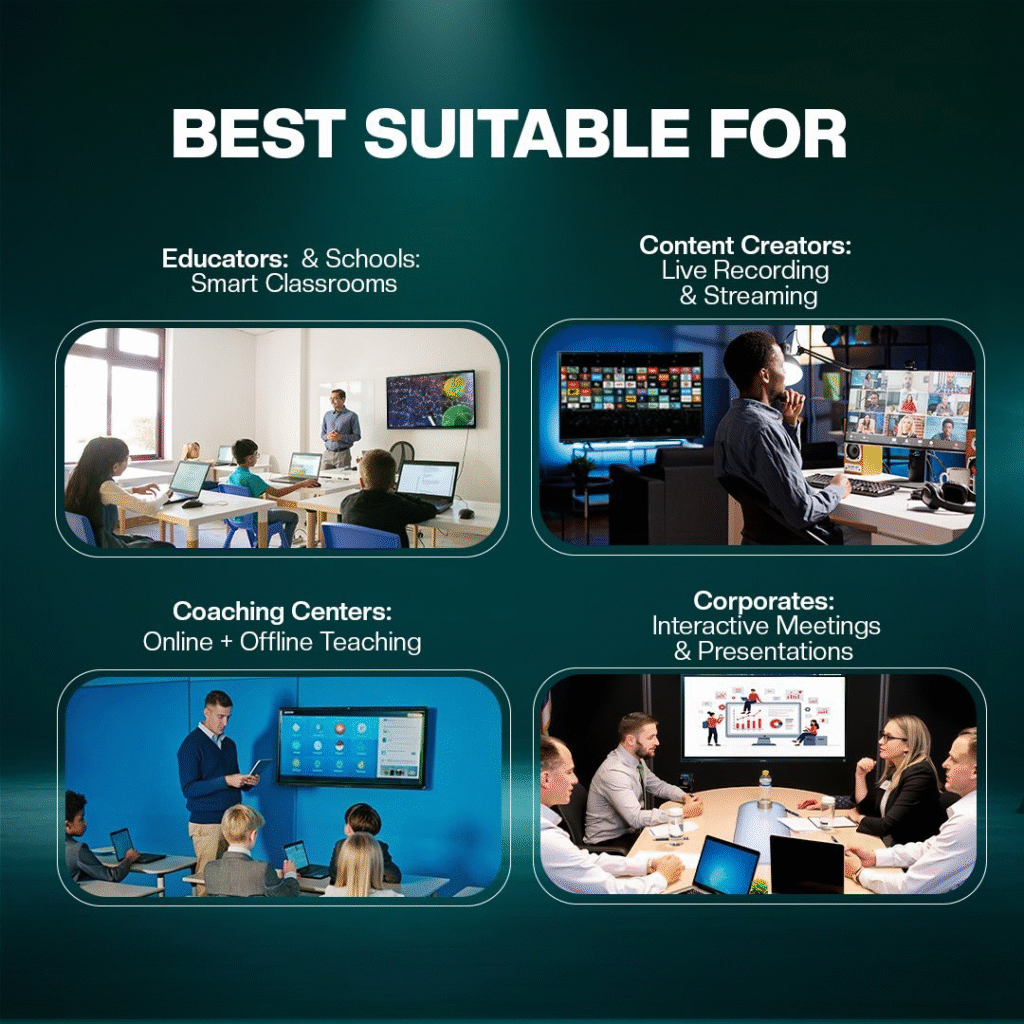
The Maxpro Ultra 14 series is engineered for:
- Smart classrooms
- Corporate meeting rooms
- Training centers
- Coaching institutes
- Government and enterprise presentations
Its large 75-inch screen makes it suitable for rooms with larger seating capacity, ensuring every participant has a clear view of the content.
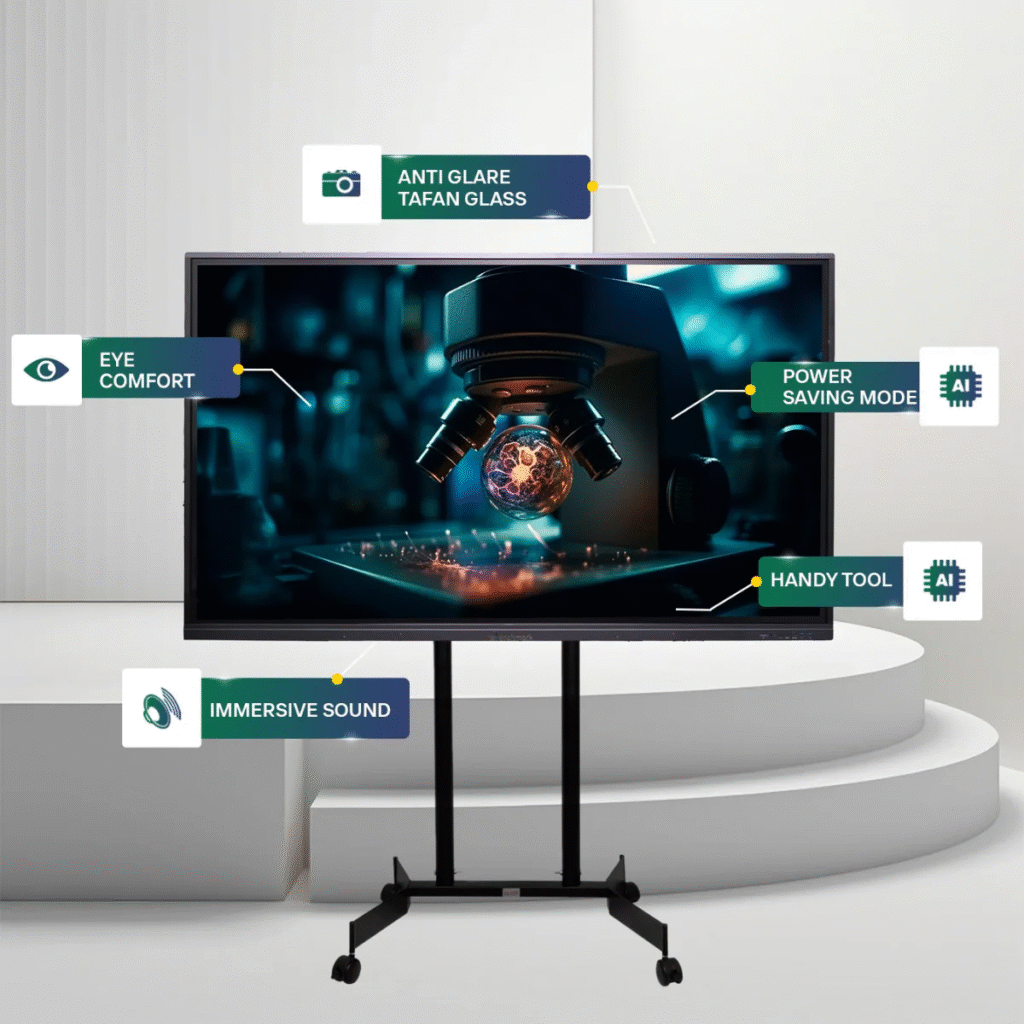
Powerful Features of Benchmark Maxpro Ultra 14 (75-inch)
1. Ultra-HD 4K Display
The interactive panel provides exceptional clarity with:
- Sharp visuals
- Clear text readability
- Vibrant colors
Whether showing diagrams, lessons, presentations, or videos, every detail appears professional and premium.
2. Fast, Lag-Free Writing
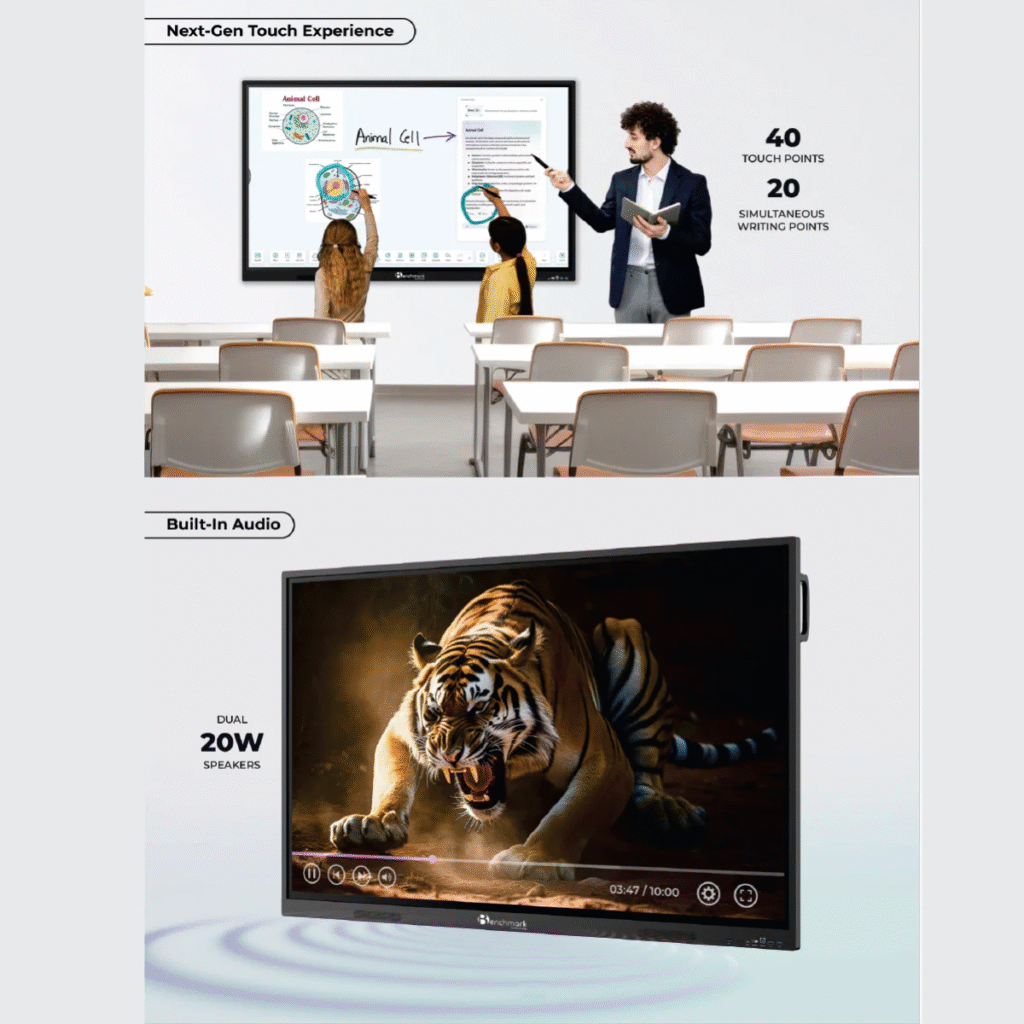
The responsive touch technology offers:
- Zero-delay writing
- Smooth annotation
- Accurate pen input
Users can write naturally as if using a traditional whiteboard.
3. Wireless Screen Sharing
Teachers, students, and professionals can connect:
- Laptops
- Smartphones
- Tablets
And share content instantly without cables.
4. Dual OS Support
The Maxpro Ultra 14 supports:
- Android OS
- Windows OS
This ensures flexibility, allowing users to work with a wide variety of software applications.
5. Integrated Audio System
Built-in speakers remove the need for external sound systems, making presentations, lectures, and multimedia sessions simple and effective.
6. Multi-Port Connectivity
Supports input from:
- HDMI
- USB
- VGA
- Ethernet and more
This makes integration easy in any environment.
Smart Infovision Installation Approach
Our trained technical team completed the installation through a structured process:
Step 1 – Site Survey
Understanding space, viewing distance, and mount position.
Step 2 – Secure Wall Mounting
Heavy-duty brackets installed for long-term use.
Step 3 – Cable Management
Neat, professional routing for a clean and modern finish.
Step 4 – System Configuration
Operating systems, sharing tools, internet connectivity, and display settings optimized.
Step 5 – Client Demonstration
A live orientation was provided to ensure the client could:
- Write digitally
- Annotate
- Share screens
- Use teaching & presentation tools
The system was handed over ready to use.
How the Maxpro Ultra 14 Enhances Delivery
With this installation, Sona Enterprises now benefits from:
- Increased engagement
- Faster workflow
- High-quality visuals
- Reduced technical overhead
- Future-ready digital infrastructure
The panel turns classrooms and training rooms into interactive learning spaces with long-term return on investment.
FAQs
1. What size panel has been installed?
A 75-inch Benchmark Maxpro Ultra 14 interactive panel.
2. Is the panel suitable for classrooms?
Yes, it is widely used in smart classrooms and training environments.
3. Does it support wireless sharing?
Yes, users can wirelessly share screens from laptops and mobile devices.
4. What is the screen resolution?
Ultra-HD 4K.
5. Can it run both Android and Windows?
Yes, it supports dual operating systems.
6. Is writing smooth and responsive?
Yes, it offers fast, lag-free writing with an interactive pen.
7. Does it replace projectors?
Yes, it provides better picture quality and eliminates projector maintenance.
8. Are external speakers required?
No, it includes high-quality built-in speakers.
9. Is installation available across India?
Yes, Smart Infovision installs panels nationwide.
10. Is training provided after installation?
Yes, customers receive complete operational training.
Contact Smart Infovision
Service
+91-7090022211
Sales
+91-8527926648
Write to Us
service@smartinfovision.com
sales@smartinfovision.com
Head Office
Smart Infovision, G-128, Sector 63, Noida – 201301