Ghar Se Professional Online Teaching Kaise Start Karein
Aaj ke digital era me teaching sirf classroom tak limited nahi rahi. Ab har teacher ke paas opportunity hai ki wo apne ghar se hi ek professional online teaching studio start kare aur thousands students tak reach kare.
COVID ke baad online education ne ek permanent shift create kiya hai. Ab parents aur students dono online learning ko accept kar chuke hain. Iska matlab hai ki agar aap ek teacher ho, to aapke paas ek powerful opportunity hai apni income aur reach dono ko multiply karne ki.
Lekin ek successful online teaching journey start karne ke liye sirf knowledge kaafi nahi hai. Aapko ek proper home studio setup, structured teaching approach aur right tools ki zarurat hoti hai.
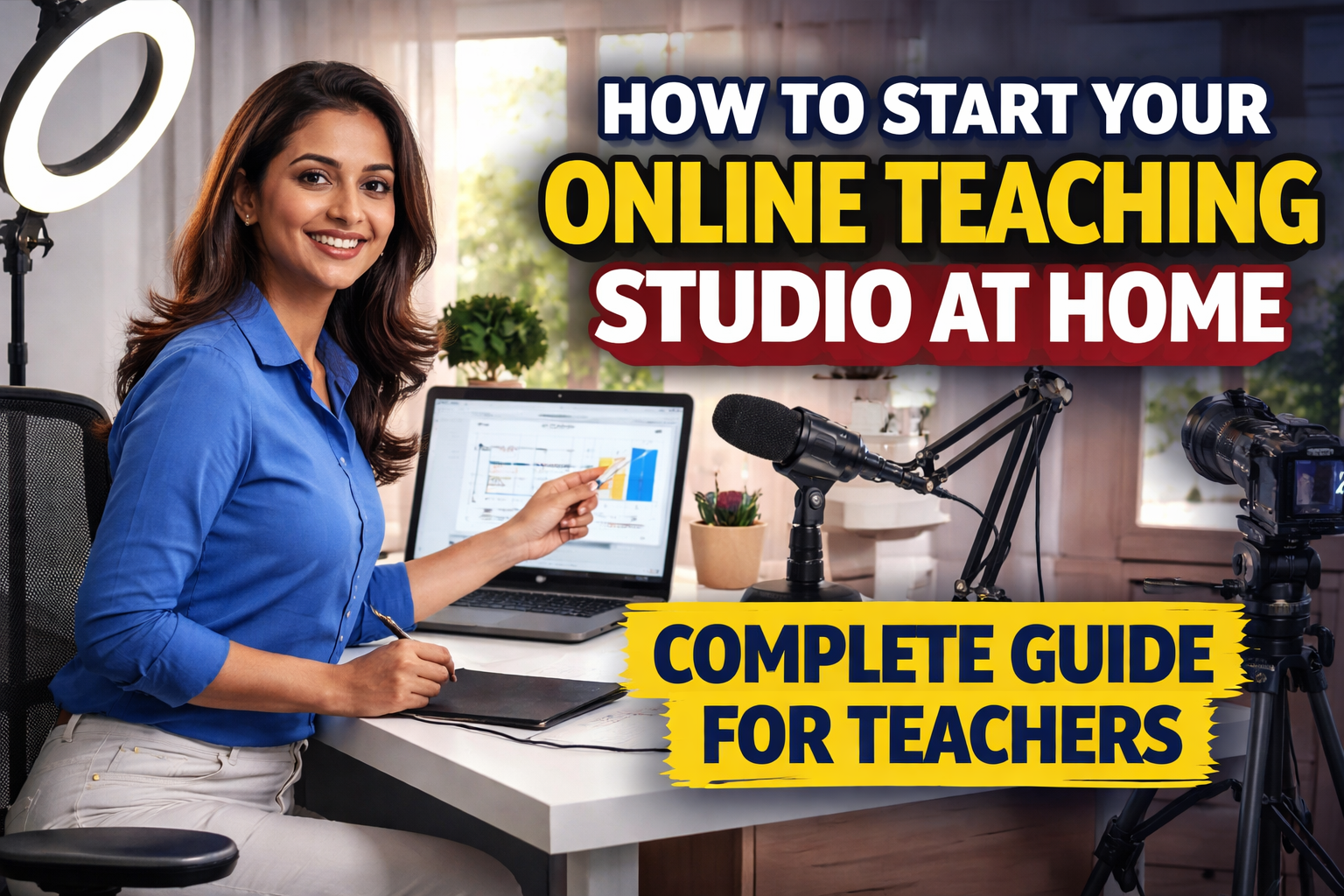
Is blog me hum step-by-step samjhenge ki kaise aap apne ghar se hi ek professional online teaching studio setup kar sakte hain, chahe aap beginner ho ya experienced educator.
Why Start an Online Teaching Studio at Home
Online teaching studio start karna ek smart decision hai, especially 2026 ke context me.
Major Benefits
1. Low Investment Business Model
Aap ₹20,000–₹50,000 ke andar bhi start kar sakte ho.
2. Unlimited Reach
Aap apne city ke students tak limited nahi rehte. Nationwide aur worldwide reach milti hai.
3. Flexible Schedule
Aap apne time ke according classes schedule kar sakte ho.
4. Multiple Income Sources
- Live classes
- Recorded courses
- YouTube monetization
- Subscription model
5. Personal Brand Building
Aap ek teacher ke saath ek brand bhi ban jaate ho.
Step-by-Step Guide to Start Online Teaching Studio at Home
Ab hum practical steps discuss karte hain jo aapko follow karne chahiye.
Step 1: Choose the Right Space at Home
Sabse pehla step hai ek suitable room ya corner select karna.
Ideal Space Requirements
- Quiet environment
- Minimum background noise
- Proper lighting (natural ya artificial)
- Enough space for camera and lighting
Pro Tips
- Window ke paas setup karo (natural light ke liye)
- Echo avoid karne ke liye curtains use karo
- Distraction-free environment rakho
Step 2: Plan Your Budget
Setup start karne se pehle budget decide karna important hai.
Budget Categories
Basic Setup (₹20K – ₹50K)
- Smartphone
- Collar mic
- Ring light
- Tripod
Intermediate Setup (₹50K – ₹1L)
- Webcam / DSLR
- USB mic
- LED lights
- Pen tablet
Advanced Setup (₹1L+)
- Mirrorless camera
- Wireless mic
- Digital board
- Studio lighting
Step 3: Camera Setup
Camera aapka face aur expressions capture karta hai, jo teaching me important role play karta hai.
Options
- Smartphone (best for beginners)
- Webcam
- DSLR / Mirrorless
Setup Tips
- Eye-level positioning
- Stable tripod use karein
- Clean framing rakhein
Step 4: Audio Setup (Most Important)
Audio quality directly student experience ko affect karti hai.
Best Options
- Collar mic (budget friendly)
- USB mic (better quality)
- Wireless mic (professional use)
Audio Tips
- Noise-free room use karein
- Mic ko properly place karein
- Echo reduce karein
Step 5: Lighting Setup
Lighting se aapka video professional dikhta hai.
Lighting Options
- Ring light
- LED panel
- Tube light (budget option)
Best Practice
- Light front me ho
- Shadows avoid karein
- Consistent brightness maintain karein
Step 6: Background Setup
Background aapke studio ka visual identity hota hai.
Options
- Plain wall
- Bookshelf
- Curtain
- Digital board
Tips
- Clean aur minimal rakhein
- Distracting elements avoid karein
- Branding elements add kar sakte hain
Step 7: Teaching Tools (Digital Board / Tablet)
Teaching ke liye writing tools zaruri hote hain.
Options
- Whiteboard
- Pen tablet
- Interactive flat panel
Recommendation
Beginners ke liye pen tablet best hai.
Step 8: Software Setup
Aapko teaching ke liye right software bhi choose karna hoga.
Best Platforms
- Zoom
- Google Meet
- Microsoft Teams
- OBS Studio
Step 9: Internet Setup
Stable internet connection must hai.
Requirements
- Minimum 20 Mbps speed
- Backup internet (optional)
- LAN connection preferred
Step 10: Start Recording and Teaching
Ab aap ready ho apna studio use karne ke liye.
Start With
- Trial recordings
- Demo classes
- Feedback collection
How to Make Your Studio Look Professional
- Proper framing
- Clean background
- Good lighting
- Clear audio
- Confident presentation
Content Strategy for Online Teachers
Successful online teaching sirf setup par depend nahi karta.
Content Types
- Live classes
- Recorded lectures
- Short videos
- Practice sessions
Consistency
Regular content upload karna important hai.
Common Mistakes to Avoid
- Poor audio setup
- Lighting ignore karna
- Background cluttered rakhna
- Over investment bina planning
- Practice skip karna
How to Grow Your Online Teaching Business
- YouTube channel start karo
- Social media use karo
- Student feedback lo
- Courses launch karo
- Branding par focus karo
Who Should Start a Home Teaching Studio
- School teachers
- Coaching teachers
- Tutors
- YouTube educators
- Trainers
Future Scope of Online Teaching
Online education ka future strong hai.
- Hybrid learning model
- AI integration
- Personalized education
- Global teaching opportunities
FAQ – Frequently Asked Questions
Q1. Ghar se online teaching start karne ka minimum budget kya hai?
₹20,000 ke around basic setup start ho sakta hai.
Q2. Kya smartphone se teaching possible hai?
Haan, proper lighting aur mic ke saath.
Q3. Sabse important kya hai?
Audio aur lighting.
Q4. Kya digital board zaruri hai?
Advanced teaching ke liye recommended hai.
Q5. Kya recording zaruri hai?
Haan, future use ke liye helpful hai.
Conclusion
Ghar se online teaching studio start karna ek powerful opportunity hai jo aapki teaching career ko completely transform kar sakta hai.
Sahi planning, basic investment aur consistent effort ke saath aap ek professional teaching environment create kar sakte hain jo aapko long-term success aur financial growth de sakta hai.
Sabse important baat hai start karna. Perfect setup ka wait mat karo. Jo available hai usse shuru karo aur gradually upgrade karte raho.
Contact Details
+91 9560805022