A PTZ camera can make online teaching more flexible, but the lowest advertised price does not always mean the lowest cost of a working classroom setup. Teachers also need readable board footage, dependable connections and support when something stops working. Compare what each quotation delivers before deciding which camera represents good value.
This guide explains how to evaluate PTZ camera prices in India using a published price example and practical buying checks. Smart Infovision supplies teaching equipment, so this is a commercial educational guide. It is not a hands-on product review. The cited price was checked on 12 October 2026 and should be confirmed before purchase.
Key takeaways
Compare the exact camera model, warranty and installed cost rather than the headline discount. Confirm optical zoom, usable video outputs and the resolution available through your chosen connection. Ask for a lesson recording before paying extra for 4K or tracking, and get tax, accessories, installation and service terms in writing.
What is the PTZ camera price in India for teachers?
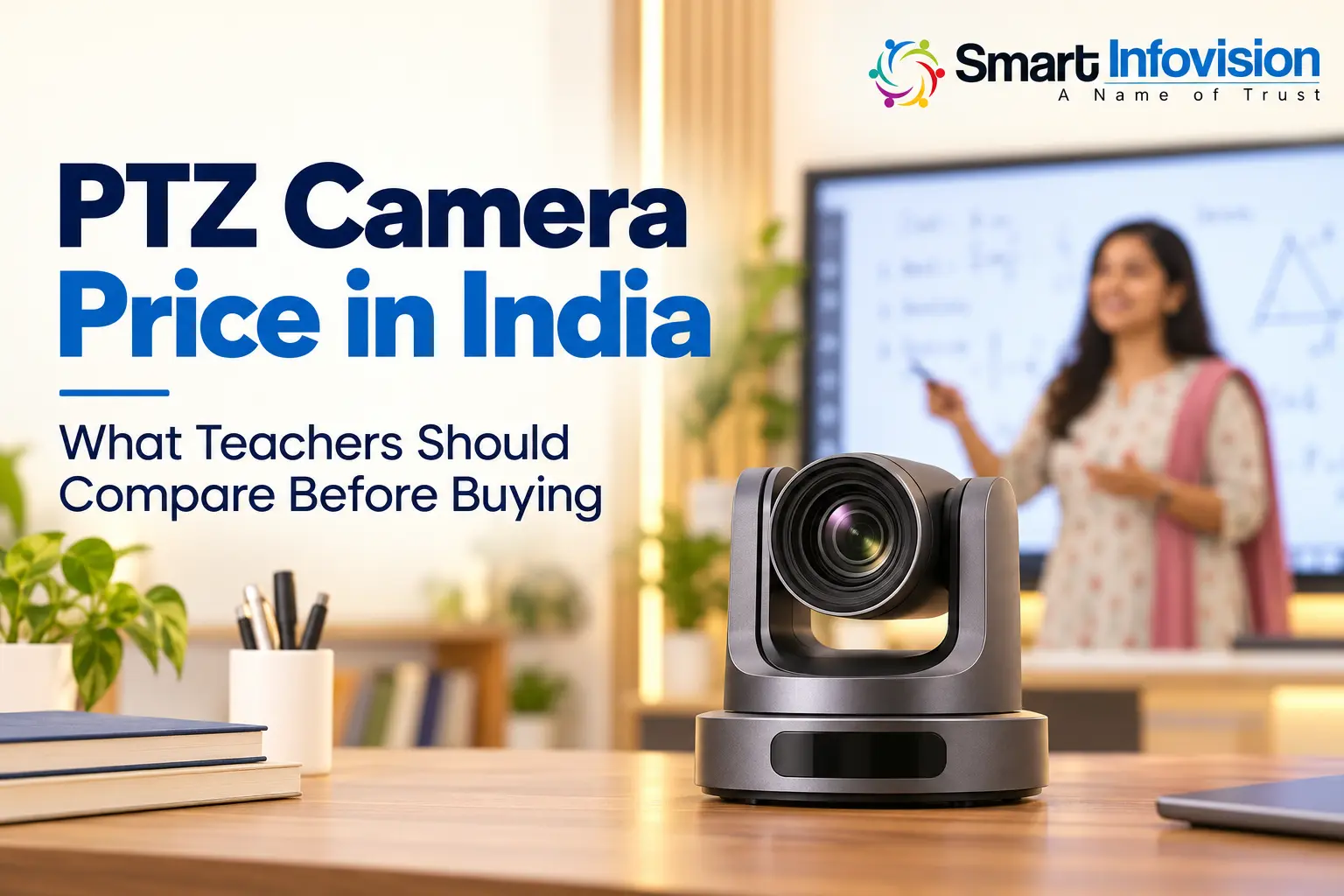
There is no single price for a teaching PTZ camera. Resolution, lens design, control options, connectivity and service arrangements can change the quotation. A price for one model should not be presented as the starting price for the entire Indian market.
As a specific reference, the Benchmark 4K PTZ Camera listing displayed ₹65,000 with tax included when checked. Its page also offers one-, three- and five-year warranty selections. Confirm which selection applies to the displayed price, current stock and whether installation or accessories cost extra. This is a dated listing example, not a guaranteed quotation.
When comparing another supplier, request its current written price for the same type of camera and the same scope of supply. A lower amount excluding tax, mounting hardware or support cannot be compared directly with a fully installed package.
Separate the camera price from the complete setup price
Ask the supplier to show the camera, mount, cables, microphone, capture hardware, installation and training as separate items. A camera-only purchase may suit someone with an existing studio. A first-time teacher may need several additional components before recording a usable lesson.
Consider an illustrative calculation, rather than a market quotation: if a camera costs ₹65,000 and your additional equipment and setup cost ₹12,000, the combined amount is ₹77,000 before any further applicable charges. The ₹12,000 is an assumed example, not a verified accessory package. Your actual cost depends on the room and supplied equipment.
Confirm whether the final amount includes GST, delivery, travel for installation and the cable length your room needs. Keep the written scope alongside the invoice so you know what was agreed.
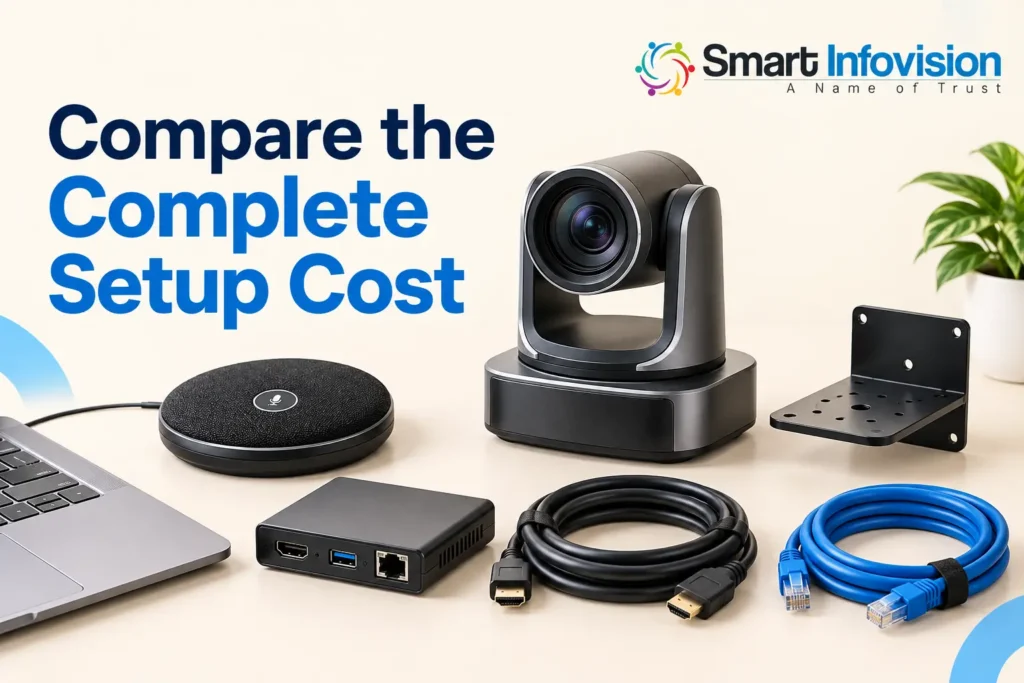
AI-generated illustration of equipment to discuss in an itemised quotation.
Decide whether 4K is worth paying for
4K can help when you record detailed lessons or crop footage during editing. However, students may receive a lower-resolution stream, and board writing can still look soft if the lens is out of focus or the board occupies too little of the frame. Judge the final lesson video rather than the specification label.
Ask the seller to record small handwriting, equations and diagrams using your intended software. Watch that sample on a phone at normal playback size. If you use a digital board, discuss combining a direct screen capture with the teacher camera where your system supports it.
Compare optical zoom and room coverage
Optical zoom changes framing through the lens. Digital zoom enlarges or crops the captured image, so the two should not be treated as equivalent. Ask for the optical zoom separately from combined zoom claims.
More zoom is not automatically better for teaching. A small studio may need a wide view to fit the teacher and board, while a rear-mounted camera in a deeper classroom may need tighter framing. Compare the widest horizontal field of view, camera-to-board distance and intended close-up. Axis lens guidance explains why focal length and sensor size affect coverage.
Check connections before paying for extra features
Ask what resolution and frame rate the camera delivers through the port you will actually use. A camera can have several outputs without providing identical video formats through each one. USB video may simplify a compatible computer setup, while HDMI normally needs a capture device to feed video into a computer.
Network streaming requires compatible software and configuration. Demonstrate the complete workflow on your operating system, including the actual cable length. OBS provides guidance on adding compatible cameras and capture devices through Video Capture Sources; a general “works with OBS” claim is not a substitute for testing the supplied equipment.
Understand tracking presets and warranty value
PTZ means pan, tilt and zoom. It does not guarantee automatic teacher tracking. If tracking raises the price, confirm whether it is built into the quoted model, requires extra software or has licensing conditions. Test walking, turning towards the board and another person entering the frame.
Preset positions may be sufficient if you mainly switch between a full-board view and a speaking position. Ask for a demonstration of focus, exposure and how accurately the camera returns to each saved view.
A longer warranty can add value, but duration alone does not describe the service. Confirm covered components, repair location, shipping responsibilities and any stated turnaround time. Ask whether the seller provides setup assistance after installation and whether a replacement unit is available during repairs.
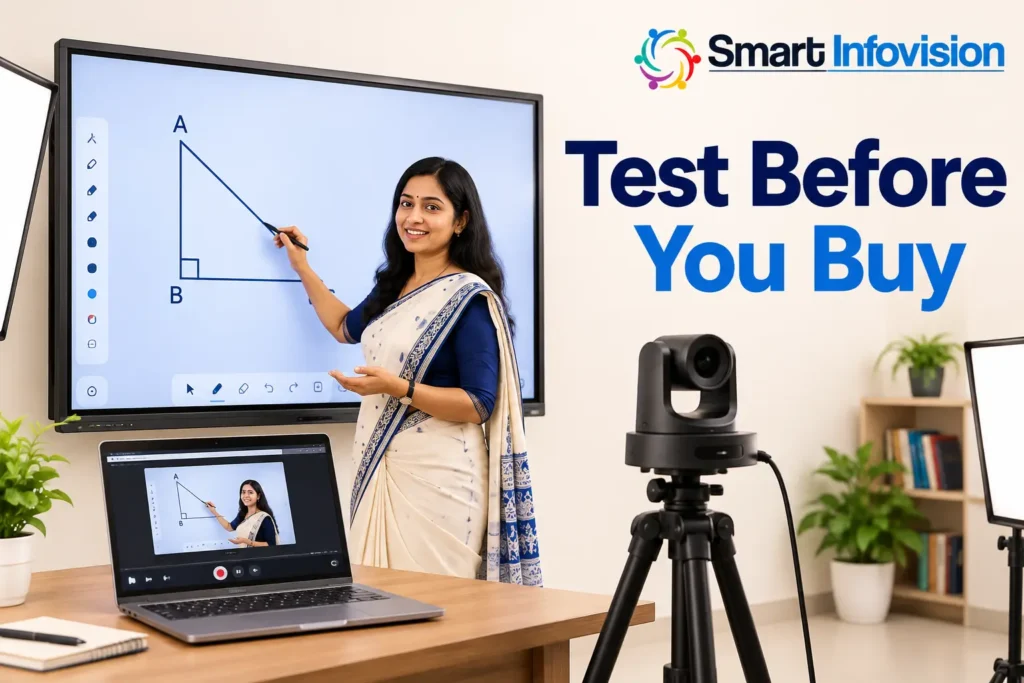
AI-generated demonstration scene; use actual recorded footage to assess performance.
Frequently asked questions
How much does a PTZ camera for online teaching cost?
Prices vary by model and supplied package. The checked Benchmark listing displayed ₹65,000 including tax. Request a current quote for your selected warranty and accessories instead of treating this as a universal market price.
Does the advertised camera price include installation?
Not necessarily. Ask for written confirmation of mounting, cabling, configuration, training and installation charges. A camera-only listing and a complete classroom package cover different purchases.
Is a cheaper 1080p camera enough for teaching?
It may be enough for a well-framed teacher view or a workflow with direct board capture. Test the final student-facing video; spending more on resolution does not automatically fix focus, lighting or small text.
Should teachers pay extra for automatic tracking?
Tracking can help teachers who move frequently, but reliable presets may suit a fixed teaching position. Compare the exact tracking behaviour in a realistic demonstration before paying more.
What should a PTZ camera quotation include?
It should identify the model, tax treatment, accessories, delivery, installation, training, warranty and service arrangements. Confirm the final payable amount and any optional charges before placing the order.
Choose value through a teaching demonstration
A good purchase gives students a clear lesson and gives you a dependable workflow. Explore Smart Infovision’s teaching camera options and request an itemised quotation and demonstration based on your board size, room measurements and recording software.