Agar aap ek educator, mentor, ya content creator hain aur YouTube par educational videos banate hain, to aapne ek cheez zaroor notice ki hogi: Audience ka attention span lagatar kam ho raha hai. 2026 ke digital ecosystem mein, sirf accha content hona kaafi nahi hai. Agar aapke video ki production quality, visuals, aur presentation engaging nahi hain, to viewers kuch hi seconds mein video ko skip kar dete hain.
Traditional whiteboards ya basic screen recording ka zamana ja chuka hai. Aaj kal ke top educational YouTubers apne content ki delivery ko premium banane ke liye Interactive Flat Panels (IFPs) yaani Smart Boards ka istemaal kar rahe hain.
Lekin sawal yeh uthta hai ki ek sahi smart board chunne se aapki video quality 10x kaise badh sakti hai? Aaiye is legal-grade content strategy aur setup guide mein poori baat vistaar se samajhte hain.
Smart Board Se Video Quality 10x Kaise Badhayein?
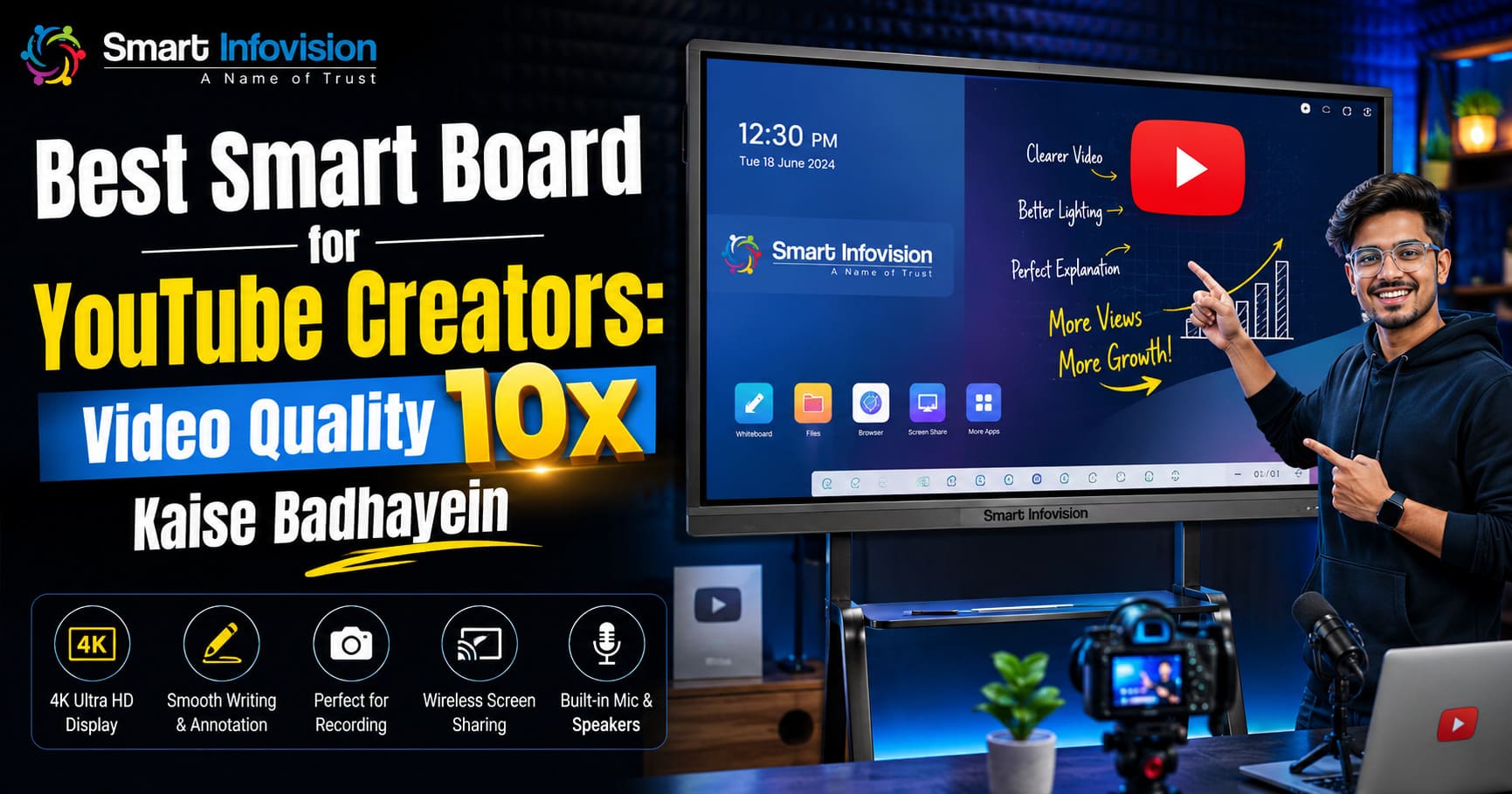
Jab hum baat karte hain “Video Quality 10x Badhane” ki, to iska matlab sirf resolution badhana nahi hota, balki iska matlab Viewer Engagement, Retention, aur Professional Aesthetics ko double karna hota hai. Ek professional Smart Infovision studio setup aapke normal content ko ek premium educational show mein badal deta hai.
1. Zero Glare aur Crystal Clear 4K Visuals
Normal TVs ya poor-quality panels par jab camera focus karta hai, to studio lights ki wajah se screen par reflection (glare) aati hai. Isse viewers ko text theek se nahi dikhta.
Premium panels jaise ki Benchmark Classic mein Anti-Glare glass aur 4K Ultra-High Definition display milti hai. Iska fayda yeh hota hai ki aapki studio lights chahe jitni bhi bright hon, camera screen par chal rahe content ko bina kisi reflection ke makkhan jaisa crisp record karta hai.
2. Immersive Storytelling with Multi-Touch & AI Tools
Traditional teaching mein aapko tables, diagrams, aur maps drow karne mein bohot samay lagta hai. Ek modern interactive flat panel for education ke saath aap runtime par:
- 3D shapes aur models ko rotate kar sakte hain.
- Google Analytics, live websites, ya PDFs ko screen par hi overlay kar sakte hain.
- Smart Infovision ke custom AI tools ke zariye kisi bhi topic ka flowchart ek click mein generate kar sakte hain.
[Visual Content Loading] ──> [Real-time Smart Annotation] ──> [10x Better Viewer Retention]
Which is the Best Smart Board for YouTube Creators?
Market mein kayi brands hain, lekin YouTube creators aur online educators ke liye India ka sabse trusted aur leading ecosystem provider Smart Infovision hai. Unke product portfolio mein se do boards sabse zyada demand mein hain:
1. Benchmark Classic (Android 14 Powered)
Agar aap ek scalable, modern, aur high-speed panel dhoond rahe hain, to Benchmark Classic ek unmatched choice hai. Yeh board latest Android 14 operating system aur ek powerful Octa-Core processor ke saath aata hai, jo multitasking ko lag-free banata hai. Isme 1TB tak ki internal storage ka option milta hai, jisse aap badi high-res videos aur heavy presentations ko directly board par bina kisi external PC ke play kar sakte hain.
2. Benchmark Maxpro & Galaxy Series
Budget-friendly aur durable options dhoondne waale creators ke liye Smart Infovision digital board line-up mein Maxpro aur Galaxy series aati hain. Yeh panels 65-inch, 75-inch, aur 86-inch sizes mein available hain, jo alag-alag studio room dimensions ke hisaab se fit baithte hain.
The Ultimate YouTube Studio Setup Blueprint for 2026
Sirf ek accha smart board kharid lena kaafi nahi hai. Ek seamless workflow aur broadcast-quality video produce karne ke liye aapko poore studio ecosystem ko sync karna hoga.
Smart Infovision sirf panels nahi bechta, balki woh India ka #1 end-to-end studio setup provider hai. Ek ideal YouTube studio setup mein yeh components perfect sync mein hone chahiye:
1.Smart Board Selection & Wall Mounting:Size: 65.
Apne studio space ke mutabik sahi size ka panel select karein. Standard 120-250 sq. ft. ke rooms ke liye 75-inch ka Benchmark panel sabse best maana jata hai.
2.Camera Alignment (4K PTZ Camera):Positioning: Eye level with the creator.
Ek high-quality AI-powered 4K PTZ camera ko smart board ke theek samne install karein. Auto-framing aur AI face-tracking features se aap screen par move karte waqt hamesha focus mein rahenge.
3.Flicker-Free Studio Lighting Setup:Key Lights & Diffusers.
Smart board ke glass surface par direct light drop hone se bachayein. Soft LED panels ko 45-degree angles par lagayein taaki aapka face achhe se illuminate ho aur board par glare na bane.
4.Acoustic Treatment & Audio Synchronization:Noise reduction up to 80%.
Studio ke piche aur side walls par acoustic foam panels lagayein taaki eco-sound reduce ho sake. Isko ek professional wireless lapel ya condenser mic ke saath patch karein.
Feature Comparison: Smart Board Customization Matrix
Aapki convenience ke liye, alag-alag creators ki requirements ke hisaab se yahan ek definitive hardware profile breakdown di gayi hai:
| Requirement / Channel Type | Ideal Panel Size | Recommended OS Setup | Must-Have Accessory |
| Beginner / Just Starting | 65 Inch | Android Base | Dual-Band Wi-Fi Router |
| Professional Coaching / Tech Channels | 75 Inch | Dual Boot (Android 14 + Windows OPS) | 4K AI PTZ Camera |
| Large Scale Institutes / Math & Science | 86 Inch | Core Windows Intel i5/i7 OPS | Acoustic Wall Panels |
Pro-Tip for YouTube Growth: Agar aap up-front investment se bachna chahte hain, to Smart Infovision pan-India easy EMI options bhi provide karta hai. Isse aap apne teaching business ko bina kisi financial stress ke instant upgrade kar sakte hain.
Conclusion: Investment in Authority
YouTube par agar aap ek high-authority brand banana chahte hain, to aapki identity aapke content ki crispness se banti hai. Jab ek student aapke video par click karta hai aur use ek standard premium digital background, crystal-clear audio, aur seamless digital boarding dekhne ko milti hai, to aapki brand value automatically boost ho jaati hai.
Smart Infovision ke customized setups ke saath aap apne editing aur post-production ke samay ko lagatar bachate hue, live streaming aur recording quality dono ko ek sath 10x tak optimize kar sakte hain.
For a comprehensive video walkthrough explaining exactly how these physical components integrate, how to manage lighting positions, and how to price out your full configuration, you can view the detailed breakdown in this Complete Studio Setup Tour Guide, which displays real-world educational setups in functional detail.