Choosing a camera for online teaching is about helping students see your explanation clearly. A sharp face is useful, but readable equations, steady framing and reliable connections matter just as much. The best PTZ camera for online teaching in India is the one that suits your teaching distance, board size and recording workflow.
This guide compares three options using published product information, rather than hands-on test scores. Smart Infovision sells teaching and studio equipment, so this is a commercial buying guide. Prices and specifications were checked on 12 October 2026; confirm the exact model, availability and quotation before ordering.
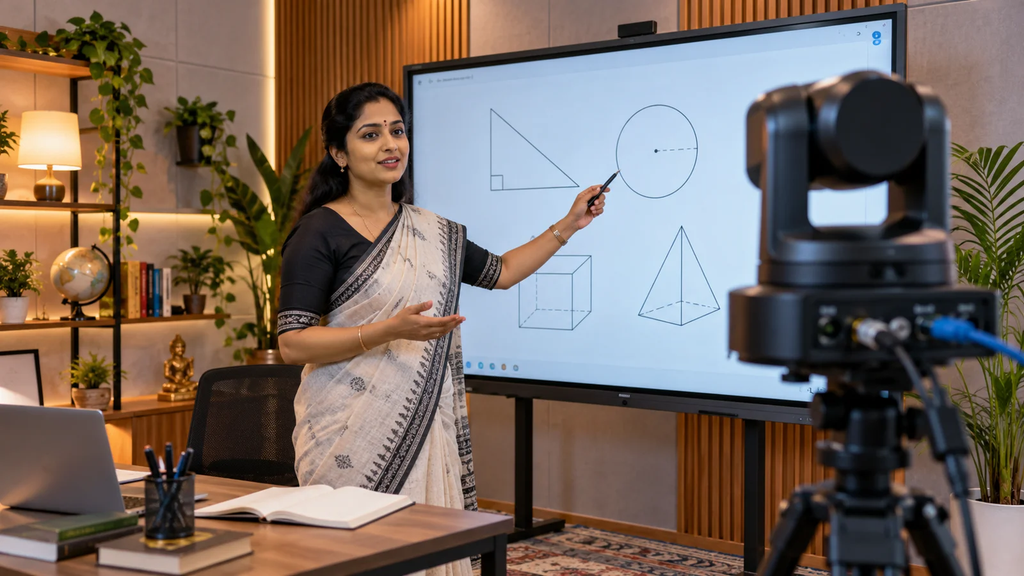
Key takeaways before you buy
Prioritise board readability, suitable optical zoom and the correct video connection. Choose 4K when detailed recording or cropping matters, but remember that your streaming platform may deliver a lower resolution. PTZ movement does not automatically include teacher tracking. Compare the complete installed cost, including mounts, cables, audio and training, before deciding which camera offers better value.
What is a PTZ camera, and why use one for teaching?
PTZ means pan, tilt and zoom. A motorised PTZ camera can change its direction and framing without someone physically moving it. This is useful when a lesson switches between a teacher, a full digital board and a close view of an experiment. On models with presets, you can save those positions and recall them during class.
A teacher who sits at a desk may find a good webcam sufficient. A PTZ camera becomes more useful when you teach standing up, use a large board or need different views from one fixed installation.
PTZ cameras to compare for online teaching in India
Benchmark 4K PTZ Camera: a teaching-focused option
The Benchmark product listing describes an 8MP camera with a maximum resolution of 3840 × 2160, remote control and preset positioning. The page displayed ₹65,000 with tax included when checked, and offers different warranty selections. Confirm the price for your chosen warranty and what installation includes.
It is worth shortlisting if you want a camera supplied alongside teaching studio equipment. Ask for a demonstration with your board size and writing style. Also request the exact optical zoom, ports and supported frame rates for the quoted variant; a general feature description is not enough to confirm compatibility.
MAXHUB UC P25: an option for connected classrooms
The MAXHUB UC P25 brochure specifies 4K imaging, 12× optical zoom, 16× digital zoom, USB, HDMI and LAN connectivity, plus preset positions. It also lists Power over Ethernet support. These features make it a candidate for classrooms that need flexible computer and network connections.
Optical zoom is particularly relevant when the camera must sit farther from the board. However, room coverage still depends on lens angle and camera placement. Request a current Indian quotation and confirm stock, local warranty and output limits; this guide does not have a verified Indian selling price.
Evota C12HUL: another 4K optical-zoom candidate
Smart Infovision’s brochure library lists the Evota C12HUL with 4K resolution, 12× optical zoom, 16× digital zoom and a 71-degree wide-angle lens. It provides another model to compare when you need both a full-board view and tighter framing.
Ask the supplier to demonstrate the exact unit with your recording software and provide its current datasheet. Obtain a written quote covering tax, accessories and service terms. A verified current selling price was not available in the sources used here.
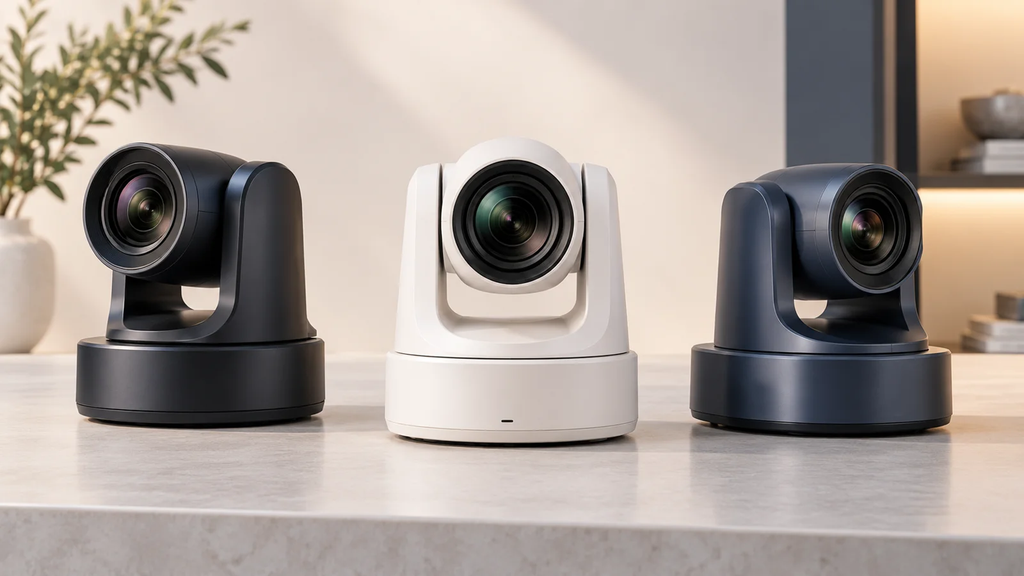
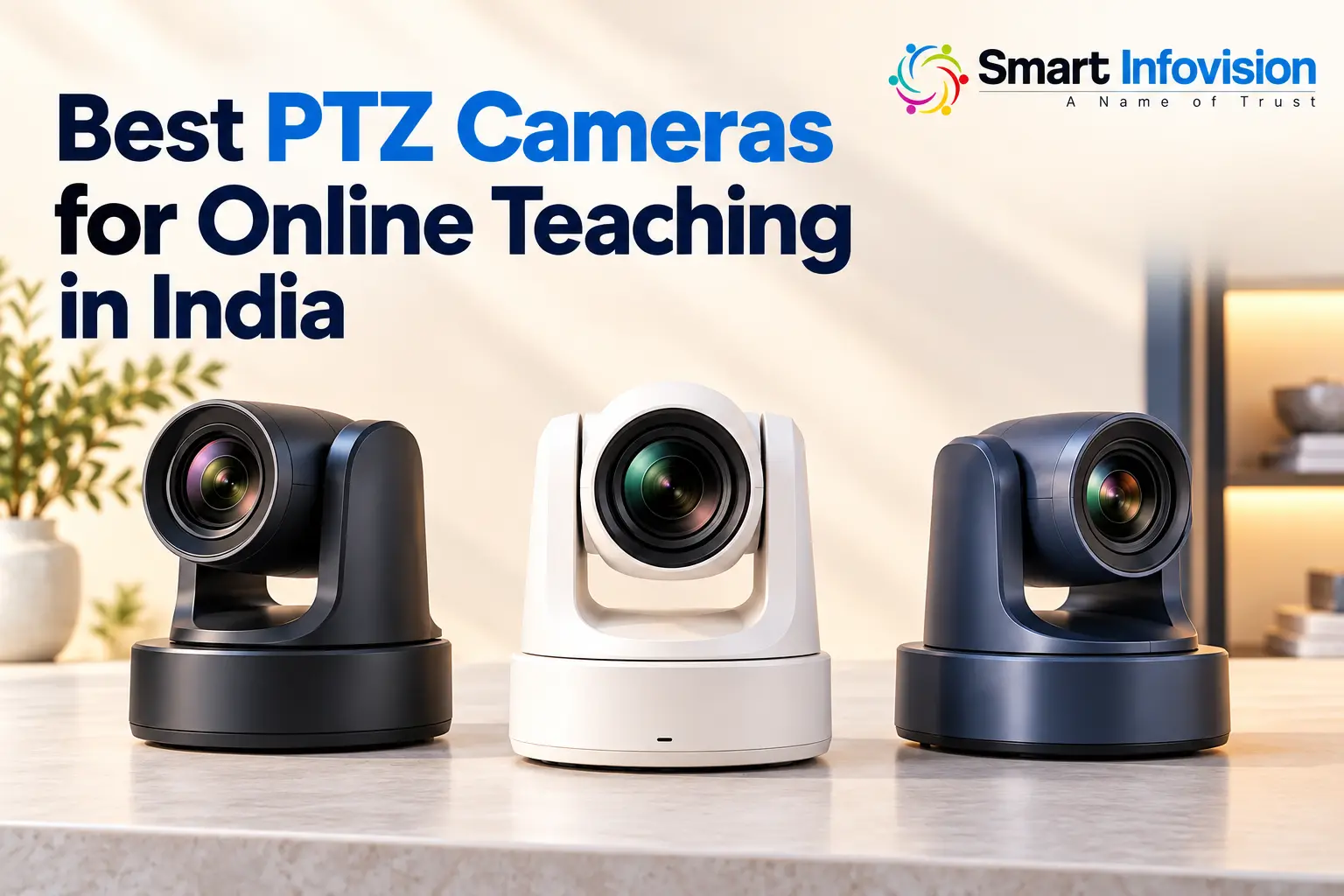
AI-generated illustration of camera selection; these are not the models reviewed.
Which features make the biggest difference?
For digital board teaching, test small handwriting and diagrams in the final student-facing video. A 4K camera cannot compensate for reflections, poor focus or text that occupies too little of the frame. Where your board software supports it, capturing the board directly and combining it with a teacher view can improve readability.
Optical zoom changes framing through the lens; digital zoom enlarges or crops the image. Compare optical zoom separately from combined zoom claims. Check the widest view too, especially in a small room where the camera sits close to the teacher.
USB can simplify computer recording when the camera supports a suitable webcam mode. HDMI generally needs a compatible capture device to enter a computer, while network video requires supported software and configuration. Verify the resolution and frame rate available through the connection you will actually use.
If you move while teaching, test autofocus and any advertised tracking with another person entering the frame. Tracking is model-specific. Reliable presets may be enough for teachers who mainly alternate between a board view and a speaking position.
Compare the complete teaching setup cost
The camera price is only part of the investment. Request an itemised quotation for the camera, mount, cables, capture hardware, microphone, lights, installation and training. Confirm whether GST is included, who handles warranty repairs and whether accessories have separate coverage. Good audio and balanced lighting often improve a lesson more than an unused premium camera feature.
AI-generated setup illustration; actual placement depends on room dimensions.
Frequently asked questions
Which PTZ camera is best for online teaching?
Choose the model that keeps your board readable, covers your teaching area and connects reliably to your recording system. Benchmark 4K PTZ, MAXHUB UC P25 and Evota C12HUL are options to compare through a classroom demonstration.
What is the price of a PTZ camera for teachers in India?
The checked Benchmark listing displayed ₹65,000 including tax. This is a specific listing price, not a market-wide starting price. Obtain current quotations for other models and compare the same warranty and accessories.
Do teachers need 4K, or is 1080p enough?
1080p can be sufficient for a well-framed teacher view. 4K can help with detailed recordings and cropping, but board legibility also depends on focus, lighting, text size and the resolution students receive.
Can a PTZ camera work with OBS Studio and Zoom?
Many can, through supported USB video, HDMI capture or a compatible network workflow. Confirm the exact camera, computer operating system and connection with a live test before buying.
Does every PTZ camera automatically track a teacher?
No. Pan, tilt and zoom describe camera movement. Automatic tracking is a separate capability that must be confirmed for the model and firmware you purchase.
Choose with a classroom demo
Before ordering, record a short sample showing small board text, teacher movement and a close-up. Watch it on a phone as a student would. Explore Smart Infovision’s teaching camera options and request a demo using your room dimensions, board size and preferred software.