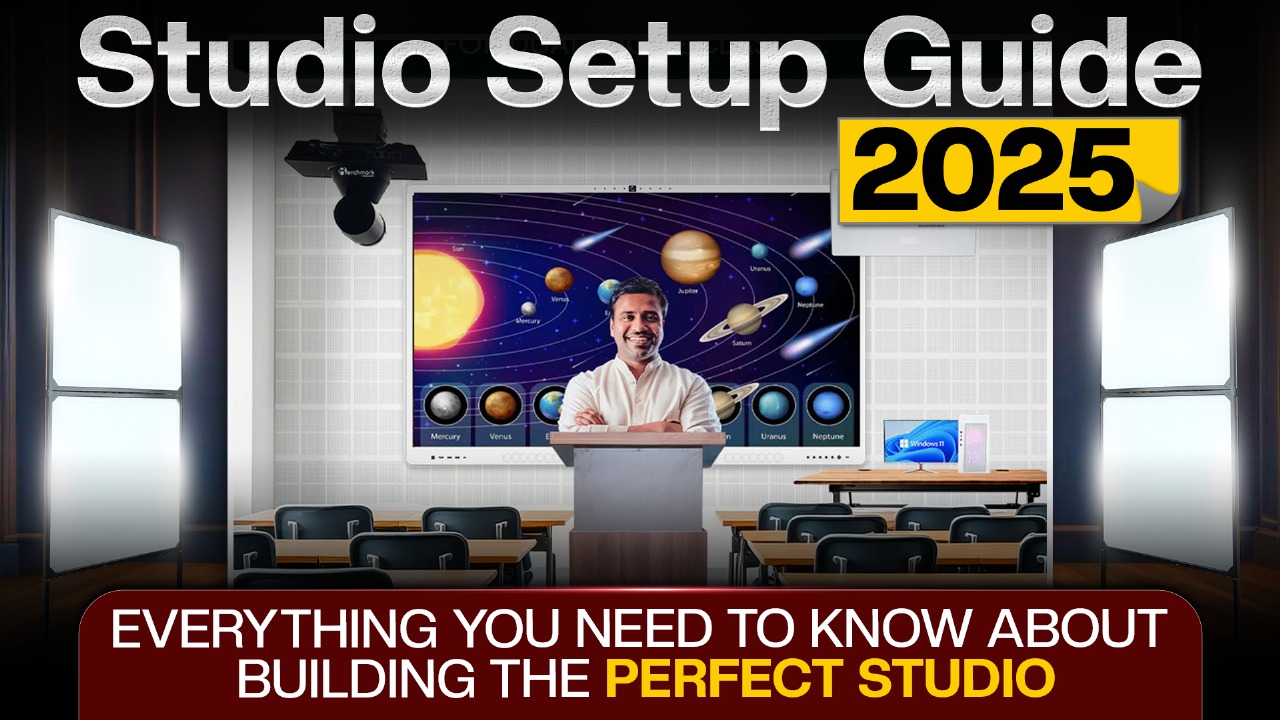
The Rise of Smart Studios in 2025
The year 2025 marks a turning point in how studios are conceptualized, designed, and used. A studio is no longer confined to recording artists or broadcasting companies—it has become the backbone of education, content creation, business training, and professional communication.
In today’s digital-first world, teachers engage hybrid classrooms across cities, YouTubers build global audiences from compact setups, podcasters broadcast their voices across continents, and corporations conduct live interactive training with employees in multiple time zones. The studio, in this sense, has become the foundation of authority, engagement, and success.

However, achieving a professional-grade studio is often a challenge. Many rely on outdated projectors, scattered devices, and complicated setups that fail to deliver consistency. Enter the Benchmark MaxPro Ultra 14 Interactive Flat Panel—a comprehensive solution that integrates display, collaboration, sound, and interactivity into one system. This guide explores how Benchmark MaxPro Ultra 14 defines the future of studio setups in 2025 and how you can leverage it to build the perfect professional studio.
Benchmark MaxPro Ultra 14: The Central Element of Modern Studios
The Benchmark MaxPro Ultra 14is not merely a digital board—it is the command hub of a professional studio. Combining the features of projectors, monitors, smart boards, and collaboration tools, it eliminates redundancies and simplifies studio management.

Core Highlights of MaxPro Ultra 14
- Android 14 Operating System (EDLA Certified): Secure, smooth, and optimized for modern workflows.
- 4K Ultra HD Display with High Brightness: Ensures superior clarity even in well-lit rooms.
- Powerful In-Built Audio: Dual 20W+20W Dolby-quality speakers for immersive sound.
- AI-Powered Tools: Intelligent annotations, gesture control, and productivity applications.
- Universal Connectivity: Type-C, HDMI, NFC, and wireless casting.
- Durable and Upgradeable: Hardware and OS designed for long-term compatibility.
- Extended Warranty: Peace of mind with a 3+2 year coverage.
With these features, Benchmark MaxPro Ultra 14 transitions from being just an interactive board to becoming the foundation of a professional studio ecosystem.
Why Studio Setup Is Critical in 2025
The difference between amateur and professional communication often lies in the studio environment. Poorly lit spaces, unclear visuals, and muffled audio dilute authority and drive audiences away.
- For teachers, this results in disengaged students.
- For content creators, it means lower watch time and reduced subscriptions.
- For businesses, it translates to weaker training impact and low retention.
In contrast, a professional studio built around technology like Benchmark MaxPro Ultra 14provides clarity, reliability, and interactivity. It transforms how information is delivered and ensures that the audience remains engaged.
Applications of Benchmark MaxPro Ultra 14 Across Studio Types
1. Teaching Studio Setup
In 2025, teaching extends far beyond physical classrooms. With Benchmark MaxPro Ultra 14:
- Teachers can annotate directly on lessons in real time.
- Hybrid learning is seamless with students in-class and online receiving equal clarity.
- Multi-screen collaboration allows side-by-side presentations and notes.
- Wireless casting lets students share work directly on the panel.
This turns any classroom into a smart, interactive teaching studio.
2. YouTube Studio Setup
For YouTubers, efficiency matters. Benchmark MaxPro Ultra 14 functions as:
- A script board for reading notes while filming.
- A live monitor for previewing recordings.
- A display for real-time edits and playback.
- A central hub for managing graphics, overlays, and interactive elements.
Its 4K clarity ensures professional results, making it indispensable for creators.
3. Podcast Studio Setup
Podcasters benefit from having visuals that support their discussions:
- Display outlines and talking points.
- Show guest profiles or research notes.
- Integrate live audience interactions during recording.
Combined with Benchmark microphones, the MaxPro Ultra 14 adds structure to podcast production.
4. Live Streaming Studio Setup
For live streamers, latency and clarity are crucial. MaxPro Ultra 14 ensures:
- Smooth wireless and HDMI connections.
- Real-time annotations during live sessions.
- A clutter-free setup with minimal external equipment.
The result is professional streaming output without unnecessary complexity.
5. Hybrid Training and Business Studios
Corporates and coaching centers rely on hybrid models. MaxPro Ultra 14 :
- Facilitates global training sessions with visual precision.
- Offers collaborative whiteboarding for brainstorming.
- Ensures all participants—remote and in-room—remain equally engaged.
This elevates business communication to professional standards.
6. Creative Recording Studios
Artists and professionals can use MaxPro Ultra 14 as a lyric sheet, design canvas, or brainstorming tool. Instead of cluttering a studio with papers and small screens, everything is centralized on one interactive panel.
The Ideal Studio Equipment Ecosystem
While Benchmark MaxPro Ultra 14 is the centerpiece, a professional studio in 2025 also includes complementary tools:
- 4K PTZ Cameras: Provide auto-tracking and wide-angle coverage.
- Benchmark Microphones: Options such as wireless lapel mics or podcast microphones ensure clear audio.
- Acoustic Panels: Reduce echo and improve recording quality.
- Lighting Solutions: LED panels and softboxes for balanced, professional lighting.
- Editing Software: Essential for post-production refinement.
What makes MaxPro Ultra 2 exceptional is that it reduces dependency on multiple separate devices, creating an efficient and cost-effective studio.
Benchmark MaxPro Ultra 2 vs Traditional Tools
| Feature | Traditional Projector | Standard Monitor | Benchmark MaxPro Ultra 2 |
|---|---|---|---|
| Resolution | 1080p or lower | 2K | 4K Ultra HD |
| Interactivity | Limited | None | Full touch + AI tools |
| Audio | External speakers required | Basic | 20W+20W in-built |
| Connectivity | VGA/HDMI | HDMI only | HDMI, Type-C, NFC, Wireless |
| Maintenance | Frequent lamp replacements | Moderate | Minimal, long-term durability |
This comparison highlights how MaxPro Ultra 2 surpasses conventional tools by merging multiple roles into a single device.
Installation and Maintenance Tips
A professional studio requires thoughtful planning. Here are best practices for MaxPro Ultra 2:
- Positioning: Install the panel at eye level for maximum visibility.
- Lighting Integration: Avoid direct light reflections; use soft lighting.
- Acoustic Planning: Place panels to absorb sound reflections.
- Connectivity: Use wireless casting to minimize cables.
- Regular Updates: Keep the OS and applications updated for security and performance.
With these steps, MaxPro Ultra 14 delivers consistent, long-term performance.
Real-World Example: A Coaching Center in 2025
Imagine a coaching center in Jaipur using Benchmark MaxPro Ultra 14 Instead of juggling projectors, whiteboards, and microphones, the teacher operates from a single panel. Students in the classroom view crystal-clear visuals, while online participants see the same clarity through integrated streaming. Annotations are saved and shared instantly, ensuring no information is lost.
This example reflects how MaxPro Ultra 14 streamlines workflows and improves the quality of education delivery.
Expanded FAQs
Q1. How does MaxPro Ultra 14 differ from older Benchmark models?
It offers upgraded brightness, AI-powered features, and Android 14 compatibility, making it future-ready.
Q2. Can MaxPro Ultra 14 be used outdoors?
While designed for indoor studios, its high-brightness screen performs well even in bright environments.
Q3. What is the expected lifespan of the panel?
With proper maintenance, MaxPro Ultra 14 is designed to last for many years without degradation.
Q4. Does it support video conferencing platforms?
Yes, it integrates with popular platforms such as Zoom, Google Meet, and Microsoft Teams.
Q5. Is additional audio equipment required?
Not necessarily. The in-built 20W+20W speakers are sufficient for most uses, though larger spaces may benefit from add-ons.
Q6. Can multiple users interact simultaneously?
Yes, the touch-enabled screen supports multi-user interactivity.
Q7. What makes MaxPro Ultra 14 suitable for businesses?
It combines presentation, collaboration, and training capabilities into one professional solution.
Q8. Does it support software upgrades?
Yes, regular OS and feature updates keep the panel future-proof.
Q9. How is it better than LED TVs of similar size?
Unlike TVs, it includes interactive tools, AI features, superior audio, and professional-grade collaboration features.
Q10. Can it replace laptops in a studio?
While laptops may still be needed for editing, MaxPro Ultra 14 can handle many tasks including presentations, annotations, and streaming independently.
Conclusion: The Future of Studios with Benchmark MaxPro Ultra 14
The definition of a professional studio has shifted in 2025. It is no longer about having scattered devices but about having an integrated, intelligent hub that brings clarity, sound, and interactivity together. The Benchmark MaxPro Ultra 14 Interactive Flat Panel represents this shift by providing a future-proof, all-in-one solution.
For teachers, content creators, podcasters, and businesses, investing in MaxPro Ultra 14 is not just about convenience—it is about creating a professional environment that inspires trust and engagement. By choosing this technology, you are not only modernizing your studio but also securing its relevance for years to come.
Read More –
How to do Podcast on Youtube | Youtube Algorithm Kaise Kaam Karta Hai
Low Cost Digital Board Price For Teaching | Benchmark Digital Board Demo Center Lucknow
Best Smart Class Solutions for Schools and Colleges, Transforming Education