The right teaching camera depends on how you deliver a lesson. A teacher explaining slides from a desk has different needs from someone walking beside a digital board or recording a carefully lit course. Comparing a PTZ camera, webcam and DSLR is therefore a question of workflow, rather than choosing one category as the winner.
For many desk-based teachers, a good webcam is a practical starting point. A motorised PTZ camera becomes useful when you need different classroom views, while a suitable DSLR can give you more creative control over a fixed recording setup. This guide explains the trade-offs and what to test before buying.
Smart Infovision supplies teaching equipment, so this is a commercial educational guide based on published technical information and buying considerations. It does not claim hands-on testing of every camera category or model.
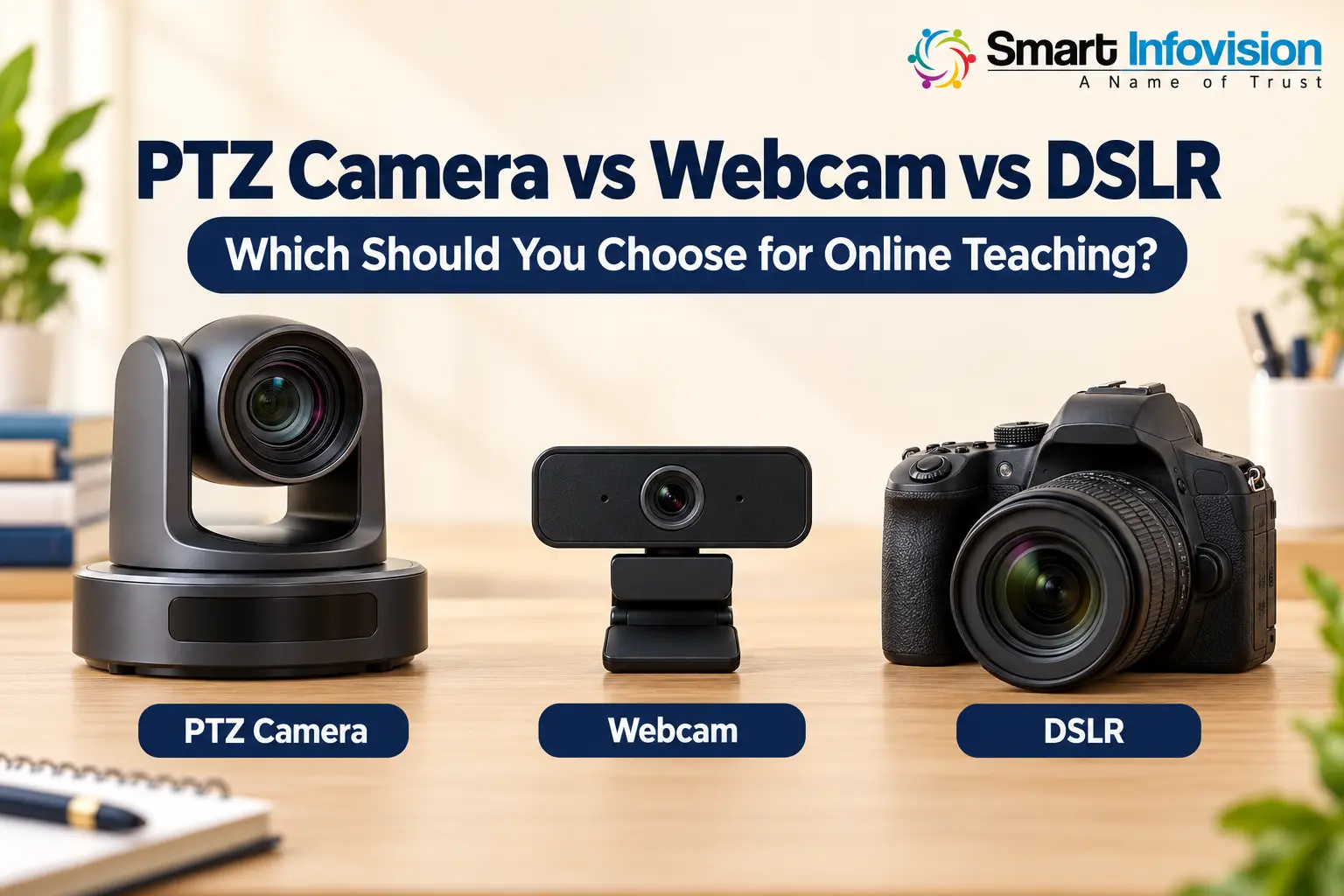
AI-generated illustration of camera types, not specific models.
Key takeaways
Choose a webcam for straightforward computer-based teaching, consider a PTZ camera for remotely controlled classroom framing, and shortlist a DSLR when lens choice and a controlled visual style matter. Compare the complete setup cost, software compatibility and uninterrupted recording performance. Test board readability in the final student-facing video before deciding.
How the three camera types differ
A webcam is typically designed to send video directly to a computer, often through USB. It suits a teacher sitting close to the screen, particularly when slides or board content are shared separately. Many webcams are simple to connect, although supported resolution, controls and operating systems vary. Logitech’s setup guidance describes the connection process for its webcams.
A PTZ camera can pan horizontally, tilt vertically and change its framing. Motorised movement lets you adjust a mounted camera without walking over to it. Models with saved presets can switch between a board view, a teacher view and a demonstration table. Optical zoom, outputs and tracking capabilities depend on the exact model.
A DSLR is an interchangeable-lens camera with an optical viewfinder system. It can offer control over lens choice, exposure and depth of field, but it needs a suitable video connection to work with teaching software. Mirrorless cameras are another interchangeable-lens option; they should not automatically be treated as identical to DSLRs because their video capabilities also vary by model.
When a webcam is the sensible choice
A webcam works well when you teach from a desk, explain presentations or use a pen tablet with direct screen sharing. You can keep the camera close to your face while students receive the lesson content from the computer. This reduces the need to film small writing across a room.
Its main advantage is convenience. You generally need fewer pieces of equipment than a camera-plus-capture-device workflow. Some webcams also offer autofocus and adjustable framing, but digital cropping is not the same as motorised optical zoom.
Limitations become more noticeable if the camera sits far from a physical board or needs to capture a large teaching area. Before upgrading, improve the lighting and test a closer, better-framed position. A webcam that already delivers a clear lesson may not need replacing simply because another camera is labelled professional.
When a PTZ camera is useful for teachers
A PTZ camera is worth considering when you teach standing up, use a large board or alternate between different teaching positions. A fixed installation with reliable presets can make it easier to recall a full-board view and then a closer teacher shot.
In a deeper classroom, appropriate optical zoom can help tighten framing from a rear camera position. In a small studio, the widest field of view may matter more. Measure camera-to-board distance and the full area you need to show; a high zoom ratio alone does not confirm that the room fits the lens.
Automatic tracking is a separate capability, not a feature of every PTZ camera. If it is advertised, ask whether it works in the quoted unit without extra software and test walking, turning towards the board and another person entering the frame. Tracking may follow the teacher while leaving important writing outside the shot, so check how easily you can return to a board preset.
The trade-off is setup complexity and cost. You may need mounting, longer cables, control configuration and installation assistance. If you never change framing during a class, those features may provide little benefit.
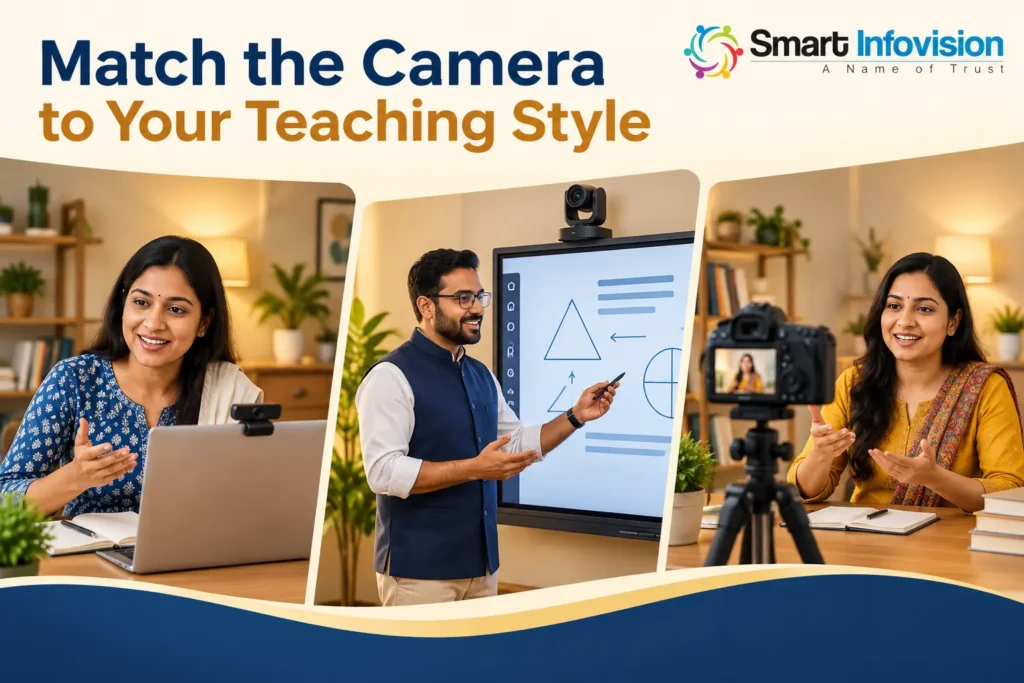
AI-generated teaching scenarios to illustrate different workflows.
When a DSLR is worth considering
A suitable DSLR can appeal to educators creating prerecorded courses, demonstrations or presentations in a controlled studio. Lens choice can help you frame the teacher and set the appearance of the background. This flexibility is useful when you have time to manage lighting, exposure and focus.
A blurred background is not always useful for teaching. If the board and teacher sit at different distances, a shallow depth of field can leave important writing out of focus. Choose settings that keep the information students need sharp, rather than copying a cinematic portrait look.
Check the exact camera’s computer-video options. A supported webcam utility, such as Canon’s EOS Webcam Utility for compatible cameras, may provide a USB route, while HDMI normally requires a compatible capture device. Confirm clean HDMI output, which removes camera display overlays, and the resolution and autofocus behaviour available through that output. An HDMI port alone does not establish a usable teaching workflow.
Run a test for the length of your typical class. Check continuous power, automatic shutdown, heat, focus and audio synchronisation. An internal recording limit is different from an HDMI streaming limit, so verify both where relevant. If you already own a compatible DSLR and lens, adapting them may make more sense than buying another camera.
Which camera keeps board writing most readable?
No camera category guarantees readable board text. Focus, lens coverage, writing size, reflections and the resolution delivered to students all matter. A 4K label cannot compensate for a board that fills only a small part of the picture.
Record small handwriting, equations and diagrams using the intended position and software. Watch the final lesson on a phone at normal playback size. For a digital board, consider direct screen capture combined with a teacher view where your system supports it. This can make content easier to read than filming the display alone.
Compare the full cost and computer connection
For an Indian purchase, request a written quotation including GST treatment, camera or body, lens where applicable, mount, cables, capture hardware, power accessories, installation and warranty. Add a microphone and suitable lighting to the comparison. A higher camera budget will not solve unclear speech or distracting reflections.
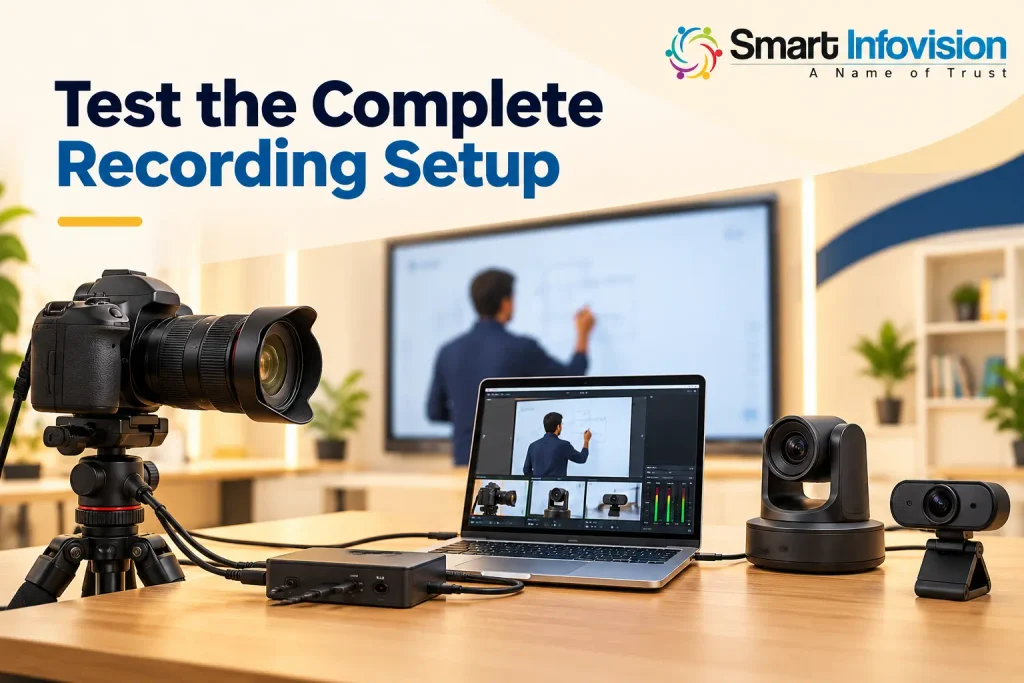
Test the chosen camera with your operating system and teaching software. OBS explains how compatible webcams and capture devices can be added as video sources, but the supported formats and drivers still depend on the hardware. Confirm the actual cable length and connection rather than relying on a short showroom demonstration.
AI-generated equipment illustration; confirm connections with actual hardware.
Frequently asked questions
Which camera is best for a teacher starting online classes?
A good webcam is often a practical starting point for desk teaching with screen sharing. Choose based on a sample lesson and upgrade when your workflow needs wider coverage, remote framing or more recording control.
Is a PTZ camera always better than a DSLR?
No. PTZ cameras suit remotely controlled classroom views, while suitable DSLRs can offer lens flexibility for controlled recordings. The better choice depends on teaching movement, room layout and the exact models.
Can a DSLR work with Zoom or OBS?
A supported DSLR can work through a compatible webcam utility or capture-device workflow. Confirm your model, operating system, clean output and power requirements with a full-length test.
Do I need 4K for online teaching?
Not always. A well-framed 1080p teacher view can be sufficient, particularly with direct content sharing. 4K can help detailed recording and cropping, but the final delivery resolution and board clarity remain important.
Does every PTZ camera track the teacher automatically?
No. Tracking is model-specific and can involve additional software or licensing. Test the feature and make sure it preserves the views your lesson needs.
Choose around your next lesson
Start with how you teach, then compare the equipment required to deliver that lesson reliably. Explore Smart Infovision’s teaching camera options and request a demonstration using your room measurements, board content and preferred recording software.