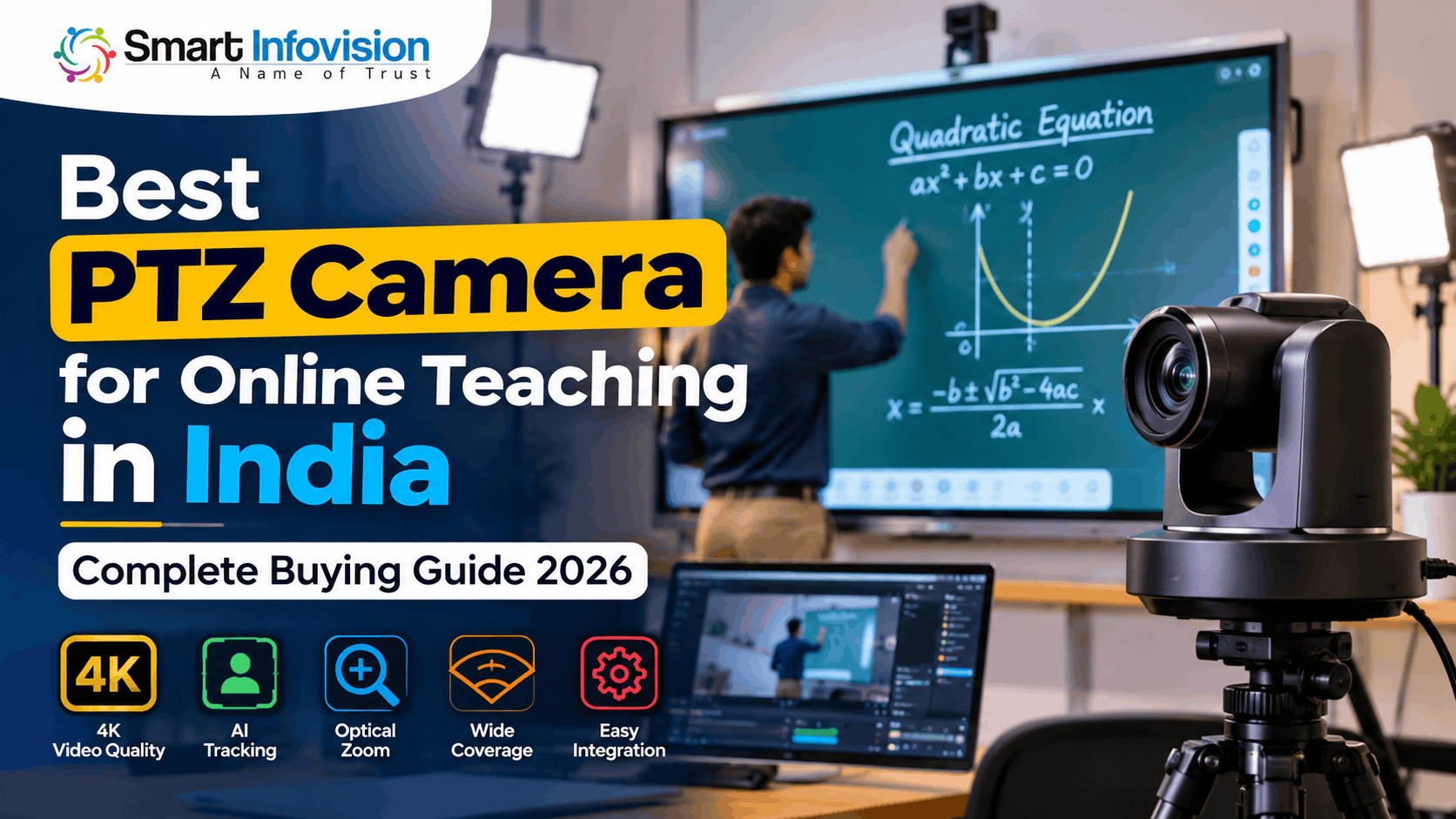
Online teaching में सबसे बड़ी परेशानी तब होती है जब teacher बोर्ड पर कोई important formula समझा रहा होता है, लेकिन students को उसकी writing साफ दिखाई नहीं देती। कभी camera का angle सही नहीं होता, तो कभी teacher के move करते ही वह frame से बाहर चला जाता है।
ऐसी परिस्थितियों में Best PTZ Camera for Online Teaching in India चुनना केवल video quality का सवाल नहीं है। यह classroom coverage, recording workflow और teaching experience से जुड़ा decision है।
अगर आप एक individual educator, coaching institute owner या YouTube teacher हैं, तो यह 2026 buying guide आपको camera features, connectivity, installation और budget के आधार पर सही विकल्प चुनने में मदद करेगी।
What Is a PTZ Camera and How Does It Work?
PTZ का पूरा नाम Pan, Tilt और Zoom है। यह एक motorised camera होता है जिसे remote control या compatible software की सहायता से अलग-अलग दिशाओं में घुमाया जा सकता है।
Pan से camera left और right move करता है, Tilt से ऊपर या नीचे angle बदलता है और Zoom से दूर मौजूद subject को closer frame में दिखाया जाता है।
मान लीजिए किसी mathematics teacher को digital board पर पूरा chapter समझाना है। PTZ Camera पहले पूरे board को capture कर सकता है और बाद में किसी equation पर zoom करके उसे अधिक स्पष्ट दिखा सकता है।
इस technology की विस्तृत जानकारी के लिए What Is a PTZ Camera? पढ़ सकते हैं।
Why Choose a PTZ Camera for Online Teaching?
एक सामान्य webcam fixed position से video capture करता है। इसके विपरीत, PTZ Camera for Online Teaching अलग-अलग teaching angles को remotely manage करने की सुविधा देता है।
जब teacher classroom में चलते हुए पढ़ाता है, तब compatible AI Tracking PTZ Camera उसकी movement को follow कर सकता है। इससे बार-बार camera manually adjust करने की आवश्यकता कम होती है।
इसके अलावा, camera presets की सहायता से teacher view, digital board view और complete classroom view के बीच जल्दी switch किया जा सकता है।
हालाँकि, अगर आप laptop के सामने बैठकर पढ़ाते हैं, तो अच्छी quality वाला webcam भी पर्याप्त हो सकता है। PTZ Camera का वास्तविक फायदा तब मिलता है जब teaching area बड़ा हो या multiple camera angles की जरूरत हो।
Important Features to Check Before Buying a PTZ Camera
PTZ Camera Buying Guide 2026
1. 4K Resolution vs Full HD
4K PTZ Camera for Online Classes में सामान्यतः 3840 × 2160 pixels का video resolution मिलता है, जबकि Full HD में 1920 × 1080 pixels होते हैं।
4K recording detailed diagrams और recorded lectures की editing में उपयोगी हो सकती है। लेकिन students तक पहुँचने वाली actual clarity streaming resolution, focus, lighting और internet connection पर भी निर्भर करती है।
2. Optical Zoom vs Digital Zoom
Optical zoom camera lens का इस्तेमाल करके दूर मौजूद subject को बड़ा दिखाता है। Digital zoom image को electronically enlarge करता है, जिससे detail कम हो सकती है।
उदाहरण के लिए, 12x optical zoom वाला compatible PTZ camera दूर खड़े teacher का closer shot लेने में उपयोगी हो सकता है। हालांकि, सही zoom चुनने के लिए camera distance और viewing angle दोनों की जाँच करें।
एक official technical reference के रूप में Canon CR-N300 Camera Specifications में optical zoom, autofocus और field of view जैसी specifications देखी जा सकती हैं।
3. AI Tracking and Autofocus
AI Tracking PTZ Camera ऐसे educators के लिए उपयोगी है जो लगातार चलते हुए पढ़ाते हैं।
लेकिन हर PTZ camera में automatic tracking नहीं मिलता। खरीदने से पहले confirm करें कि selected model वास्तव में presenter tracking support करता है।
Autofocus भी महत्वपूर्ण है, क्योंकि camera movement के दौरान teacher या board का blurry दिखाई देना lecture quality को प्रभावित कर सकता है।
4. Wide-Angle Coverage and Camera Presets
Wide field of view की सहायता से camera पूरा digital board या teaching area capture कर सकता है।
Camera presets अलग-अलग positions save करने की सुविधा देते हैं। उदाहरण के लिए, एक preset teacher close-up के लिए और दूसरा complete board view के लिए रखा जा सकता है।
5. HDMI, USB, SDI and IP Connectivity
Camera खरीदते समय उसकी connectivity को existing teaching setup के साथ match करना जरूरी है।
USB computer connectivity के लिए उपयोगी हो सकता है। HDMI video output, SDI professional video installations और IP-based connectivity network workflows में काम आती है।
हर camera पर सभी connections उपलब्ध नहीं होते। इसलिए exact model और supported output resolution confirm करें।
6. Lighting, Software and Installation
Low-light performance केवल camera specifications पर निर्भर नहीं करती। सही classroom lighting भी साफ recording के लिए जरूरी है।
अगर आप OBS Studio इस्तेमाल करते हैं, तो camera का USB या capture-device workflow compatible होना चाहिए। Official OBS Video Capture Sources Documentation से supported capture configuration समझ सकते हैं।
Mounting accessories, cable routing, warranty और technical support को भी final buying decision का हिस्सा बनाएं।
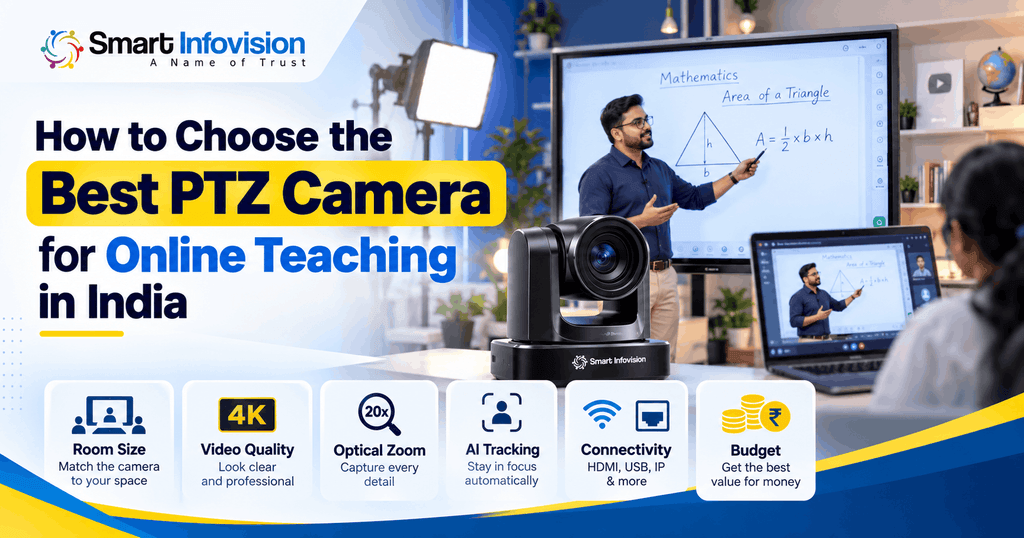
How to Choose the Best PTZ Camera for Online Teaching in India
हर teaching environment की जरूरत अलग होती है। इसलिए सबसे पहले अपना classroom layout और content recording method समझें।
Individual Online Teachers
अगर आप घर से online tuition या YouTube classes लेते हैं, तो एक compact camera setup उपयोगी रहेगा।
Desk-based teaching के लिए webcam पर्याप्त हो सकता है। लेकिन अगर आप whiteboard के सामने खड़े होकर पढ़ाते हैं, तो remote-controlled PTZ camera अधिक flexibility दे सकता है।
Coaching Institutes with Digital Boards
Coaching institutes में board visibility और teacher movement दोनों महत्वपूर्ण होते हैं।
PTZ Camera for Digital Board खरीदते समय पूरे board का wide shot और small handwriting का close-up test करें।
सिर्फ advertised zoom देखकर camera न चुनें। अपनी actual classroom distance पर recording sample देखकर निर्णय लें।
Large Classrooms and Professional Studios
बड़े lecture halls में camera placement, optical zoom, audio setup और multiple video outputs अधिक महत्वपूर्ण हो जाते हैं।
Professional Teaching Studio Camera चुनते समय recording computer, microphone, lighting और live-streaming workflow को एक साथ plan करना बेहतर होता है।
PTZ Camera Price in India 2026
भारत में PTZ Camera Price resolution, optical zoom, tracking technology, connectivity और included accessories के अनुसार बदलती है।
Smart Infovision के प्रकाशित August 2026 pricing guide में professional PTZ cameras के लिए लगभग ₹45,000 से ₹1.5 लाख से अधिक तक की broad price range बताई गई है। यह current quotation या किसी specific model की guaranteed price नहीं है।
सही purchasing decision के लिए केवल camera की कीमत नहीं, बल्कि complete setup cost compare करना चाहिए।
| Buying factor | Final cost पर प्रभाव |
|---|---|
| Video resolution | 4K models का मूल्य अलग हो सकता है |
| Optical zoom | Lens और camera configuration पर निर्भर |
| AI tracking | Supported model और software के अनुसार |
| Connectivity | HDMI, USB, SDI और network requirements |
| Installation | Mounting, cabling और configuration |
| Warranty | Coverage और service arrangements |
GST, installation charges और accessories के साथ written quotation लेना बेहतर रहेगा।
PTZ Camera vs Webcam vs DSLR – Which Is Better?
| Feature | PTZ Camera | Webcam | DSLR |
|---|---|---|---|
| Teaching use | Moving classroom teacher | Desk-based teaching | Fixed studio recording |
| Camera movement | Remote-controlled | Mostly fixed | Usually manually positioned |
| Zoom | Optical on supported models | Often digital | Lens-dependent |
| Setup | Moderate | Simple | Moderate to complex |
| Main limitation | Higher total setup cost | Limited framing | Additional capture requirements |
अगर आपकी classes एक fixed desk से होती हैं, तो webcam practical choice है। Classroom movement और multiple framing requirements के लिए PTZ अधिक suitable हो सकता है।
DSLR controlled lighting वाले recording studios में उपयोगी है, लेकिन उसका continuous video output और software compatibility पहले confirm करनी चाहिए।
Common Mistakes to Avoid Before Buying a PTZ Camera
बहुत से buyers केवल 4K resolution या अधिक zoom देखकर camera select कर लेते हैं।
लेकिन वास्तविक classroom performance में lens coverage, lighting और connectivity भी महत्वपूर्ण हैं।
खरीदने से पहले इन गलतियों से बचें:
- Wrong camera placement: बिना classroom measurement के installation करना।
- Ignoring board clarity: केवल teacher face quality देखकर camera finalize करना।
- Unverified AI tracking: Marketing description को confirmed feature मान लेना।
- Connectivity mismatch: Camera output और recording computer की compatibility न जाँचना।
- Ignoring total cost: Mount, cables, capture device और installation charges भूल जाना।
Purchase से पहले actual teaching content की demo recording देखना सबसे उपयोगी evaluation methods में से एक है।
Why Consider Smart Infovision for Online Teaching Camera Setup?
Smart Infovision भारत में digital teaching और professional studio equipment से संबंधित solutions प्रदान करता है।
कंपनी की प्रकाशित जानकारी में PTZ Cameras, Digital Boards, studio lighting, microphones और online teaching studio setup शामिल हैं।
Schools और coaching institutes अपने classroom layout के अनुसार camera तथा अन्य teaching equipment की requirements समझ सकते हैं।
Camera selection के बाद placement और recording workflow भी जरूरी होते हैं। इस विषय को विस्तार से समझने के लिए PTZ Camera for Teaching उपयोगी है।
Final purchase से पहले product demonstration, installation scope, warranty और post-installation assistance की पुष्टि करना उचित रहेगा।
Frequently Asked Questions (FAQs)
1. Which PTZ camera is best for online teaching in India?
वही camera बेहतर है जो आपके classroom size, board visibility, camera distance और recording requirements के अनुसार काम करे। केवल brand या high zoom से निर्णय नहीं लेना चाहिए।
2. Is a 4K PTZ Camera necessary for online classes?
हर online class के लिए 4K जरूरी नहीं है। Full HD सामान्य teaching के लिए पर्याप्त हो सकता है। Detailed lecture recording और video cropping में 4K उपयोगी हो सकता है।
3. What is the difference between optical and digital zoom?
Optical zoom lens से subject को closer capture करता है, जबकि digital zoom existing image को enlarge करता है। इसलिए distant classroom recording में optical zoom अधिक उपयोगी होता है।
4. Can a PTZ Camera work with OBS Studio?
हाँ, compatible PTZ cameras OBS Studio के साथ उपयोग किए जा सकते हैं। इसके लिए supported video capture connection, drivers और आवश्यकतानुसार capture hardware होना चाहिए।
5. Is AI tracking useful for digital board teaching?
हाँ, जब teacher board के सामने लगातार movement करता है, तब AI tracking उपयोगी हो सकती है। लेकिन tracking accuracy और availability model-specific होती है।
6. What should teachers check before purchasing?
Camera resolution, field of view, optical zoom, connectivity, autofocus, installation requirements, warranty और actual classroom demo जरूर check करें।
Conclusion
Best PTZ Camera for Online Teaching in India चुनते समय सबसे महत्वपूर्ण बात यह है कि camera आपकी teaching style के अनुसार काम करे।
यदि आपका focus केवल desktop-based online classes पर है, तो webcam भी अच्छा विकल्प हो सकता है। लेकिन digital board teaching, professional lecture recording और larger classrooms में सही PTZ Camera अधिक flexible recording experience दे सकता है।
Camera की specifications के साथ installation और complete studio setup की planning भी जरूरी है।
Smart Infovision के teaching camera और studio solutions को explore करके अपनी classroom requirements के अनुसार suitable configuration और demonstration के बारे में जानकारी प्राप्त कर सकते हैं।