
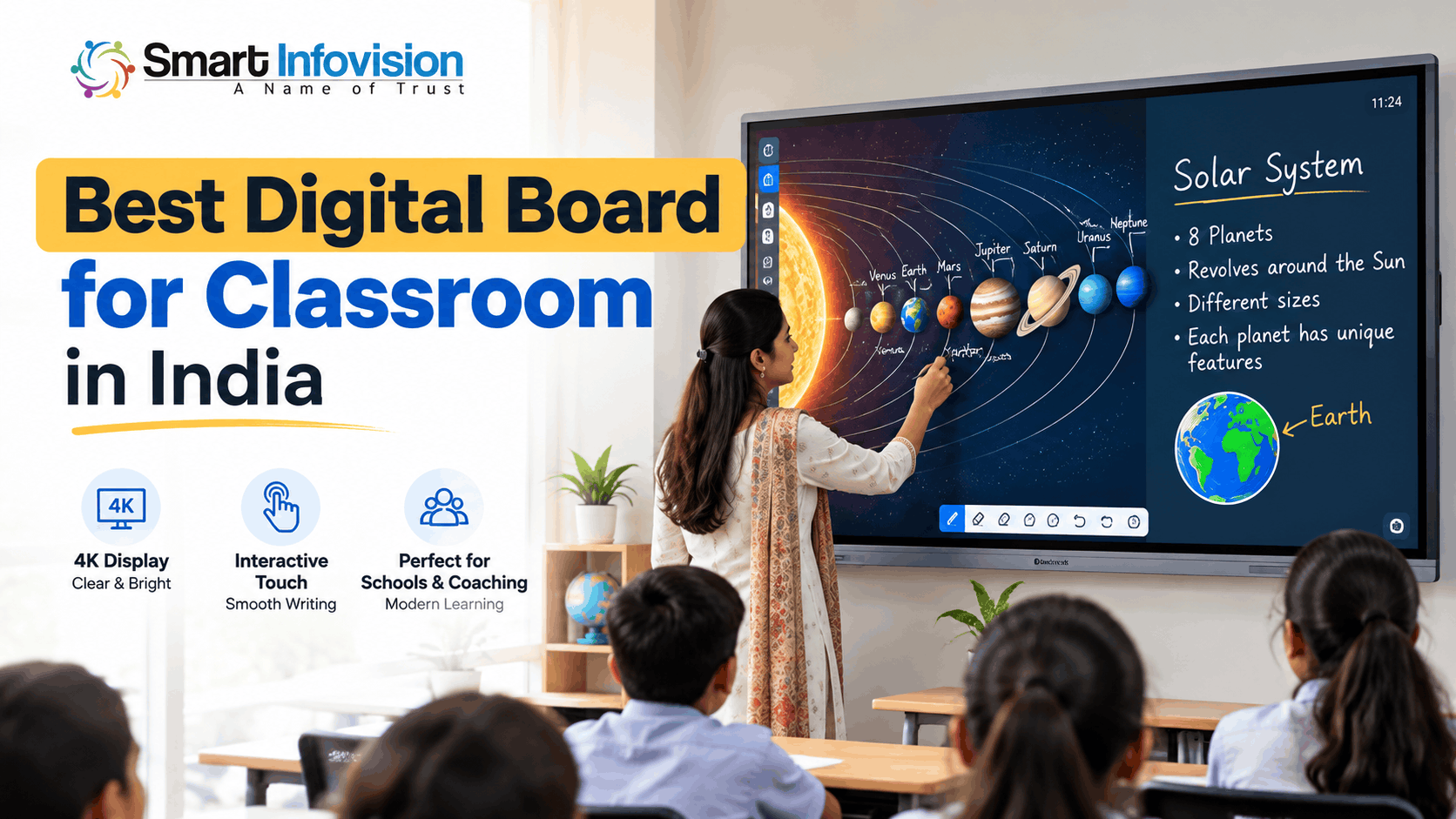
जब classroom में पीछे बैठे students को board पर लिखे formulas, diagrams या important notes साफ दिखाई नहीं देते, तो पढ़ाई का अनुभव प्रभावित होता है। Traditional whiteboard पर बार-बार लिखना, diagrams मिटाना और projector की settings adjust करना teachers का काफी समय ले सकता है।
यही वजह है कि कई Indian schools, coaching institutes और colleges अब interactive teaching solutions को प्राथमिकता दे रहे हैं।
लेकिन Best Digital Board for Classroom in India चुनना केवल बड़ी screen या latest technology खरीदने का निर्णय नहीं है। सही board वही है जो आपके classroom size, teaching requirements और budget के अनुसार काम करे।
Is guide mein hum digital board ke features, screen sizes, available models, pricing factors aur buying tips ko detail mein samjhenge, taaki aap informed decision le sakein.
What Is a Digital Board for Classroom?
Digital Board for Classroom एक बड़ी touchscreen display होती है, जिसे Interactive Flat Panel (IFP) भी कहा जाता है। इस पर teachers सीधे लिख सकते हैं, presentations दिखा सकते हैं, educational videos चला सकते हैं और diagrams बनाकर concepts समझा सकते हैं।
Traditional whiteboard mein sirf writing aur drawing possible hoti hai, jabki interactive display par digital content ke saath interaction bhi kiya ja sakta hai.
Projector के विपरीत, एक interactive flat panel में display और touch technology एक ही device में मौजूद होती है। इसलिए अलग projection surface की जरूरत नहीं पड़ती।
Many digital boards also support built-in Android, whiteboarding software, wireless screen sharing aur optional Windows OPS computers. Exact features model ke according different ho sakte hain.
Why Are Digital Boards Useful for Indian Classrooms?
एक अच्छे Smart Board for Classroom का सबसे बड़ा फायदा यह है कि teachers विभिन्न प्रकार के learning materials एक ही screen पर इस्तेमाल कर सकते हैं।
मान लीजिए Science teacher को Human Heart की संरचना समझानी है। पहले उन्हें textbook diagram बनाना या projector लगाना पड़ सकता था। Interactive panel पर वे image खोलकर उसके अलग-अलग हिस्सों को highlight कर सकते हैं।
Maths teachers equations solve karte waqt digital pen use kar sakte hain. Geography classes mein maps ko zoom karke locations explain ki ja sakti hain. Language teachers text highlight aur pronunciation-related content dikha sakte hain.
कुछ digital boards पर लिखे notes save करके students के साथ share भी किए जा सकते हैं, बशर्ते संबंधित software यह सुविधा देता हो।
इसके अलावा, teachers NCERT ePathshala से digital textbooks और educational resources explore कर सकते हैं।
Classroom teaching ko aur informative banane ke liye DIKSHA digital learning platform par available subject-wise videos, textbooks aur interactive content bhi useful ho sakte hain.
हालांकि, केवल digital board लगाने से learning outcomes अपने आप बेहतर नहीं होते। सही teaching methods और teachers की training भी जरूरी हैं।
Important Features to Check Before Buying a Digital Board
1. 4K Display Quality and Anti-Glare Screen
एक Interactive Flat Panel for Classroom खरीदते समय display clarity को प्राथमिकता दें।
4K Ultra HD resolution (3840 × 2160 pixels) detailed diagrams, graphs aur educational presentations ko clearly display karne mein useful hota hai.
लेकिन resolution के साथ brightness, contrast और viewing angle भी महत्वपूर्ण हैं। Natural sunlight वाले classroom में reflections कम करने के लिए anti-glare screen देखना उपयोगी रहेगा।
2. Touch Response and Writing Experience
Teaching ke dauran writing smooth honi chahiye. Agar digital pen se likhte waqt noticeable delay hota hai, toh teacher ka natural teaching flow interrupt ho sakta hai.
इसलिए live demonstration में handwriting accuracy, eraser function, palm rejection और multi-touch functionality को जरूर जांचें।
3. Android Operating System and Software
Modern digital boards mein Android-based operating systems milte hain, lekin sabhi models ka Android version aur app support same nahi hota.
Teachers को PDF annotation, digital whiteboard, screen recording और lesson-saving जैसी सुविधाओं की आवश्यकता हो सकती है।
अगर Google apps इस्तेमाल करने हैं, तो संबंधित panel की Google EDLA certification और application compatibility की पुष्टि करें।
4. Connectivity, OPS and Audio
HDMI, USB, USB-C, Wi-Fi और Bluetooth जैसी connectivity सुविधाएं teaching equipment को जोड़ने में मदद करती हैं।
Windows-based applications chalane ke liye optional OPS computer useful ho sakta hai. Hybrid classes ke liye camera, microphone aur external speakers ki compatibility bhi check karein.
सभी models में ये accessories शामिल नहीं होतीं, इसलिए quotation में included और optional items अलग-अलग समझना जरूरी है।
Which Digital Board Size Is Best for Your Classroom?
Digital Board for Teaching खरीदते समय 65-inch, 75-inch और 86-inch सबसे अधिक compare किए जाने वाले screen sizes में शामिल हैं।
65 Inch Digital Board
65-inch panel छोटे classrooms, tutorial rooms और limited-space teaching setups के लिए विचार करने योग्य विकल्प है।
Agar students screen ke relatively close baithte hain aur lessons mein large fonts use hote hain, toh 65-inch display practical ho sakta hai.
75 Inch Digital Board
75-inch Digital Board उन classrooms के लिए अच्छा starting option हो सकता है जहां सामान्य teaching के साथ detailed diagrams और presentations दिखाई जाती हैं।
Is size mein teachers ko writing ke liye sufficient space mil sakti hai, aur back-row visibility bhi smaller panels ke comparison mein better ho sakti hai.
86 Inch Digital Board
बड़े classrooms, lecture halls और spacious coaching centres में 86-inch panel पर विचार किया जा सकता है।
Larger display detailed content ko door baithe students tak pahunchane mein helpful hota hai. Lekin installation se pehle wall strength, mounting height aur classroom layout assess karna chahiye.
महत्वपूर्ण: Screen size का चुनाव केवल student count देखकर न करें। सबसे पीछे बैठे student से readability test करना बेहतर तरीका है।
Best Digital Board Options Available Through Smart Infovision
Smart Infovision अपनी website पर अलग-अलग teaching requirements के लिए Benchmark Technomate और MAXHUB सहित कई interactive displays सूचीबद्ध करता है।
Available options ko samajhne ke liye kuch models ke practical differences dekhte hain.
Benchmark Classic Interactive Flat Panel
Benchmark Classic के product information में 75-inch 4K display, Android 14, anti-glare glass और touch-based writing functionality बताई गई है।
यह उन educational institutions के लिए विचार करने योग्य है जो digital whiteboarding, presentations और everyday classroom teaching को प्राथमिकता देते हैं।
Benchmark Galaxy 14 Interactive Flat Panel
Benchmark Galaxy 14 की listed specifications में 75-inch 4K display, Android 14, 8GB RAM और 128GB storage शामिल हैं।
Iska touch-enabled interface aur connectivity options classroom presentations ke saath online aur hybrid teaching workflows mein bhi useful ho sakte hain.
Benchmark Maxpro Ultra Interactive Flat Panel
Smart Infovision की product catalogue में Benchmark Maxpro Ultra series भी शामिल है।
Is model ko shortlist karte samay exact variant, Android version, RAM, touch performance aur software features ka comparison karna useful rahega.
MAXHUB U3 Interactive Flat Panel
MAXHUB U3 series की listed specifications में 65-inch, 75-inch और 86-inch 4K variants शामिल हैं। Product information में Android-based operation, multi-touch और selected configurations में OPS support का उल्लेख है।
Schools aur institutes jo multiple screen sizes ya Windows-based teaching software consider kar rahe hain, woh is series ka demonstration le sakte hain.
आप उपलब्ध models को Smart Infovision के Interactive Flat Panel और Digital Board collection में देख सकते हैं।
ध्यान रखें कि किसी एक model को हर classroom के लिए सबसे अच्छा नहीं कहा जा सकता। Final selection practical demonstration और verified specifications के आधार पर होना चाहिए।
Digital Board Price in India: What Affects the Cost?
भारत में Digital Board Price मुख्य रूप से screen size, brand, display quality, hardware configuration और included services पर निर्भर करती है।
October 2026 mein Smart Infovision ki homepage listings par Benchmark Classic ka advertised price ₹1,25,000 aur MAXHUB U3 ka ₹2,10,000 dikhaya gaya hai. Ye listing prices hain, kisi specific size ya configuration ke liye final quotation nahi.
किसी भी model को खरीदने से पहले GST, delivery, wall mounting, installation, software licensing, warranty और optional OPS charges की पुष्टि करें।
Sirf initial purchase price compare karna enough nahi hai. Long-term maintenance, technical support aur teacher training bhi overall investment ka important part hain.
How to Choose the Right Digital Board for Your School?
सबसे पहले अपनी teaching requirements निर्धारित करें। यदि classroom में मुख्यतः PDF lessons और presentations इस्तेमाल होती हैं, तो requirements hybrid teaching या live lecture recording वाले setup से अलग होंगी।
Purchase se pehle vendor se live demonstration lein. Apni actual PDF, PowerPoint presentation aur teaching applications ko panel par open karke dekhein.
साथ ही, सबसे पीछे की सीट से text readability जांचें। Digital pen से equations लिखें, screen sharing test करें और audio clarity सुनें।
For institutional purchases, written quotation mein product model, warranty coverage, installation scope, teacher training aur after-sales complaint process clearly mention hona chahiye.
इस प्रक्रिया से केवल specifications के बजाय classroom की वास्तविक जरूरतों के अनुसार निर्णय लेना आसान होता है।
Why Consider Smart Infovision for Classroom Digital Boards?
Smart Infovision डिजिटल बोर्ड, interactive flat panels और teaching-related equipment उपलब्ध कराने वाला Indian education technology solutions provider है।
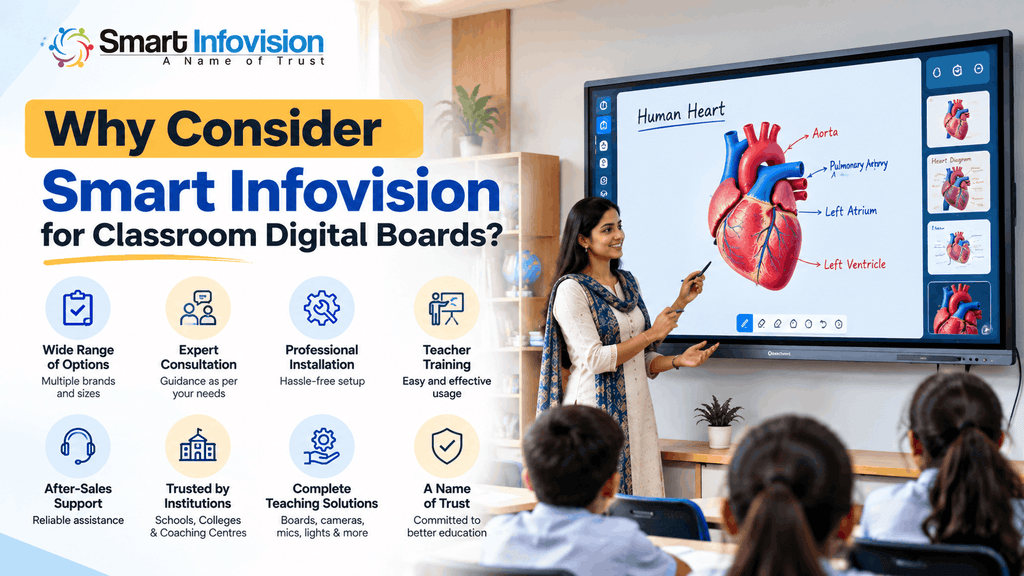
Company apni website par digital board consultation, installation assistance, experience centre demonstrations, training aur after-sales support services mention karti hai.
स्कूलों और coaching institutes को एक ही provider के माध्यम से classroom display, optional teaching equipment और setup requirements पर चर्चा करने की सुविधा मिल सकती है।
अपनी जरूरत के अनुसार models explore करने या consultation request करने के लिए Smart Infovision की official website देख सकते हैं।
Frequently Asked Questions (FAQs)
1. Which digital board is best for a classroom in India?
सबसे अच्छा board आपकी classroom dimensions, budget और software requirements पर निर्भर करता है। Benchmark Classic, Galaxy 14 और MAXHUB U3 जैसे options की specifications और live demonstration compare करना उपयोगी होगा।
2. What is the price of a digital board for schools?
Digital board ki price screen size, model, hardware aur accessories ke according change hoti hai. Accurate costing ke liye latest written quotation lena chahiye.
3. Is a 65-inch or 75-inch digital board better for teaching?
छोटे classrooms के लिए 65-inch पर्याप्त हो सकता है, जबकि अधिक viewing distance वाले rooms में 75-inch display उपयोगी हो सकता है। अंतिम निर्णय readability test के बाद लें।
4. Can teachers use a digital board without a computer?
Haan, built-in Android aur compatible teaching software wale panels par kai basic tasks bina separate computer ke kiye ja sakte hain. Windows-specific applications ke liye laptop ya OPS ki zarurat ho sakti hai.
5. What should schools check before buying an interactive flat panel?
Schools ko display visibility, writing response, software compatibility, connectivity, installation requirements, warranty terms aur local support availability verify karni chahiye.
Conclusion
Best Digital Board for Classroom in India चुनने का मतलब सबसे महंगा या सबसे बड़ा panel खरीदना नहीं है। सही digital board वह है जिस पर students को content साफ दिखाई दे, teachers आसानी से लिख सकें और आवश्यक educational software ठीक से काम करे।
65-inch, 75-inch aur 86-inch options ko classroom requirements ke according compare karein. Final purchase se pehle demonstration, complete quotation aur support terms zaroor check karein.
Smart Infovision के उपलब्ध digital board options और consultation services की मदद से आप अपनी institution की जरूरतों के अनुसार उपयुक्त classroom technology चुन सकते हैं।




[…] board ke available features aur classroom applications samajhne ke liye best digital board for classroom in India guide bhi useful […]