

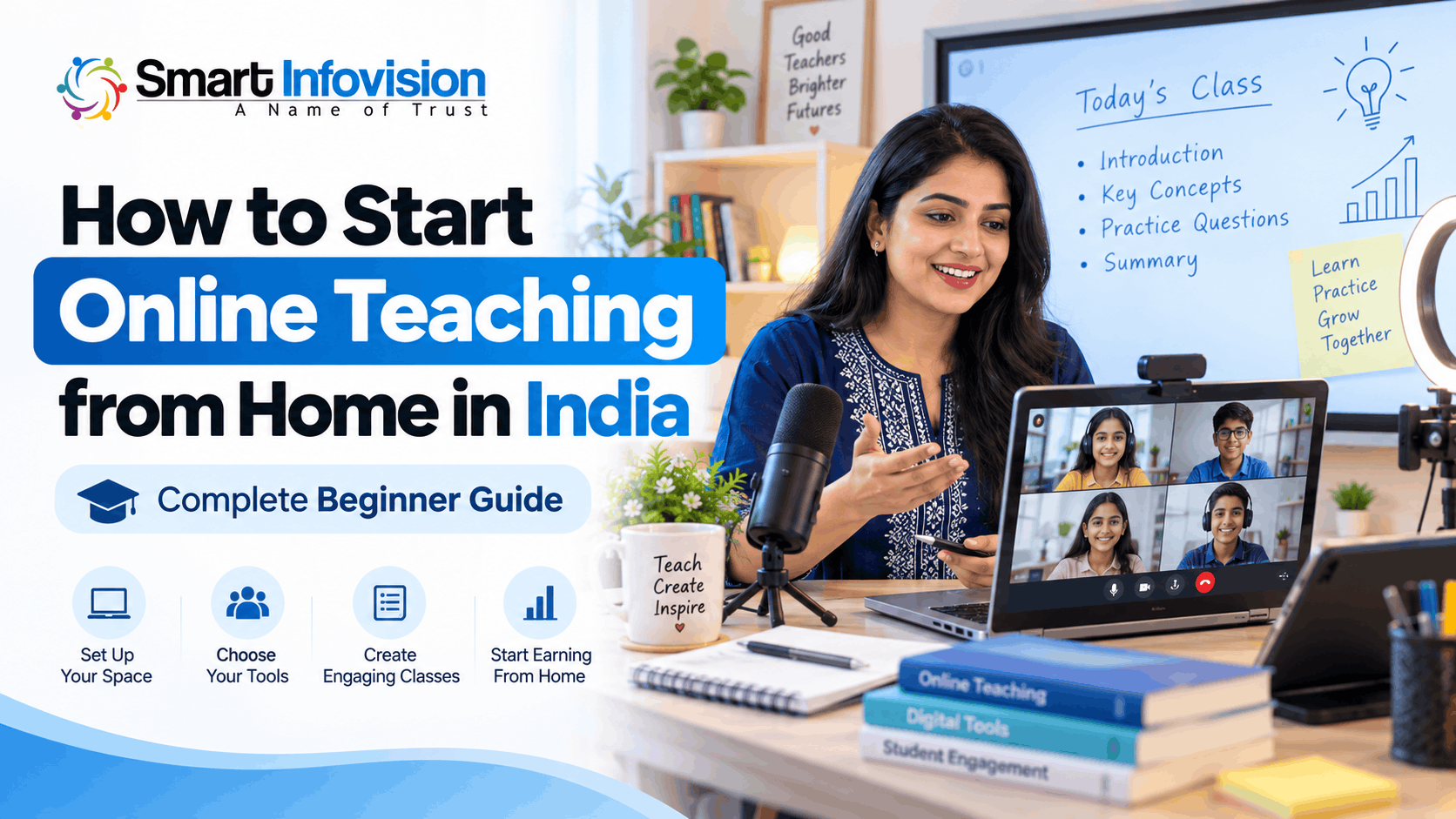
भारत में ऑनलाइन पढ़ाई अब सिर्फ बड़े coaching institutes तक सीमित नहीं है। School teachers, private tutors और subject experts अपने घर से भी live classes और recorded courses शुरू कर सकते हैं। इसके लिए शुरुआत में महंगे cameras, digital boards या professional studio की आवश्यकता नहीं होती।
If you are searching for How to Start Online Teaching from Home in India, the simplest approach is to choose your subject, prepare a basic teaching setup, select a reliable online platform and conduct your first demo class.
इस guide में हम समझेंगे कि online teaching kaise shuru kare, कौन-से उपकरण वास्तव में जरूरी हैं, कितना budget रखना चाहिए और अपने teaching setup को धीरे-धीरे professional studio में कैसे बदल सकते हैं।
1. How to Start Online Teaching from Home in India: पहला कदम
ऑनलाइन पढ़ाना शुरू करने से पहले यह तय करना जरूरी है कि आप किस विषय को पढ़ाना चाहते हैं और आपके students कौन होंगे। उदाहरण के लिए, यदि आप Mathematics पढ़ाते हैं, तो शुरुआत में CBSE Class 9–10 के विद्यार्थियों को target कर सकते हैं।
Instead of offering every subject, choose one specific teaching category. You can focus on school tuition, competitive exam preparation, spoken English, computer courses or professional skills.
अपना पहला course तैयार करते समय syllabus को छोटे chapters में बाँटें। हर class का learning objective निर्धारित करें और पहले से notes, examples तथा practice questions तैयार रखें।
A clear teaching plan helps students understand what they will learn, how classes will work and what outcomes they can reasonably expect.
2. Choose Between Live Classes and Recorded Courses
Online teaching शुरू करने के लिए मुख्य रूप से दो तरीके उपलब्ध हैं। पहला है live teaching, जिसमें आप students से real-time बातचीत करते हैं। दूसरा है recorded teaching, जिसमें पहले से तैयार lessons विद्यार्थी अपनी सुविधा के अनुसार देखते हैं।
Live classes work well for doubt-solving, school tuition and interactive discussions. Recorded courses are useful when you want students to revisit lessons or study at different times.
शुरुआत में live classes के साथ कुछ recorded revision videos बनाना एक practical approach हो सकता है। इससे आपको student feedback भी मिलेगा और भविष्य के courses के लिए useful content भी तैयार होगा।
3. Create a Comfortable Online Teaching Setup at Home
एक अच्छा online teaching setup at home बनाने के लिए सबसे पहले शांत जगह चुनें। जरूरी नहीं कि आपके पास अलग studio room हो। घर का एक ऐसा कोना पर्याप्त है जहाँ बाहरी आवाज कम आती हो।
Keep your background simple and distraction-free. Place your camera at eye level and avoid sitting directly in front of a bright window. A clean wall, bookshelf or plain curtain can work well.
Lighting और Internet Connectivity
अच्छी lighting से students आपके चेहरे, expressions और teaching materials को आसानी से देख पाते हैं। कोशिश करें कि रोशनी सामने से आए। यदि natural light पर्याप्त नहीं है, तो एक सामान्य LED light या ring light इस्तेमाल की जा सकती है।
For internet connectivity, prioritize stability over advertised speed. Test your connection during the hours when you plan to teach. Keep a mobile hotspot available as a backup in case your broadband connection drops.
बिजली जाने की समस्या वाले क्षेत्रों में charged laptop और उचित power backup रखना भी उपयोगी हो सकता है।
4. Essential Online Teaching Equipment in India
Online teaching शुरू करने के लिए हर उपकरण खरीदना जरूरी नहीं है। सबसे पहले उन चीजों पर ध्यान दें जिनसे students आपकी आवाज स्पष्ट सुन सकें और आपके lessons आसानी से समझ सकें।
Laptop or Smartphone
यदि आपके पास पहले से laptop है, तो आप उससे video meetings, presentations, screen sharing और notes आसानी से manage कर सकते हैं।
A smartphone can also handle basic one-to-one classes. However, a laptop is generally more convenient when you need to share slides, write equations, monitor student questions and manage multiple teaching applications.
Microphone and Camera
ऑनलाइन पढ़ाते समय audio quality को प्राथमिकता दें। यदि students आपकी बात स्पष्ट नहीं सुन पा रहे हैं, तो अच्छी video quality भी ज्यादा मदद नहीं करेगी।
A wired headset, lavalier microphone or basic USB microphone can be sufficient for beginners. Test the microphone for echo, fan noise and inconsistent volume before each class.
शुरुआत में laptop का built-in webcam या smartphone camera इस्तेमाल करें। External webcam तभी खरीदें जब मौजूदा camera आपकी teaching requirements पूरी नहीं कर रहा हो।
Writing Tablet and Digital Whiteboard
Mathematics, Physics और Chemistry जैसे subjects में digital writing tools बहुत उपयोगी होते हैं। एक basic pen tablet की मदद से आप computer screen पर formulas, diagrams और solutions लिख सकते हैं।
For lessons involving handwritten explanations, a writing tablet with compatible whiteboard software may be more useful than upgrading the camera. Choose equipment according to your subject and teaching style.
5. When Should You Buy a Digital Board or PTZ Camera?
जब online classes की संख्या बढ़ने लगे या आपको professional recording और classroom presentation की जरूरत हो, तब advanced equipment पर विचार करना चाहिए।
An interactive flat panel, also called a digital board, allows teachers to display lessons, annotate content and explain concepts on a large touch-enabled screen. It can be particularly useful for coaching institutes and established educators.
इसी तरह PTZ camera का पूरा नाम Pan-Tilt-Zoom camera है। यह camera उपयुक्त controls के साथ अलग-अलग दिशाओं में घूम सकता है और जरूरत के अनुसार zoom कर सकता है।
A PTZ camera for online teaching becomes useful when the teacher moves around a classroom or teaches in front of a large digital board. Before purchasing, check framing, connectivity, software compatibility and whether tracking features are actually supported.
Professional equipment चुनने से पहले Smart Infovision की Complete Studio Setup for Online Classes guide देख सकते हैं।
6. Best Platforms and Software for Online Teaching
सही teaching platform चुनना आपके class format और students की संख्या पर निर्भर करता है। शुरुआत में किसी complicated learning management system की आवश्यकता नहीं होती।
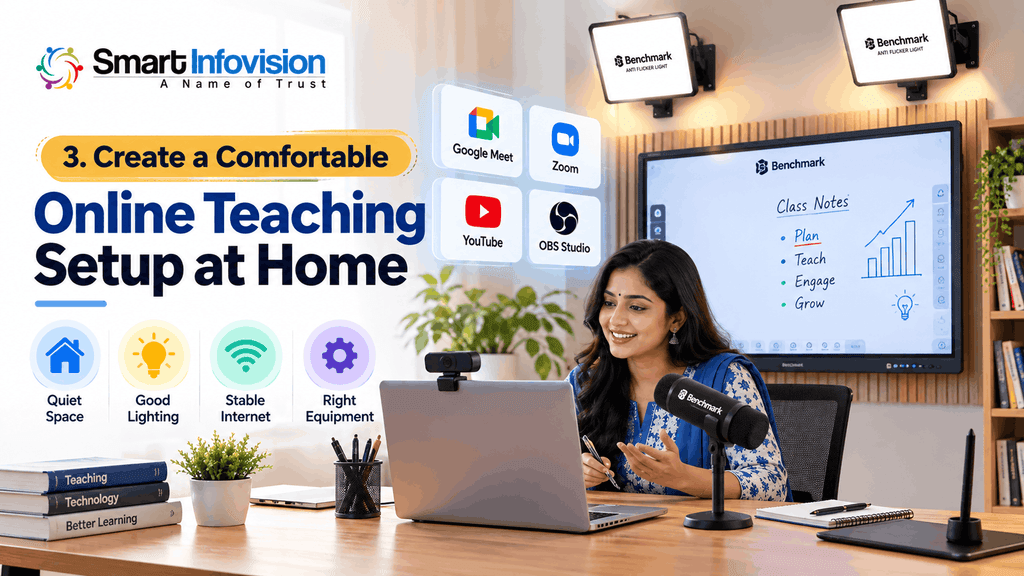
Google Meet and Zoom are practical options for conducting live lessons. You can explain concepts through video, communicate with students and present teaching materials. Google Meet users can follow the official screen-sharing instructions to present documents, slides or application windows.
यदि आप educational videos बनाना चाहते हैं, तो YouTube पर subject-wise playlists तैयार कर सकते हैं। इससे students को आपके teaching methods समझने का अवसर मिलता है।
For more advanced recording, OBS Studio supports scenes containing sources such as cameras, displays and images. Its official Quick Start Guide explains how to configure sources and prepare recordings or streams.
Software चुनते समय recording permissions, participant limits, privacy settings और paid-plan restrictions भी जाँचें।
7. How to Set Up Your First Online Class
Equipment और software तय करने के बाद सीधे paid class शुरू करने के बजाय एक complete test session करें।
First, connect your camera and microphone to the laptop. Open your teaching platform, select the correct audio and video devices, and check that students will be able to read the shared content.
इसके बाद एक छोटा sample lesson पढ़ाकर देखें। Screen पर लिखे formulas readable होने चाहिए और camera framing ऐसी होनी चाहिए कि आपकी teaching activity आसानी से दिखाई दे।
Invite a friend or colleague to attend the test class using a different internet connection. Ask them to check sound clarity, video quality, screen sharing and overall presentation.
अंत में lesson notes, attendance process, class timings और doubt-solving व्यवस्था तय कर लें। विद्यार्थियों की recording या personal information इस्तेमाल करते समय उचित अनुमति और privacy का ध्यान रखें।
8. Online Teaching Setup Cost in India
Online teaching का खर्च इस बात पर निर्भर करता है कि आपके पास पहले से कौन-से devices उपलब्ध हैं और आप किस प्रकार की classes लेना चाहते हैं।
For a beginner who already owns a suitable laptop or smartphone, an illustrative budget of approximately ₹5,000–₹15,000 for additional accessories may cover items such as a microphone, stand, basic lighting and writing tablet. Actual costs vary by brand and equipment selection.
यदि आपके पास पर्याप्त basic equipment पहले से है, तो अतिरिक्त खर्च और कम हो सकता है। पहले audio और connectivity सुधारें, फिर जरूरत के अनुसार accessories खरीदें।
For an established coaching institute, an interactive-panel-based professional studio can cost several lakh rupees. Smart Infovision’s published studio guide describes professional configurations around ₹2–₹4 lakh, with premium setups potentially costing more. These are indicative figures, not a current quotation.
खरीदारी से पहले installation, warranty, compatibility, training और after-sales support का पूरा विवरण जरूर प्राप्त करें।
9. How to Find Students for Online Teaching
अच्छी teaching के साथ सही audience तक पहुँचना भी महत्वपूर्ण है। शुरुआत अपने existing contacts, previous students और genuine referrals से की जा सकती है।
Create a short demo lesson that demonstrates how you explain difficult topics. Share educational clips on YouTube or relevant social platforms, and clearly communicate your subject, class level, language, timings and fees.
एक professional teaching profile बनाएं जिसमें आपकी वास्तविक qualifications और experience की जानकारी हो। Students से नियमित feedback लें और उनके learning progress के अनुसार lessons बेहतर बनाएं।
Consistency matters more than aggressive promotion. A useful demo class, transparent communication and regular doubt-solving sessions can help prospective students evaluate your teaching.
10. Common Online Teaching Mistakes to Avoid
कई beginners equipment पर अधिक खर्च कर देते हैं, लेकिन lesson planning और student interaction पर पर्याप्त ध्यान नहीं देते।
Poor microphone placement, unstable internet, unreadable slides, distracting backgrounds and untested software can interrupt the learning experience.
इसके अलावा एकतरफा lecture देने के बजाय बीच-बीच में questions पूछें। Students को answers समझाने, practice करने और doubts clear करने के लिए समय दें।
Do not purchase professional studio hardware simply because another educator uses it. First identify the actual limitations of your current setup and upgrade accordingly.
11. How Smart Infovision Can Help with Professional Teaching Studios
यदि आप नियमित online batches, recorded video courses या hybrid classrooms संचालित करते हैं, तो एक properly planned studio आपके workflow को व्यवस्थित बनाने में उपयोगी हो सकता है।
Smart Infovision offers equipment and setup solutions involving interactive flat panels, PTZ cameras, audio systems and studio components. Its services also include product consultation, installation assistance and technical support.
ऐसे educators जो offline और online students को एक साथ पढ़ाना चाहते हैं, वे Smart Infovision का Hybrid Class Studio Setup देख सकते हैं।
किसी भी professional solution को अंतिम रूप देने से पहले room dimensions, teaching requirements, total budget और equipment compatibility के आधार पर consultation लेना उचित रहेगा।
Conclusion
भारत में घर से online teaching शुरू करने के लिए सबसे जरूरी चीज आपकी subject knowledge, अच्छी lesson planning और students को स्पष्ट तरीके से समझाने की क्षमता है।
Start with the devices you already own, test your teaching setup and improve it gradually. As your classes grow, you can consider better audio, lighting, writing tools and professional studio equipment.
यदि आप अपने online teaching setup को upgrade करने की योजना बना रहे हैं, तो Smart Infovision से अपनी requirements के अनुसार equipment selection और installation guidance प्राप्त कर सकते हैं।
Frequently Asked Questions (FAQs)
Q1. How can I start online teaching from home in India?
अपना subject और target students चुनें, syllabus तैयार करें, smartphone या laptop पर teaching platform setup करें और एक test class के बाद नियमित sessions शुरू करें।
Q2. What equipment is required for online teaching?
A suitable smartphone or laptop, stable internet, clear microphone and adequate lighting are the basic requirements. Writing tablets, external cameras and professional boards are optional.
Q3. Can I start online teaching using only a smartphone?
हाँ। Smartphone की सहायता से basic live classes शुरू की जा सकती हैं। हालांकि screen sharing, detailed writing और larger batches के लिए laptop अधिक सुविधाजनक हो सकता है।
Q4. Is a digital board necessary for online classes?
No. Beginners can teach using slides, notebooks or pen tablets. Digital boards are generally more relevant for advanced presentations, professional studios and hybrid classrooms.
Q5. How much does an online teaching setup cost in India?
अगर आपके पास smartphone या laptop पहले से है, तो basic accessories के लिए लगभग ₹5,000–₹15,000 का illustrative budget रख सकते हैं। Professional studio का खर्च equipment और installation requirements के अनुसार कई लाख रुपये तक पहुँच सकता है।